Zerobyte
1-Click installation template for Zerobyte on Easypanel
Description
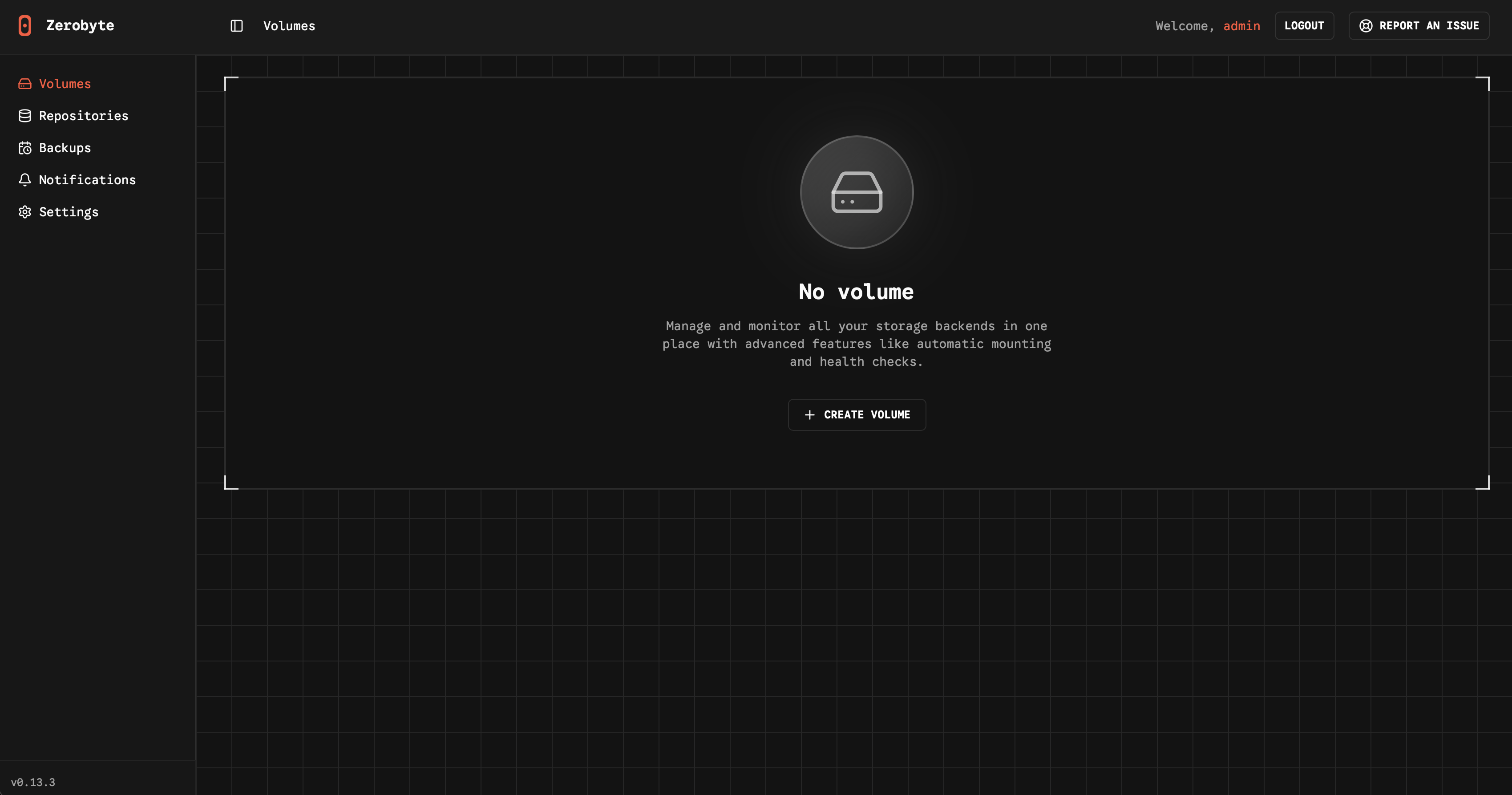
Zerobyte is a self-hosted backup and restore management solution that provides a unified web interface for managing your backup repositories across multiple storage backends. It supports various cloud storage providers including S3-compatible storage, Google Cloud Storage, Azure Blob Storage, and local directories through rclone integration. With its intuitive web interface, you can configure backup sources, manage multiple repositories, schedule backups, and perform restores with ease. The application leverages FUSE filesystem capabilities to mount and interact with cloud storage as if it were local storage, enabling seamless backup and restore operations. Zerobyte features automatic backup scheduling, support for multiple storage backends, encrypted backup repositories, incremental backups for efficient storage usage, and comprehensive restore capabilities. The web-based dashboard allows you to monitor backup status, view repository statistics, and manage your backup configurations without command-line tools. Perfect for home lab enthusiasts who need reliable backup solutions, system administrators managing multiple backup repositories, organizations requiring self-hosted backup infrastructure, or anyone who wants to maintain control over their backup data with support for various cloud providers and local storage options.
Instructions
Zerobyte requires access to the /dev/fuse device for FUSE filesystem operations. After deploying this template, you may need to manually configure device access on your host system.
Benefits
- Unified Backup Management: Manage all your backup repositories from a single web interface with support for multiple cloud storage providers and local directories.
- Multi-Cloud Support: Backup to S3-compatible storage, Google Cloud Storage, Azure Blob Storage, or any storage provider supported by rclone.
- Self-Hosted Privacy: Keep complete control over your backup infrastructure and data without relying on third-party backup services.
- FUSE Integration: Leverages FUSE filesystem capabilities for seamless interaction with cloud storage as if it were mounted locally.
Features
- Web-Based Interface: Intuitive web dashboard for configuring backups, managing repositories, and performing restore operations without command-line tools.
- Multiple Storage Backends: Support for local directories, S3-compatible storage, Google Cloud Storage, Azure Blob Storage, and rclone remotes.
- Automatic Scheduling: Configure automated backup schedules to ensure your data is regularly backed up without manual intervention.
- Incremental Backups: Efficient backup strategy with incremental backups to minimize storage usage and backup time.
- Encryption Support: Create encrypted backup repositories to ensure your data remains secure both in transit and at rest.
- Flexible Restore: Easily restore individual files, directories, or entire backup snapshots from your repositories through the web interface.
- Repository Management: Create and manage multiple backup repositories across different storage backends from a centralized interface.
- Backup Monitoring: Monitor backup status, view repository statistics, and track backup history to ensure your data protection strategy is working effectively.
Links
Options
| Name | Description | Required | Default Value |
|---|---|---|---|
| App Service Name | - | yes | zerobyte |
| App Service Image | - | yes | ghcr.io/nicotsx/zerobyte:v0.15 |
| Timezone | - | no | UTC |
Screenshots

Change Log
- 2025-12-02 – Template Release