Deploy AnonAddy on your own server.

AnonAddy (addy.io) is an open-source email alias and forwarding service that lets you create unlimited email aliases to protect your real address. This template runs the official all-in-one app image (web, queue worker, Postfix SMTP, and Rspamd bundled together) alongside MySQL and Redis.
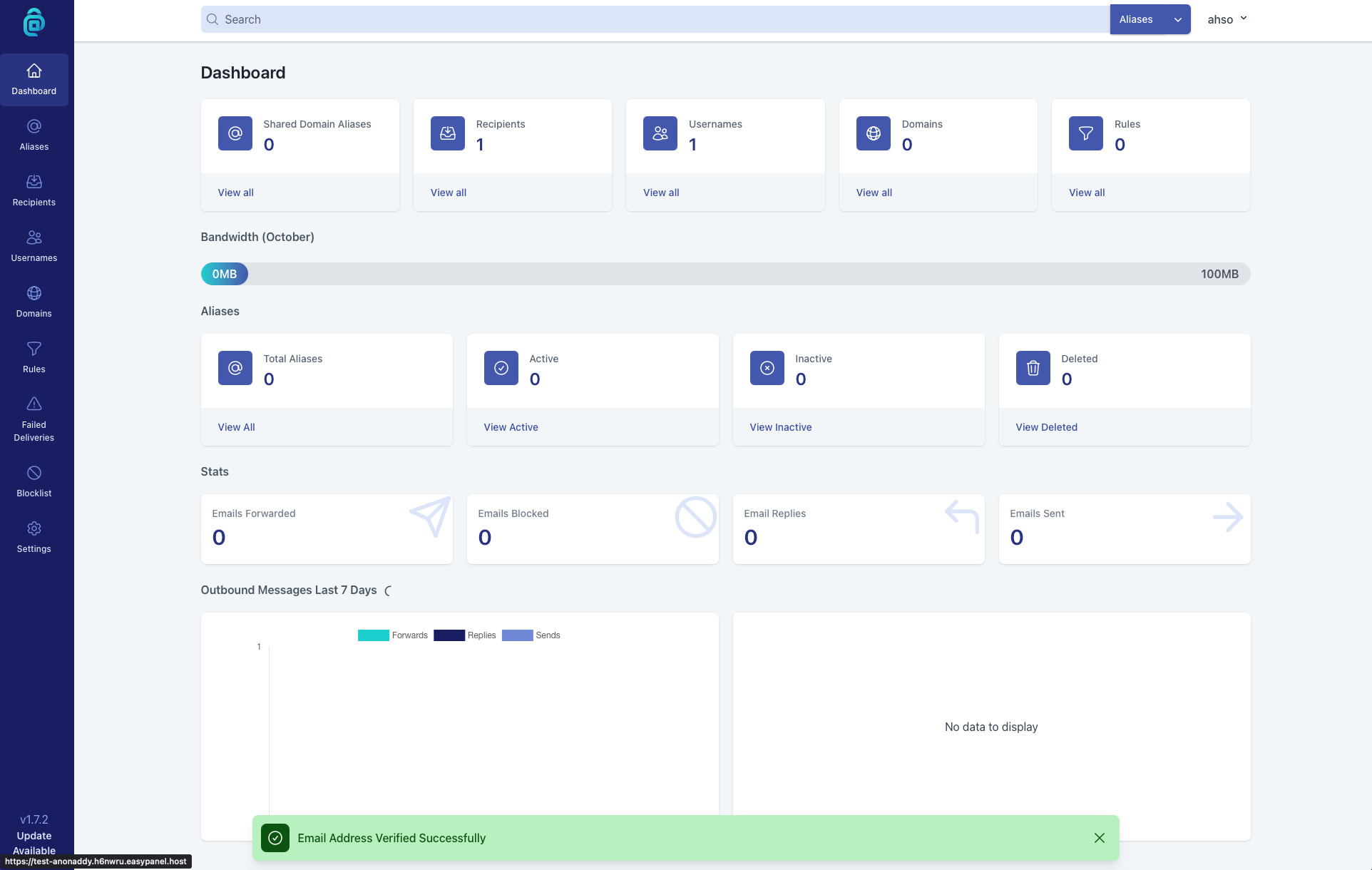
Screenshots
A closer look at AnonAddy.
Setup time
A few minutes
Deployment
Your own server
Services
4 connected services
Everything you need, running where you choose.
Get the full AnonAddy experience with Easypanel handling the repetitive infrastructure work around it.
From template to live app in three steps.
Easypanel turns the template into real services, storage, and domains on the server you already control.
Already have Easypanel? Open your dashboard at the URL or IP of your own installation.
Installation guide| Option | Default | Required |
|---|---|---|
App Service Name | anonaddy | Required |
App Service Image | anonaddy/anonaddy:1.7.2 | Required |
Alias Domain The domain aliases will be created under, e.g. example.com (its MX records must point here) | — | Required |
Mail Server Hostname The reverse-DNS hostname for outgoing mail, e.g. mail.example.com | — | Required |
Admin Username | addy | Required |
Bundle Mailpit Test Inbox Catches all outgoing mail in a web-viewable inbox instead of delivering it, so you can see verification/invite emails without any mail setup. Used automatically when no SMTP Relay Host is set below. | true | Optional |
SMTP Relay Host (optional) Postfix relayhost value for real outbound delivery, e.g. [smtp.mailgun.org]:587. Leave blank to use the bundled Mailpit inbox instead of delivering real mail. | — | Optional |
SMTP Relay Username (optional) | — | Optional |
SMTP Relay Password (optional) | Set during install | Optional |
Initial release
Deploy with confidence.
The template handles the application setup while Easypanel keeps the infrastructure understandable and under your control.
Related templates