All templates

Deploy Bolt.Diy on your own server.

Bolt.Diy logo

Bolt.Diy is an AI-powered agent and community for web development, enabling you to create, edit, and deploy full-stack applications without any local setup. It's like having a coding genie at your fingertips, transforming your web ideas into reality with just a few prompts. Bolt.Diy streamlines the development process with intelligent…

Your infrastructureAutomatic HTTPSNo lock-in

Screenshots

A closer look at Bolt.Diy.
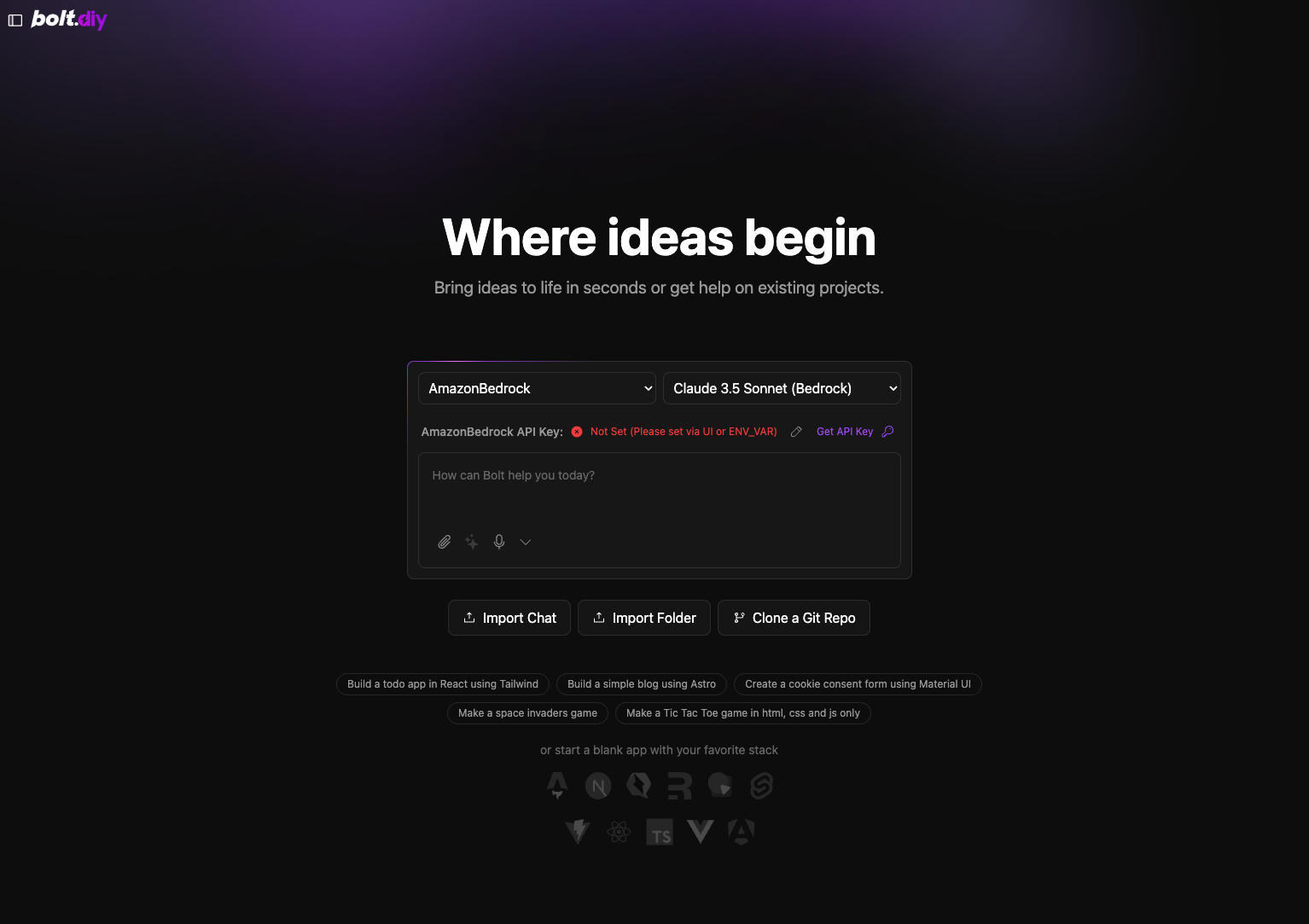
Bolt.Diy screenshot 1

Setup time

A few minutes

Deployment

Your own server

Services

1 connected service

Why Bolt.Diy

Everything you need, running where you choose.

Get the full Bolt.Diy experience with Easypanel handling the repetitive infrastructure work around it.

Intelligent Code Assistance
Bolt.Diy provides smart suggestions and automates repetitive coding tasks to speed up the development process.
Full-Stack Capabilities
Build and deploy both front-end and back-end applications using Bolt.Diy's comprehensive tools and frameworks.
Community-Driven Platform
Engage with a vibrant developer community, sharing tips, resources, and best practices to enhance your projects.
Integrated Deployment
Deploy applications directly from the platform to your hosting environment without leaving the interface, ensuring a smooth and efficient workflow.
AI-Powered Development
Bolt.Diy leverages AI to assist with code generation, debugging, and deployment, dramatically reducing the time needed to build web applications.
No Local Setup Required
Create and deploy full-stack applications directly in the browser or through cloud-hosted environments without the need for local installations or configurations.
How it works

From template to live app in three steps.

Easypanel turns the template into real services, storage, and domains on the server you already control.

Already have Easypanel? Open your dashboard at the URL or IP of your own installation.

Installation guide
1
Open your dashboard
Visit the URL or IP of your Easypanel installation and choose the target project.
2
Choose Bolt.Diy
Open Templates, select Bolt.Diy, then review its service names and configuration.
3
Deploy and open your app
Easypanel starts every service and provisions an HTTPS domain for you.
Installation options
The template asks for these values before creating your services.
OptionDefaultRequired

App Service Name

boltdiyRequired
Resources
Project documentation and source code.
Latest template update
Jan 28, 2025

First Release

Questions

Deploy with confidence.

The template handles the application setup while Easypanel keeps the infrastructure understandable and under your control.

Keep exploring

Related templates

Browse all
Penpot logo
Penpot
Penpot is an open-source, design and prototyping platform that empowers teams to collaborate and bring creative ideas to life. Unlike other design tools, Penpot is entirely web-based and runs on open standards, allowing teams to access it from anywhere and on any platform. Trusted by designers and developers worldwide, Penpot is known for its flexibility and integration within diverse workflows. It offers real-time collaboration, making it easy for team members to co-create, review, and provide feedback instantly. The app supports complex design requirements, from vector editing to responsive design, and prioritizes user control over projects with extensive customization options. Penpot is built by a team dedicated to privacy and security, with a strong commitment to open-source principles. It ensures that designers and developers alike have the freedom to innovate without restrictions, providing a transparent, community-driven alternative to proprietary tools.
View template
Discourse logo
Discourse
Discourse is a modern, open-source discussion platform that provides a clean, intuitive interface for community discussions. It's perfect for forums, mailing lists, chat rooms, and more.
View template
Sourcegraph logo
Sourcegraph
Sourcegraph is a universal code search and intelligence platform designed to help developers find, explore, and understand code across all repositories. It enables teams to improve productivity and code quality by providing a centralized interface for searching, navigating, and understanding codebases. Sourcegraph supports multiple version control systems, languages, and integrations, making it a powerful tool for developers, DevOps, and enterprises. With features like code insights, precise code navigation, and batch changes, Sourcegraph enhances collaboration and streamlines development workflows.
View template
Bolt.Diy logo
Ready to deploy Bolt.Diy?
Open your own Easypanel dashboard, choose Bolt.Diy from Templates, and review the deployment options.