Deploy Calcom on your own server.

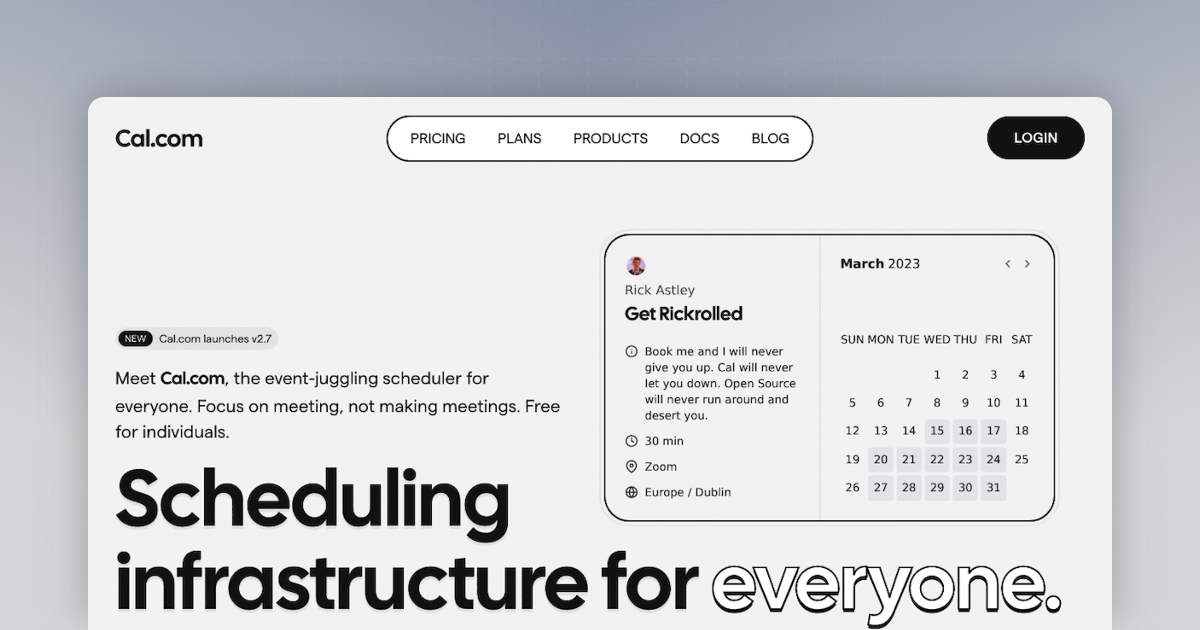
Cal.com is a versatile scheduling app designed to streamline the process of setting up meetings, appointments, and events. It allows users to set their availability, connect their existing calendars, and share a personal link for others to book a meeting at a time that works for both parties. The app ensures you never get double booked…
Screenshots
A closer look at Calcom.
Setup time
A few minutes
Deployment
Your own server
Services
3 connected services
Everything you need, running where you choose.
Get the full Calcom experience with Easypanel handling the repetitive infrastructure work around it.
From template to live app in three steps.
Easypanel turns the template into real services, storage, and domains on the server you already control.
Already have Easypanel? Open your dashboard at the URL or IP of your own installation.
Installation guide| Option | Default | Required |
|---|---|---|
Enable Prisma Studio | false | Optional |
App Service Name | calcom | Required |
App Service Image | calcom/cal.com:v6.2.0 | Required |
Database Service Name | calcom-db | Required |
SMTP Host Hostname of your SMTP server (e.g. smtp.gmail.com) | smtp.gmail.com | Required |
SMTP Port 465 for SSL, 587 for TLS/STARTTLS | 587 | Required |
SMTP Username Your SMTP login / email address | — | Required |
SMTP Password Your SMTP password or app-specific password | Set during install | Required |
Email From Address Address that booking emails are sent from | [email protected] | Required |
Email From Name Display name shown in booking emails | Cal.com | Required |
Added SMTP credentials and NEXTAUTH_URL
Deploy with confidence.
The template handles the application setup while Easypanel keeps the infrastructure understandable and under your control.
Related templates