Stremio is a modern media center application that provides a unified platform for streaming movies, TV shows, and live TV content. This template uses the community Docker image tsaridas/stremio-docker (server and web UI). The self-hosted setup lets you run your own Stremio server, giving you complete control over your media streaming experience. With support for various content sources and add-ons, Stremio aggregates content from multiple providers into a single interface. The application features automatic server URL configuration and CORS handling, making it easy to access from any device. With persistent storage for server data and configurations, Stremio ensures your settings and preferences are retained across container restarts. Perfect for media enthusiasts who want a centralized streaming solution, users looking for a self-hosted alternative to commercial streaming services, or anyone seeking a flexible media center that can aggregate content from multiple sources.
Ryot is a self-hosted platform for tracking and managing your media consumption across movies, TV shows, books, anime, manga, video games, podcasts, and more. Designed as an all-in-one solution for media enthusiasts, Ryot lets you maintain a comprehensive record of everything you've watched, read, played, or listened to. The application provides powerful tracking features including progress monitoring, ratings, reviews, and custom lists to organize your media library. With integrations for popular platforms like Trakt, Goodreads, and various media databases, Ryot can automatically fetch metadata, cover images, and detailed information for your media entries. The clean, modern interface works seamlessly across devices, allowing you to update your progress from anywhere. Key features include import capabilities from other tracking services, detailed statistics and insights about your media consumption habits, calendar views for upcoming releases, and recommendation suggestions based on your history. Built with performance in mind, Ryot uses PostgreSQL for reliable data storage and provides a fast, responsive experience. Perfect for media enthusiasts who want complete control over their tracking data, users migrating from commercial tracking services who want privacy and ownership, collectors who want to catalog their media libraries, or anyone who enjoys keeping detailed records of their entertainment consumption without relying on third-party platforms.
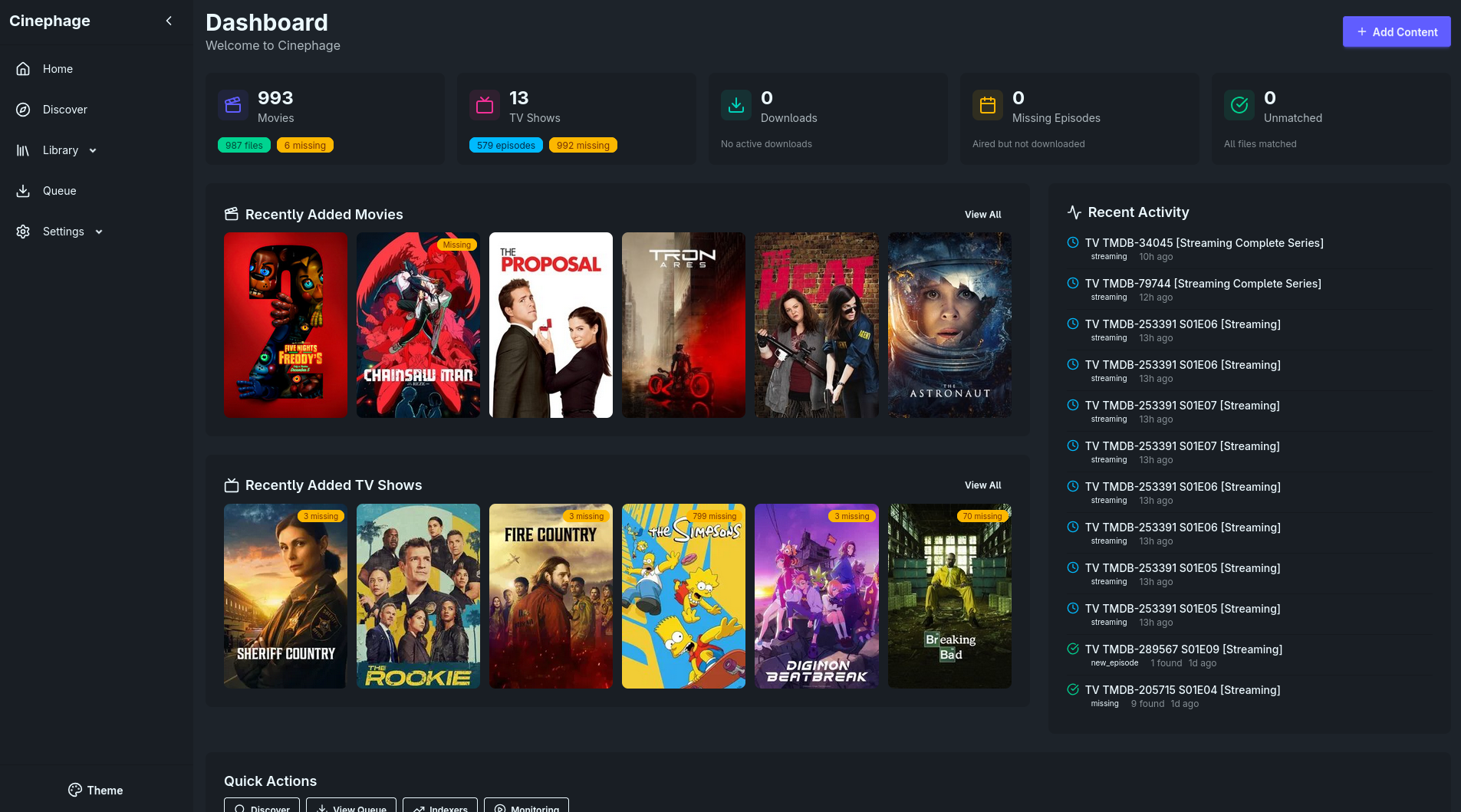
MediaManager is a self-hosted media management application designed to help you organize, catalog, and manage your media collection. The application provides a clean web interface for browsing and managing your media files including movies, TV shows, music, and other digital content. With support for custom metadata, tagging, and categorization, MediaManager makes it easy to keep your media library organized and accessible. The application features automatic media scanning, metadata extraction, thumbnail generation, and search capabilities to quickly find content in large collections. Built with a PostgreSQL backend for reliable data storage, MediaManager can handle extensive media libraries with thousands of items. The flexible configuration system allows you to customize media directories, scanning behavior, and display preferences to match your needs. Perfect for home media enthusiasts who want to organize their digital collections, content creators managing large media archives, small organizations needing a simple media asset management solution, or anyone looking for a lightweight self-hosted alternative to complex media management systems.