Deploy Convex on your own server.

Convex is the open-source reactive database and backend platform designed for modern app developers. It provides real-time data synchronization, TypeScript-first development, and built-in features like authentication, file storage, and serverless functions. The self-hosted version includes the main backend service, dashboard for data…
Screenshots
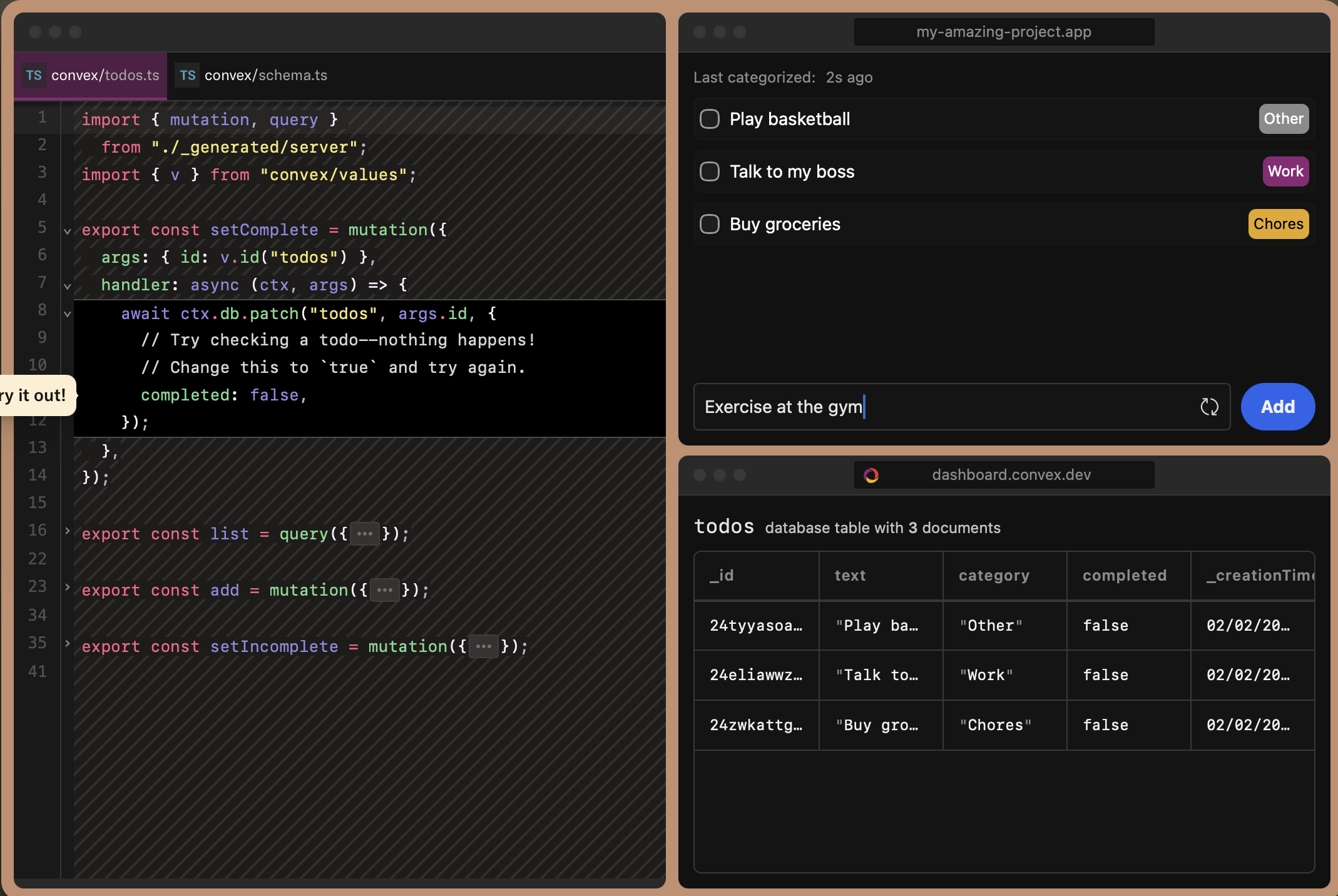
A closer look at Convex.
Setup time
A few minutes
Deployment
Your own server
Services
2 connected services
Everything you need, running where you choose.
Get the full Convex experience with Easypanel handling the repetitive infrastructure work around it.
From template to live app in three steps.
Easypanel turns the template into real services, storage, and domains on the server you already control.
Already have Easypanel? Open your dashboard at the URL or IP of your own installation.
Installation guide| Option | Default | Required |
|---|---|---|
App Service Name | convex | Required |
Backend Service Image | ghcr.io/get-convex/convex-backend:e03b3a72dc412eeff4c1a6958ef1879712fb70e6 | Required |
Dashboard Service Image | ghcr.io/get-convex/convex-dashboard:e03b3a72dc412eeff4c1a6958ef1879712fb70e6 | Required |
Convex Cloud Origin Public URL for the Convex backend API | https://$(PRIMARY_DOMAIN) | Optional |
Convex Site Origin Public URL for the Convex site proxy | https://$(PRIMARY_DOMAIN):3211 | Optional |
Next Public Deployment URL Public URL for the deployment (used by dashboard) | https://$(PRIMARY_DOMAIN) | Optional |
Instance Secret Secret key for instance authentication (auto-generated if empty) | Set during install | Optional |
Database Type Select the database type to use | None (No Database) / Generic Database URL / PostgreSQL / MySQL | Optional |
Database URL Full database connection URL (required if database type is selected) | — | Optional |
Rust Log Level Logging level for Rust backend (e.g., info, debug, warn, error) | info | Optional |
Document Retention Delay Document retention delay in seconds (default: 2 days) | 172800 | Optional |
Instance Name Name for this Convex instance (defaults to the app service name if left empty) | — | Optional |
AWS Access Key ID AWS access key for S3 storage (optional) | — | Optional |
AWS Secret Access Key AWS secret key for S3 storage (optional) | Set during install | Optional |
AWS Region AWS region for S3 storage (optional) | — | Optional |
S3 Endpoint URL Custom S3 endpoint URL (for S3-compatible storage, optional) | — | Optional |
S3 Files Bucket S3 bucket name for file storage (optional) | — | Optional |
S3 Modules Bucket S3 bucket name for modules storage (optional) | — | Optional |
Load Monaco Internally Load Monaco editor internally (optional) | — | Optional |
Update to e03b3a72dc412eeff4c1a6958ef1879712fb70e6
Deploy with confidence.
The template handles the application setup while Easypanel keeps the infrastructure understandable and under your control.
Related templates