All templates

Deploy Cryptpad on your own server.
Cryptpad logo

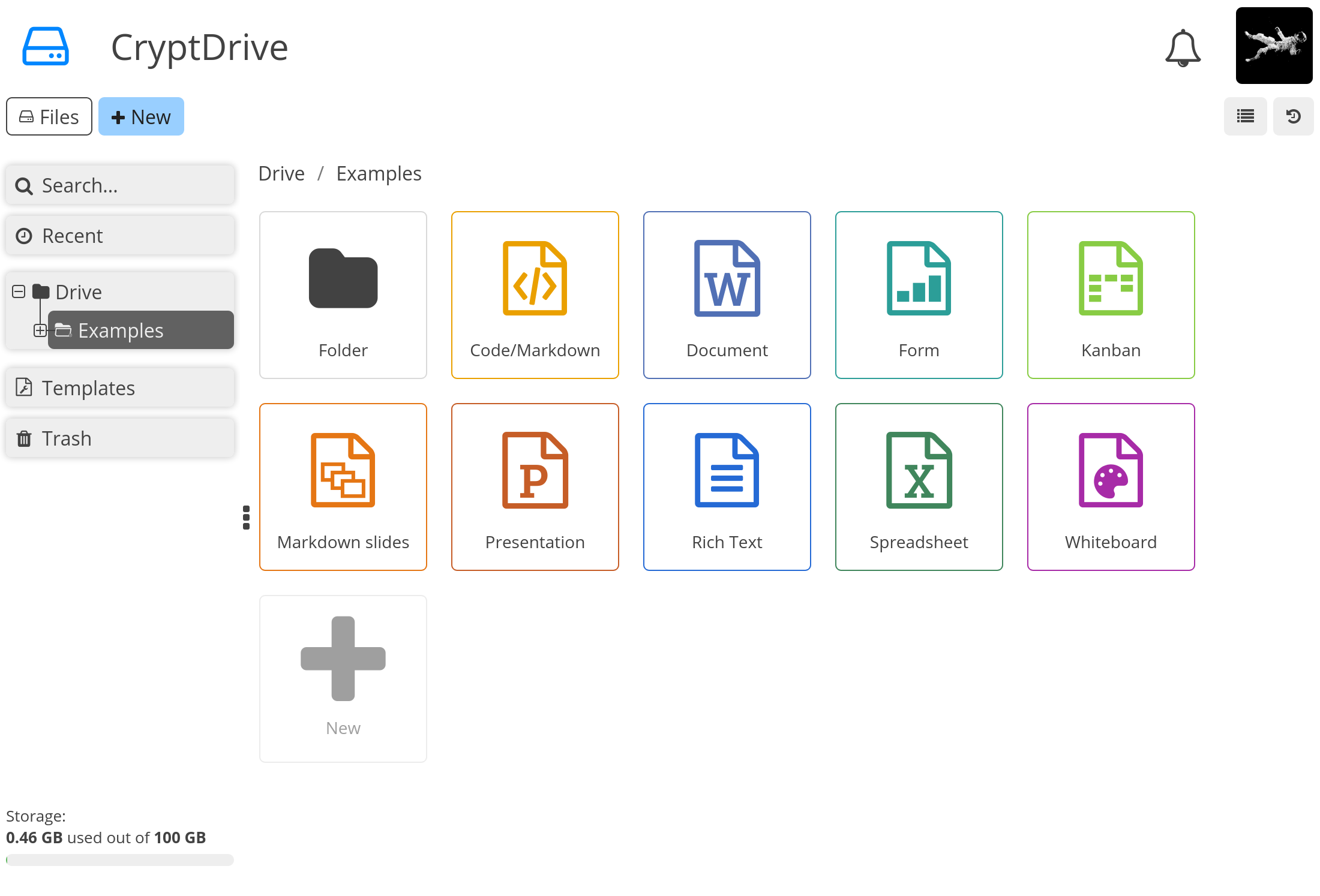
CryptPad is an open-source collaborative office suite that offers end-to-end encryption, ensuring your data remains private and secure. It provides a full suite of applications, allowing you to work on various projects in real-time with your colleagues or friends. Whether you're planning a camping trip or setting up client briefs,…

Your infrastructureAutomatic HTTPSNo lock-in

Screenshots

A closer look at Cryptpad.
Cryptpad screenshot 1

Setup time

A few minutes

Deployment

Your own server

Services

1 connected service

Why Cryptpad

Everything you need, running where you choose.

Get the full Cryptpad experience with Easypanel handling the repetitive infrastructure work around it.

Collaborative Office Suite
CryptPad is a full suite of office apps, allowing you to create and collaborate on documents, spreadsheets, presentations, and more.
End-to-End Encryption
CryptPad uses end-to-end encryption to keep your data secure. This means that only you and the people you choose to share with can access your files.
Open-Source
CryptPad is open-source, meaning it's built on a platform that is freely available and can be modified. This ensures transparency and trust in the security of the app.
Secure Collaboration
CryptPad allows you to collaborate securely with friends and colleagues. It provides end-to-end encryption, ensuring that your data remains private and secure.
Real-time Editing
CryptPad offers real-time editing capabilities. This means you can collaborate on documents, spreadsheets, and other files in real-time, making it easier to work together and stay on the same page.
No Account or Download Required
With CryptPad, there's no need for your collaborators to create accounts or download apps. This makes it easy for anyone to join in and start collaborating immediately.
How it works

From template to live app in three steps.

Easypanel turns the template into real services, storage, and domains on the server you already control.

Already have Easypanel? Open your dashboard at the URL or IP of your own installation.

Installation guide
1
Open your dashboard
Visit the URL or IP of your Easypanel installation and choose the target project.
2
Choose Cryptpad
Open Templates, select Cryptpad, then review its service names and configuration.
3
Deploy and open your app
Easypanel starts every service and provisions an HTTPS domain for you.
Installation options
The template asks for these values before creating your services.
OptionDefaultRequired

App Service Name

cryptpadRequired

App Service Image

promasu/cryptpad:v5.2.1Required
Resources
Project documentation and source code.
Latest template update
Jul 14, 2023

First Release

Questions

Deploy with confidence.

The template handles the application setup while Easypanel keeps the infrastructure understandable and under your control.

Keep exploring

Related templates

Browse all
OnlyOffice logo
OnlyOffice
OnlyOffice is a self-hosted office suite that provides powerful document, spreadsheet, and presentation editing capabilities. It offers full compatibility with Microsoft Office formats and allows real-time document collaboration. Designed for businesses, teams, and individuals, OnlyOffice ensures secure, private, and efficient document management. It includes integration with various cloud storage services, supports plugins for extended functionality, and provides a modern web-based interface. OnlyOffice can be deployed on-premise or in the cloud and is ideal for organizations that need control over their document workflow. Additional features include a built-in document management system, mail integration, calendar, CRM tools, and a powerful API for automation.
View template
Seafile logo
Seafile
Seafile is a professional, open-source file synchronization and sharing platform with privacy protection and teamwork features. It provides secure file storage, synchronization, and sharing capabilities with end-to-end encryption, making it perfect for teams and organizations that need to collaborate on files while maintaining data security. Seafile supports file versioning, online editing, and mobile access across all platforms.
View template
FlashPaper logo
FlashPaper
FlashPaper is a secure, self-destructing message service that allows you to share sensitive information safely. Messages are encrypted and automatically destroyed after being viewed once, ensuring that sensitive data remains secure and temporary.
View template
Cryptpad logo
Ready to deploy Cryptpad?
Open your own Easypanel dashboard, choose Cryptpad from Templates, and review the deployment options.