Deploy Domain Locker on your own server.

Domain Locker logo

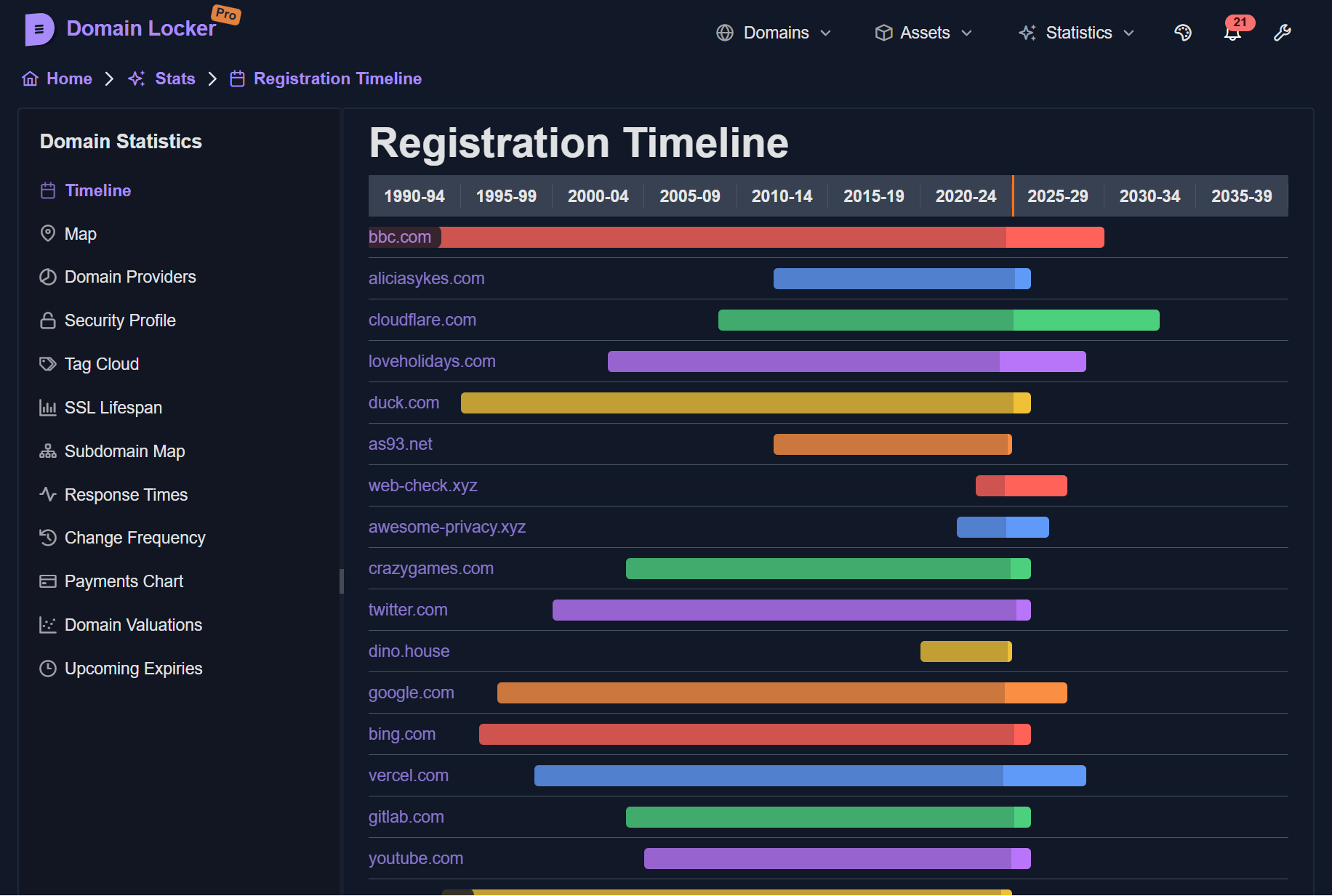
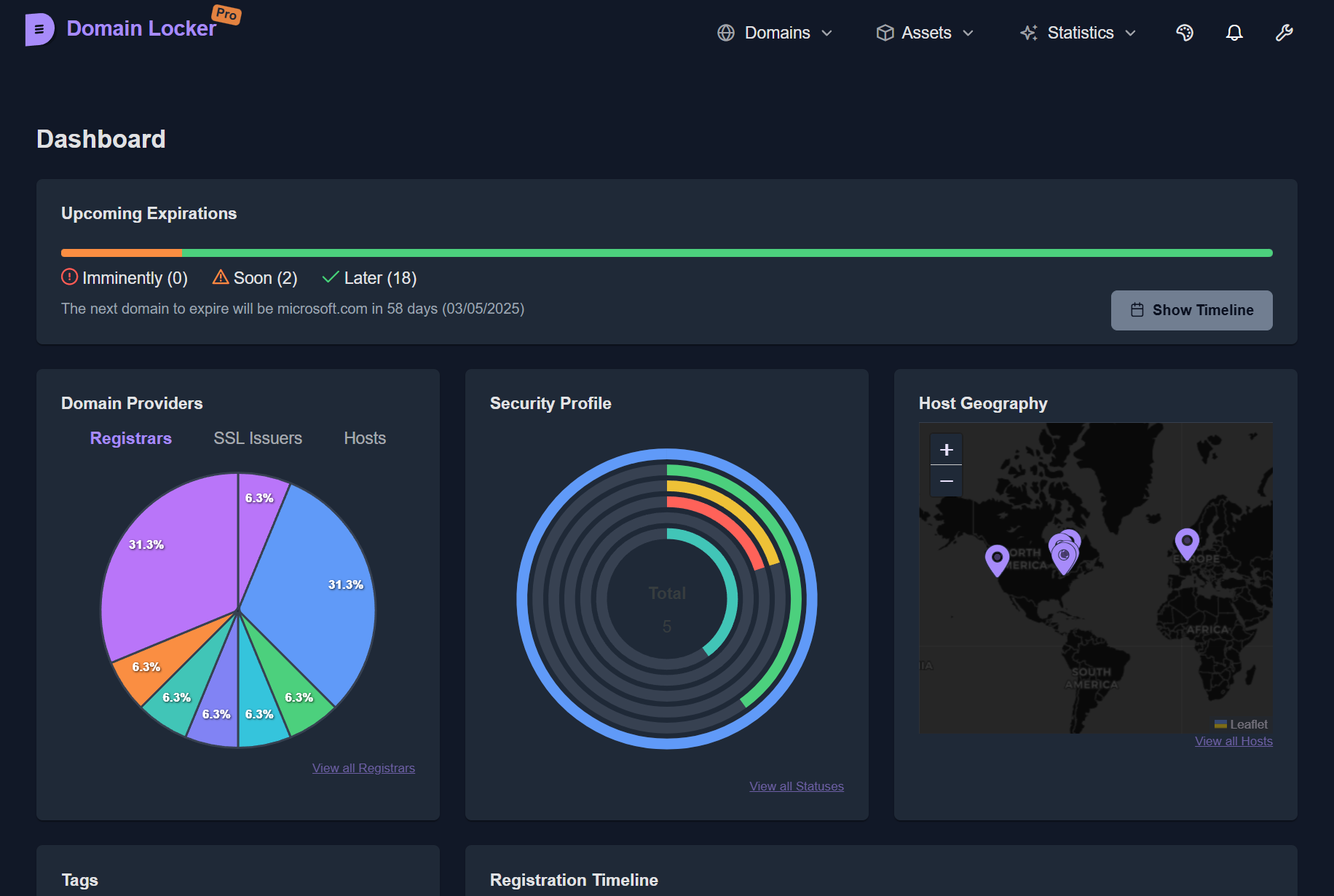
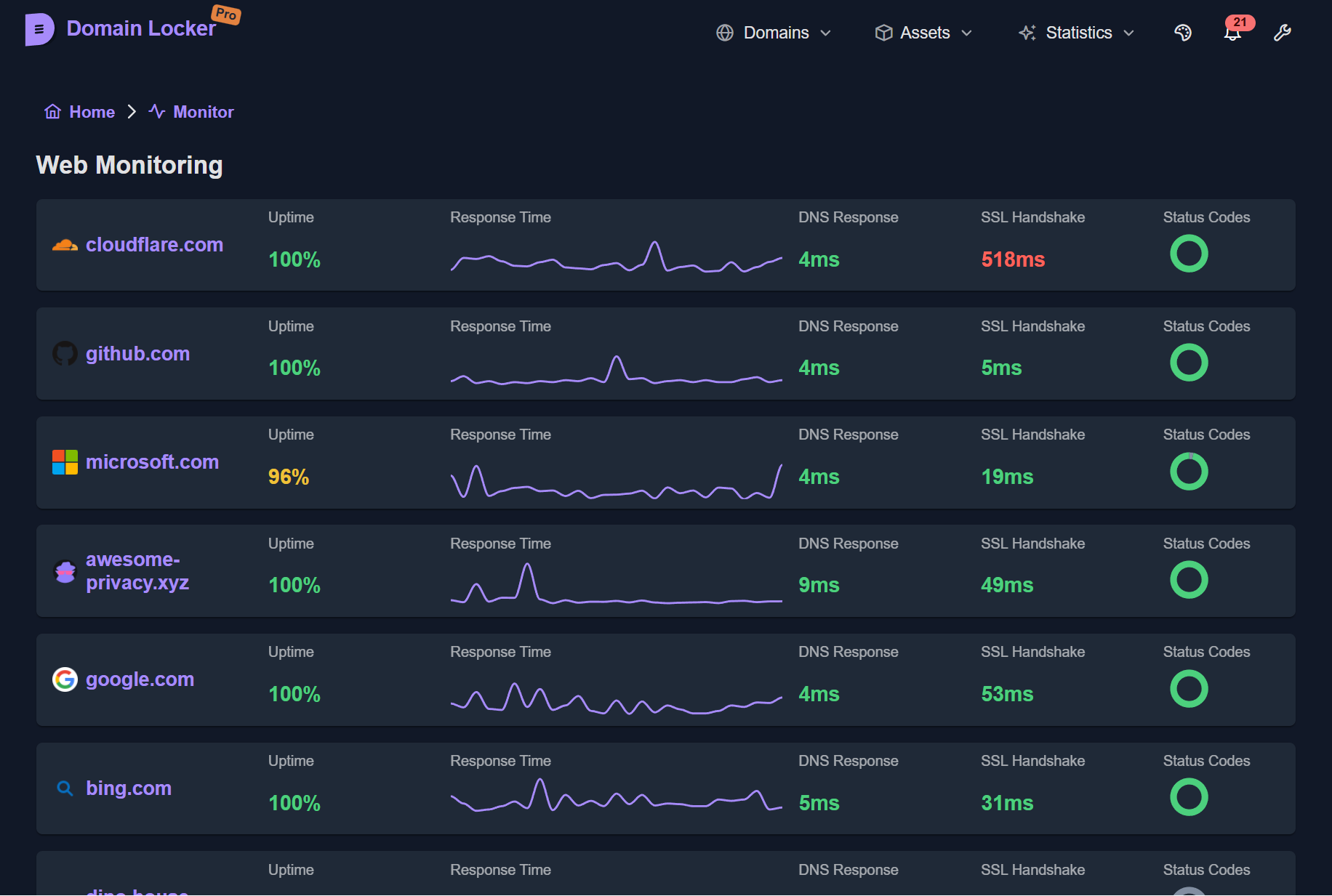
Domain Locker is a self-hosted domain portfolio management and monitoring application designed to help you keep track of all your registered domains. It provides centralized management for domain registrations, expiration dates, renewal reminders, DNS records, SSL certificates, and hosting information. Domain Locker features automated…

Your infrastructureAutomatic HTTPSNo lock-in

Screenshots

A closer look at Domain Locker.
3 images
Domain Locker screenshot 1Domain Locker screenshot 2Domain Locker screenshot 3

Setup time

A few minutes

Deployment

Your own server

Services

3 connected services

Why Domain Locker

Everything you need, running where you choose.

Get the full Domain Locker experience with Easypanel handling the repetitive infrastructure work around it.

Domain Portfolio Management
Track all your registered domains with detailed information including registrar, registration date, expiration date, and renewal status.
Expiration Reminders
Automated email notifications alert you before domains expire. Configurable reminder schedules ensure adequate time for renewals.
WHOIS Integration
Automatic WHOIS lookups retrieve and update domain information including registrar details, nameservers, and registration dates.
Domain Health Monitoring
Monitor domain health status, DNS resolution, SSL certificate validity, and overall availability with automated daily checks.
Scheduled Updates
Cron-based scheduler runs daily domain updates at 3 AM and expiration reminder checks at 4 AM automatically.
Multi-Domain Support
Manage unlimited domains across multiple registrars with support for different TLDs and domain extensions.
How it works

From template to live app in three steps.

Easypanel turns the template into real services, storage, and domains on the server you already control.

Already have Easypanel? Open your dashboard at the URL or IP of your own installation.

Installation guide
1
Open your dashboard
Visit the URL or IP of your Easypanel installation and choose the target project.
2
Choose Domain Locker
Open Templates, select Domain Locker, then review its service names and configuration.
3
Deploy and open your app
Easypanel starts every service and provisions an HTTPS domain for you.
Installation options
The template asks for these values before creating your services.
OptionDefaultRequired

App Service Name

domainlockerRequired

App Service Image

lissy93/domain-locker:0.1.4Required

Ntfy Server URL (optional)

URL for ntfy.sh notifications (e.g., https://ntfy.sh)

—Optional

Ntfy Topic (optional)

Topic name for notifications

—Optional
Resources
Project documentation and source code.
Latest template update
Apr 29, 2026

Version bumped to 0.1.4

Questions

Deploy with confidence.

The template handles the application setup while Easypanel keeps the infrastructure understandable and under your control.

Domain Locker logo
Ready to deploy Domain Locker?
Open your own Easypanel dashboard, choose Domain Locker from Templates, and review the deployment options.