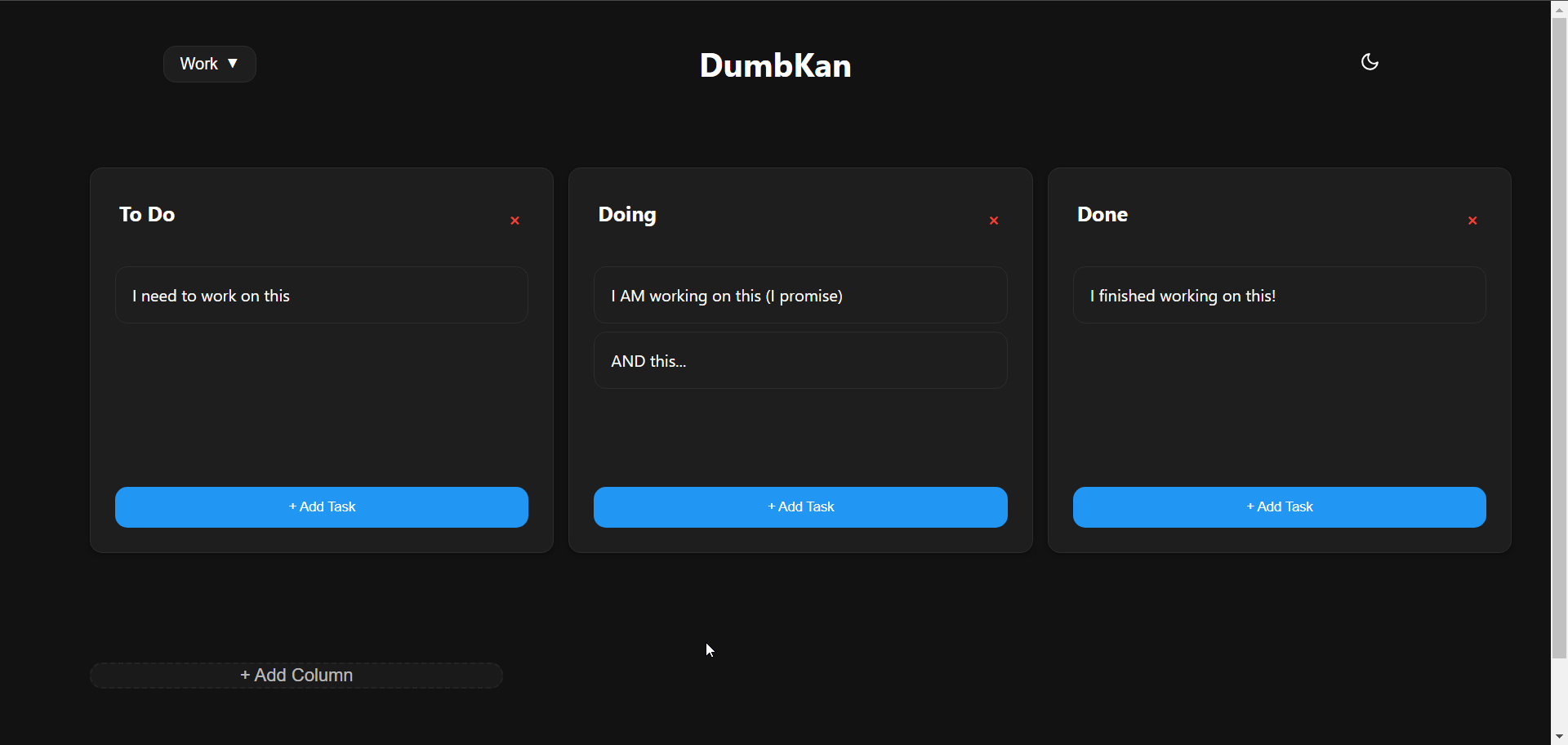
4ga Boards is a modern, open-source project management and collaboration platform inspired by Trello. It provides a powerful Kanban-style board system for organizing tasks, projects, and workflows. With its intuitive drag-and-drop interface, 4ga Boards makes it easy to visualize work, track progress, and collaborate with teams. The application features customizable boards, lists, and cards, along with support for attachments, user avatars, and project backgrounds. Built with modern web technologies, 4ga Boards offers a seamless experience for managing projects of any size. It's perfect for teams looking for a self-hosted alternative to commercial project management tools, providing full control over your data and workflows. Whether you're managing software development sprints, marketing campaigns, or personal todo lists, 4ga Boards provides the flexibility and features you need.
Leantime is an open-source project management system designed for startups and small teams. It offers a simple and intuitive interface to manage tasks, projects, and team collaboration efficiently. With Leantime, you can organize your work using timelines, kanban boards, and task lists. It also includes features like time tracking, milestones, and idea boards to streamline project workflows. Leantime supports integrations with various third-party tools, making it a flexible and scalable solution. Its emphasis on usability and simplicity ensures that teams can focus on productivity and achieving goals. Leantime is distributed under an open-source license, allowing for customization to meet the unique needs of any organization.
WeKan is an open-source, customizable, and privacy-focused Kanban app designed for efficient task management. It allows you to create multiple boards for different projects or tasks, with each board having columns to represent different stages of your work such as 'To Do', 'Doing', and 'Done'. You can add cards to each board to represent tasks, complete with titles, descriptions, and due dates. WeKan uses lists on a Kanban board to represent different stages of a workflow, helping you organize and track tasks. You can customize lists by changing their color or adding custom fields to capture more information about tasks. A card in WeKan represents a task on a Kanban board, including a title, description, due date, labels, and comments. As work progresses, you can move the card from one column to another. WeKan also offers several features to protect your data, including a self-hosting option, access controls, and open-source code for security auditing. It is designed with security in mind, and its features and options are built to help you protect your data and keep it secure.