All templates

Deploy FOSSBilling on your own server.

FOSSBilling logo

FOSSBilling is a free, open-source billing and client management system designed for hosting providers, service providers, and freelancers. It provides comprehensive tools for managing clients, products, services, invoices, and payments. FOSSBilling features automated billing cycles, support ticket management, domain registration…

Your infrastructureAutomatic HTTPSNo lock-in

Screenshots

A closer look at FOSSBilling.
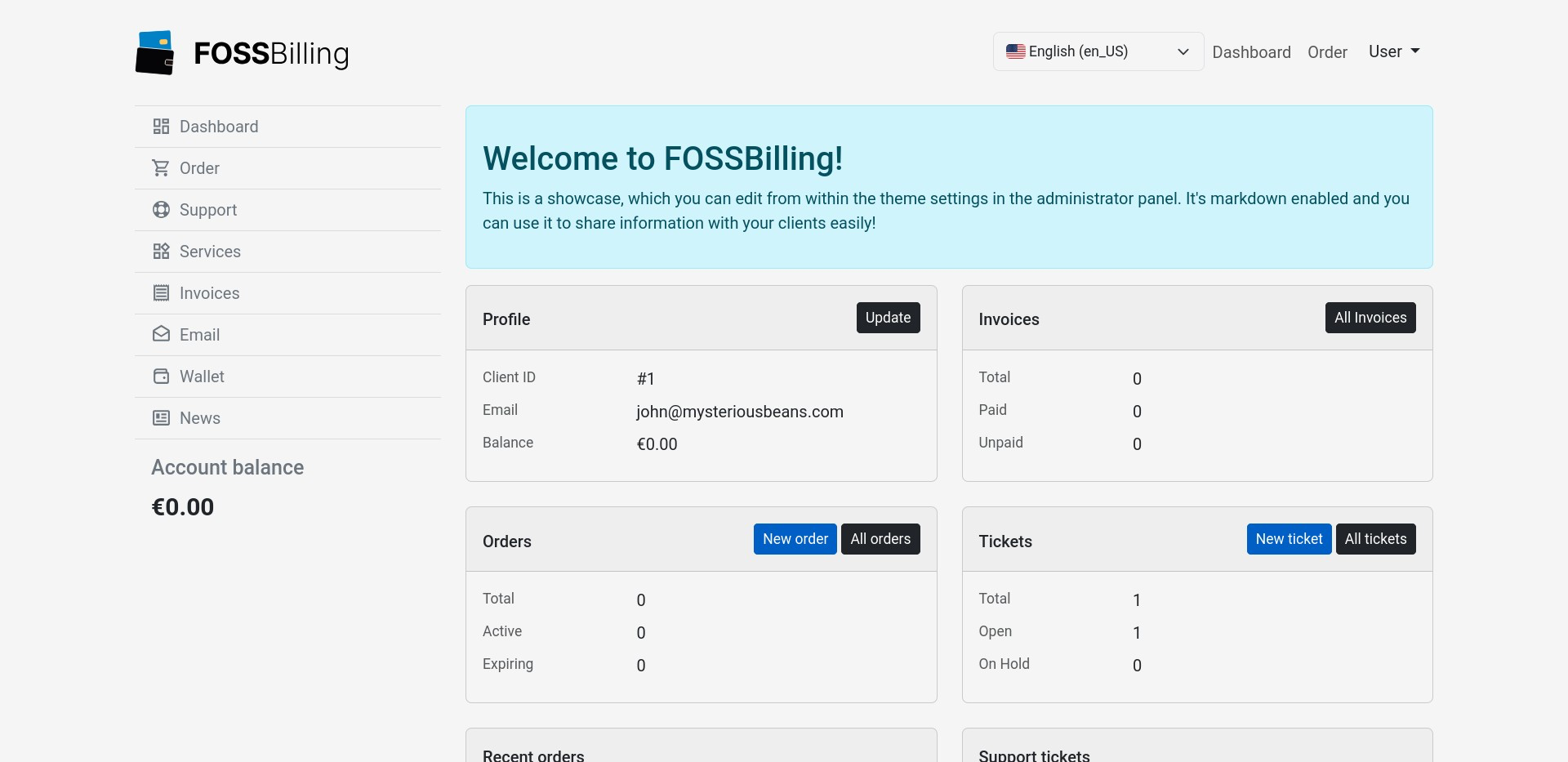
FOSSBilling screenshot 1

Setup time

A few minutes

Deployment

Your own server

Services

2 connected services

Why FOSSBilling

Everything you need, running where you choose.

Get the full FOSSBilling experience with Easypanel handling the repetitive infrastructure work around it.

Invoice Management
Generate professional invoices automatically with customizable templates, multiple currencies, and tax configuration.
Product & Service Management
Create and manage products, services, and pricing plans with flexible configuration and automated provisioning.
Payment Gateway Integration
Accept payments through multiple gateways including PayPal, Stripe, and other popular payment processors.
Support Ticket System
Built-in helpdesk with ticket management, email piping, canned responses, and customer communication tracking.
Client Portal
Self-service portal where clients can manage services, view invoices, make payments, and submit support requests.
Domain Registration
Integrate with domain registrars for automated domain registration, renewal, and management within the platform.
How it works

From template to live app in three steps.

Easypanel turns the template into real services, storage, and domains on the server you already control.

Already have Easypanel? Open your dashboard at the URL or IP of your own installation.

Installation guide
1
Open your dashboard
Visit the URL or IP of your Easypanel installation and choose the target project.
2
Choose FOSSBilling
Open Templates, select FOSSBilling, then review its service names and configuration.
3
Deploy and open your app
Easypanel starts every service and provisions an HTTPS domain for you.
Installation options
The template asks for these values before creating your services.
OptionDefaultRequired

App Service Name

fossbillingRequired

App Service Image

fossbilling/fossbilling:0.7.2Required
Resources
Project documentation and source code.
Latest template update
Mar 24, 2026

Fixed instructions and added screenshot.

Questions

Deploy with confidence.

The template handles the application setup while Easypanel keeps the infrastructure understandable and under your control.

FOSSBilling logo
Ready to deploy FOSSBilling?
Open your own Easypanel dashboard, choose FOSSBilling from Templates, and review the deployment options.