All templates

Deploy Jenkins on your own server.

Jenkins logo

Jenkins is an open source automation server. It helps automate the parts of software development related to building, testing, and deploying, facilitating continuous integration, and continuous delivery. It is a server-based system that runs in servlet containers such as Apache Tomcat.

Your infrastructureAutomatic HTTPSNo lock-in

Screenshots

A closer look at Jenkins.

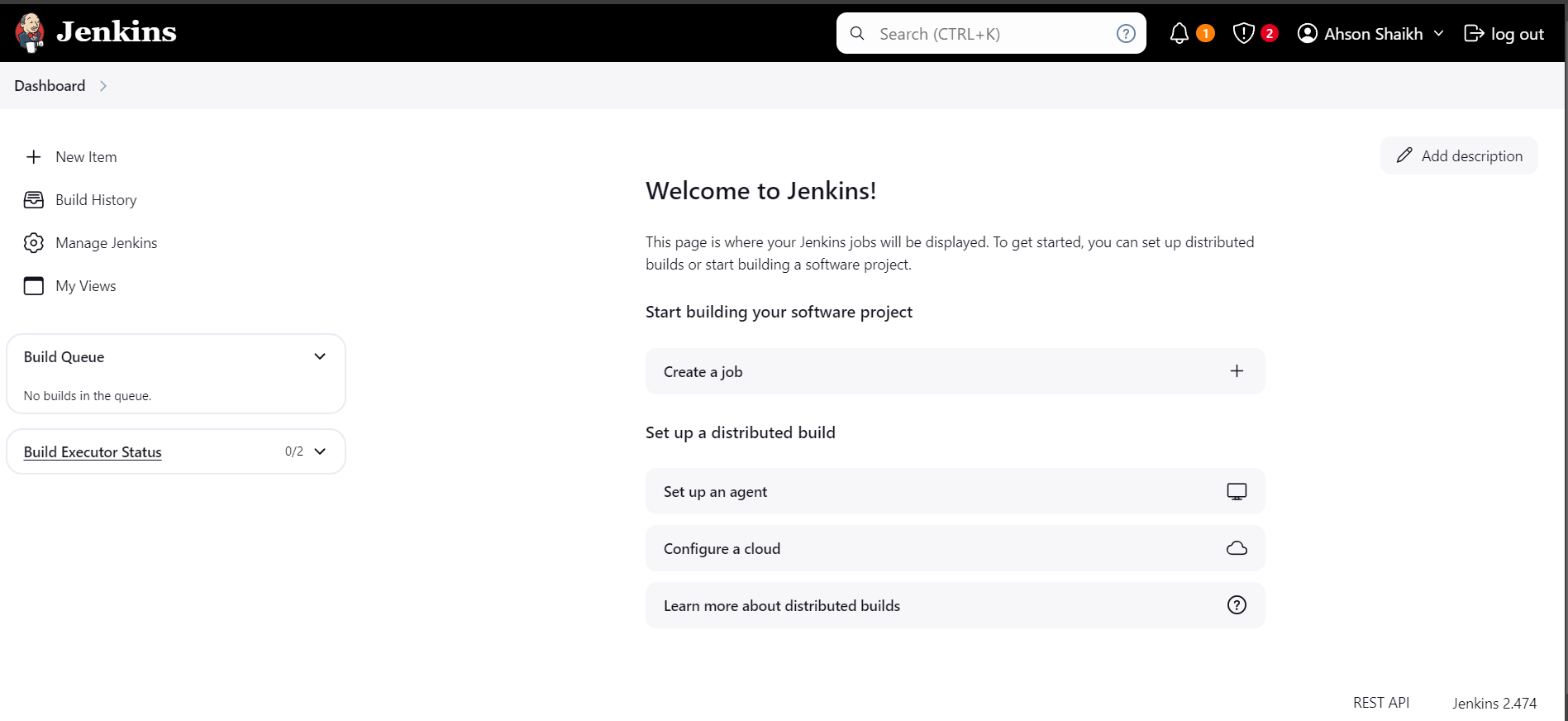
Jenkins screenshot 1

Setup time

A few minutes

Deployment

Your own server

Services

1 connected service

Why Jenkins

Everything you need, running where you choose.

Get the full Jenkins experience with Easypanel handling the repetitive infrastructure work around it.

Continuous Integration and Continuous Delivery (CI/CD)
Jenkins provides robust CI/CD pipelines, enabling you to automate the testing, building, and deployment of your software with ease.
Pipeline as Code
Jenkins offers Pipeline as Code functionality, allowing you to define your build processes and workflows as code using a simple DSL syntax.
Extensible via Plugins
Jenkins supports thousands of plugins that enable integration with various tools, like Docker, Kubernetes, Git, and more, enhancing its functionality.
Distributed Builds
Jenkins supports distributed builds, allowing you to distribute work across multiple machines to speed up your build processes and handle large workloads.
Monitoring and Alerts
Jenkins provides monitoring and alerting features, allowing you to track your builds, tests, and deployments, and get notified of any issues in real-time.
Automate Everything
Jenkins is an open-source automation server that helps you automate various tasks related to building, testing, and deploying software. Streamline your development workflow by automating repetitive tasks with Jenkins.
How it works

From template to live app in three steps.

Easypanel turns the template into real services, storage, and domains on the server you already control.

Already have Easypanel? Open your dashboard at the URL or IP of your own installation.

Installation guide
1
Open your dashboard
Visit the URL or IP of your Easypanel installation and choose the target project.
2
Choose Jenkins
Open Templates, select Jenkins, then review its service names and configuration.
3
Deploy and open your app
Easypanel starts every service and provisions an HTTPS domain for you.
Installation options
The template asks for these values before creating your services.
OptionDefaultRequired

App Service Name

jenkinsRequired

App Service Image

jenkins/jenkins:2.562Required
Resources
Project documentation and source code.
Latest template update
May 4, 2026

Version bumped to 2.562

Questions

Deploy with confidence.

The template handles the application setup while Easypanel keeps the infrastructure understandable and under your control.

Jenkins logo
Ready to deploy Jenkins?
Open your own Easypanel dashboard, choose Jenkins from Templates, and review the deployment options.