Deploy Jitsi Meet on your own server.

Jitsi Meet logo

Jitsi Meet is an open-source video conferencing platform that runs entirely in the browser, with no account or download needed to join a meeting. It offers HD audio and video, screen sharing, chat, raised hands, breakout rooms, lobbies, meeting passwords and end-to-end encryption, and has mobile apps for Android and iOS. This template…

Your infrastructureAutomatic HTTPSNo lock-in

Screenshots

A closer look at Jitsi Meet.
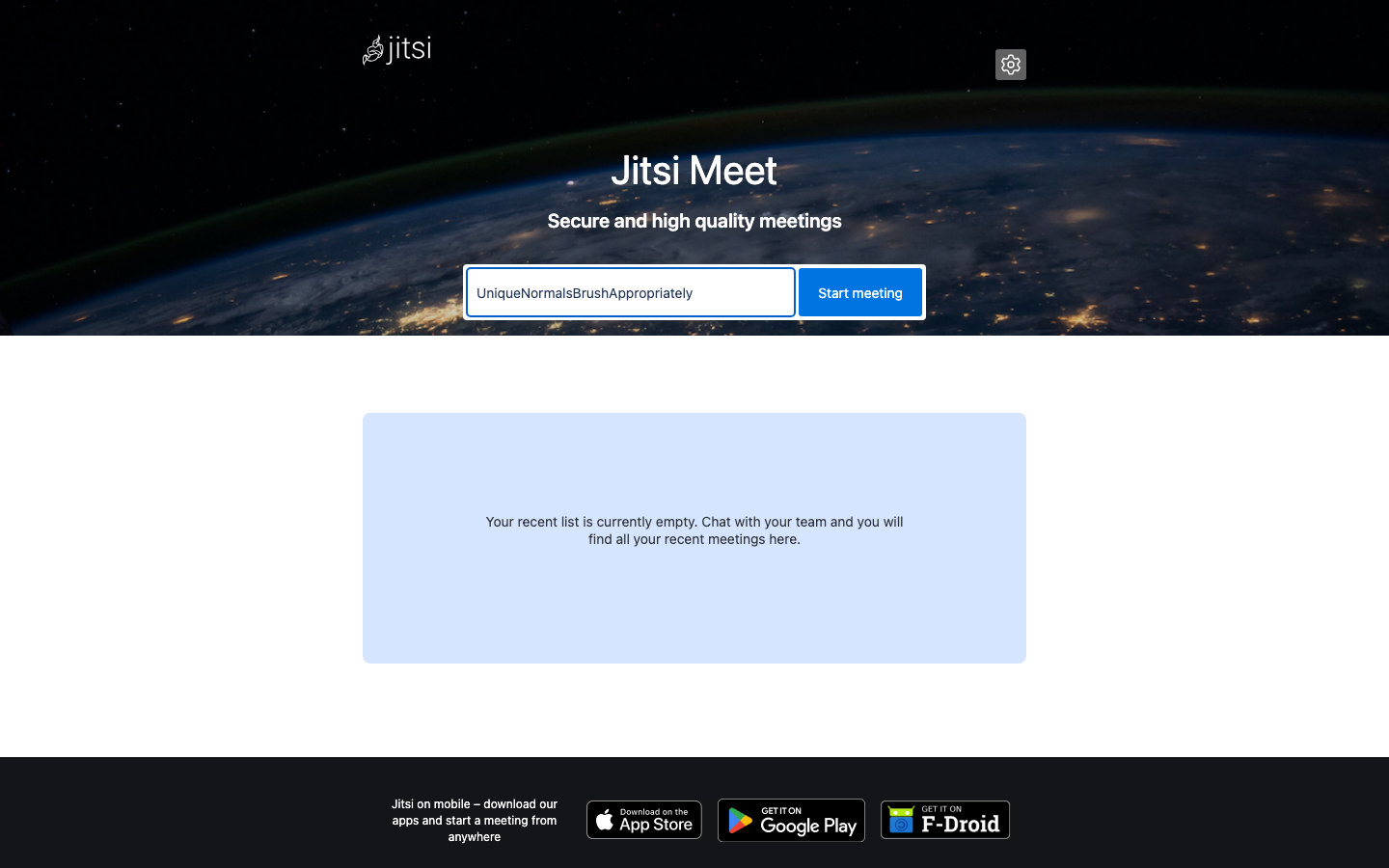
Jitsi Meet screenshot 1

Setup time

A few minutes

Deployment

Your own server

Services

5 connected services

Why Jitsi Meet

Everything you need, running where you choose.

Get the full Jitsi Meet experience with Easypanel handling the repetitive infrastructure work around it.

HD Audio And Video
Multi-party video calls with simulcast and adaptive quality routed through the Jitsi Videobridge.
Screen Sharing
Share a screen, window or browser tab with every participant in the meeting.
Chat, Reactions And Raised Hands
Text chat, private messages, emoji reactions, polls and a raised hand queue in every meeting.
Lobby And Meeting Passwords
Moderators can protect meetings with a password or a lobby where guests wait to be admitted.
Breakout Rooms
Split a meeting into smaller rooms and bring everyone back together.
End-To-End Encryption
Optional end-to-end encryption for meetings in supported browsers.
How it works

From template to live app in three steps.

Easypanel turns the template into real services, storage, and domains on the server you already control.

Already have Easypanel? Open your dashboard at the URL or IP of your own installation.

Installation guide
1
Open your dashboard
Visit the URL or IP of your Easypanel installation and choose the target project.
2
Choose Jitsi Meet
Open Templates, select Jitsi Meet, then review its service names and configuration.
3
Deploy and open your app
Easypanel starts every service and provisions an HTTPS domain for you.
Installation options
The template asks for these values before creating your services.
OptionDefaultRequired

App Service Name

jitsiRequired

Web Service Image

ghcr.io/jitsi/web:stable-11509Required

Prosody Service Image

ghcr.io/jitsi/prosody:stable-11509Required

Jicofo Service Image

ghcr.io/jitsi/jicofo:stable-11509Required

Videobridge Service Image

ghcr.io/jitsi/jvb:stable-11509Required

Videobridge UDP Port on Host

10000Required

Enable Recording With Jibri

falseRequired

Jibri Service Image

ghcr.io/jitsi/jibri:stable-11509Required
Resources
Project documentation and source code.
Latest template update
Nov 17, 2026

First release

Questions

Deploy with confidence.

The template handles the application setup while Easypanel keeps the infrastructure understandable and under your control.

Keep exploring

Related templates

Browse all
MiroTalk P2P logo
MiroTalk P2P
MiroTalk P2P is a powerful WebRTC-based peer-to-peer video conferencing platform that enables secure, real-time communication directly between participants without requiring external servers for media transmission. It offers advanced features like screen sharing, file transfer, chat messaging, and room protection, making it perfect for businesses, educational institutions, and personal use that require privacy-focused video conferencing solutions.
View template
Seafile logo
Seafile
Seafile is a professional, open-source file synchronization and sharing platform with privacy protection and teamwork features. It provides secure file storage, synchronization, and sharing capabilities with end-to-end encryption, making it perfect for teams and organizations that need to collaborate on files while maintaining data security. Seafile supports file versioning, online editing, and mobile access across all platforms.
View template
Rocket.Chat logo
Rocket.Chat
Rocket.Chat SIX is a secure and scalable collaboration platform designed to enhance team productivity and customer service experiences. It allows you to own your data and offers extensive customization and integration options. The platform brings together messages, projects, and tasks into one place, enabling teams to work more efficiently. It also provides an omnichannel customer service experience, allowing businesses to engage in contextual interactions with customers, fostering long-term relationships and improved business outcomes. Additionally, Rocket.Chat SIX features a chat engine to drive higher user engagement within your app or website. The platform is built for teams that need more control, offering end-to-end encryption, compliance with various data protection regulations, and a wide range of deployment options to meet your security needs.
View template
Jitsi Meet logo
Ready to deploy Jitsi Meet?
Open your own Easypanel dashboard, choose Jitsi Meet from Templates, and review the deployment options.