All templates

Deploy Mage-AI on your own server.

Mage-AI logo

Mage-AI is a powerful open-source data pipeline tool designed to simplify and accelerate building, deploying, and managing machine learning workflows. It empowers data engineers and scientists with a unified platform to seamlessly create pipelines for data ingestion, transformation, and model deployment. With Mage-AI's user-friendly…

Your infrastructureAutomatic HTTPSNo lock-in

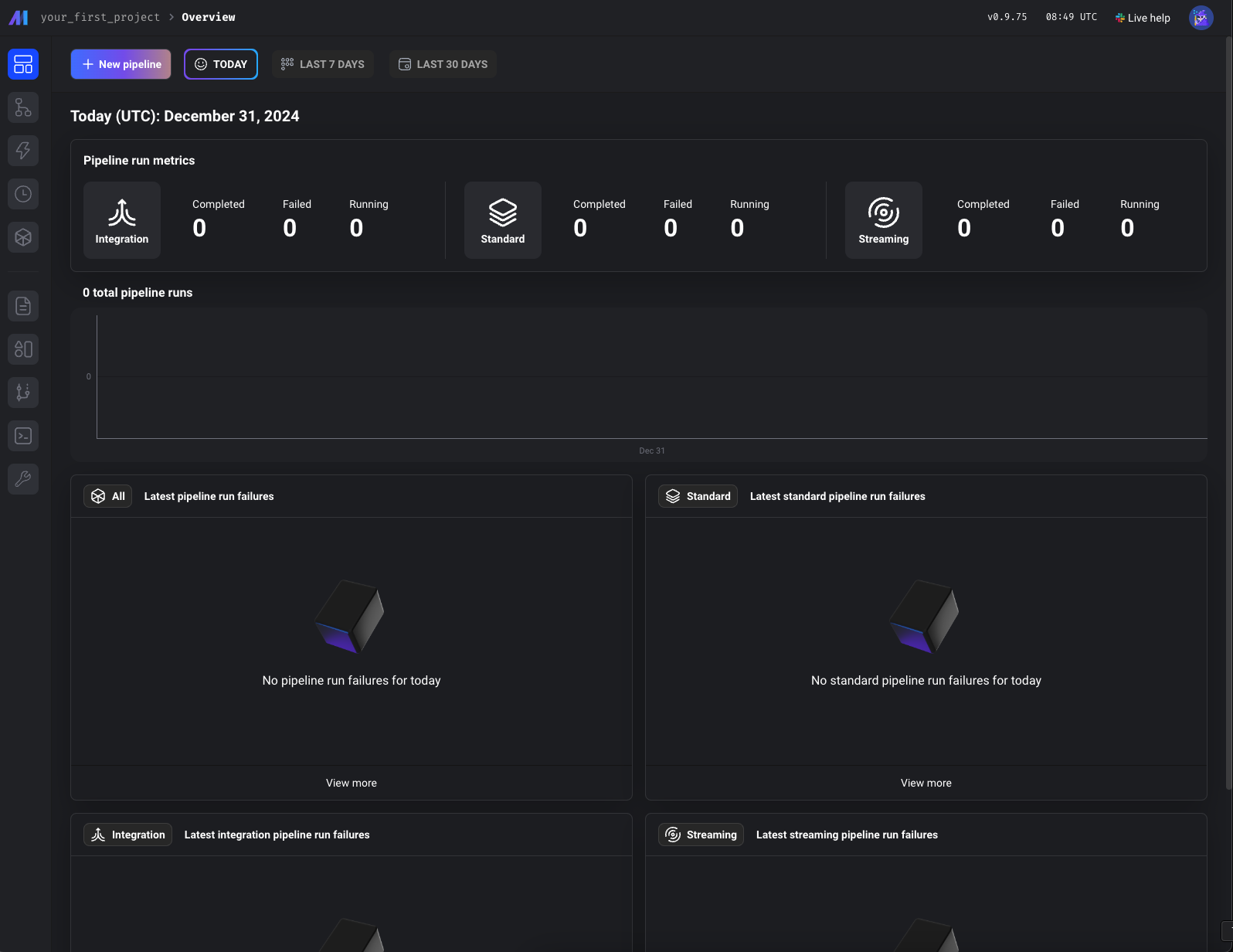
Screenshots

A closer look at Mage-AI.

Mage-AI screenshot 1

Setup time

A few minutes

Deployment

Your own server

Services

1 connected service

Why Mage-AI

Everything you need, running where you choose.

Get the full Mage-AI experience with Easypanel handling the repetitive infrastructure work around it.

Data Pipeline Automation
Automate data ingestion, transformation, and processing tasks to reduce manual effort and improve productivity.
Customizable Components
Easily customize and extend pipeline components to meet your specific project requirements.
Real-Time Monitoring
Monitor pipeline performance in real-time with detailed metrics and logs.
Model Deployment
Simplify model deployment to production environments with Mage-AI's integrated tools.
Seamless Cloud Integration
Supports deployment on popular cloud platforms for flexible and scalable infrastructure.
Collaborative Environment
Enables team collaboration with shared pipelines and configurations.
How it works

From template to live app in three steps.

Easypanel turns the template into real services, storage, and domains on the server you already control.

Already have Easypanel? Open your dashboard at the URL or IP of your own installation.

Installation guide
1
Open your dashboard
Visit the URL or IP of your Easypanel installation and choose the target project.
2
Choose Mage-AI
Open Templates, select Mage-AI, then review its service names and configuration.
3
Deploy and open your app
Easypanel starts every service and provisions an HTTPS domain for you.
Installation options
The template asks for these values before creating your services.
OptionDefaultRequired

App Service Name

mage-aiRequired

App Service Image

mageai/mageai:0.9.79Required

Project Name

my-first-projectRequired
Resources
Project documentation and source code.
Latest template update
Feb 21, 2026

Update to 0.9.79

Questions

Deploy with confidence.

The template handles the application setup while Easypanel keeps the infrastructure understandable and under your control.

Keep exploring

Related templates

Browse all
Ollama logo
Ollama
Ollama is a powerful tool designed to simplify the deployment and interaction with advanced AI models. It provides a streamlined solution for managing and hosting large language models (LLMs) with an intuitive interface. Ollama allows users to run queries and interact with models like OpenAI GPT and others in a secure and efficient manner. The tool includes a web-based interface that makes managing and testing models straightforward. Ollama is designed to support diverse use cases, from research and development to deploying AI capabilities in production systems. It offers flexible deployment options, powerful API integrations, and role-based access control to ensure secure and scalable AI solutions.
View template
Metaflow logo
Metaflow
Metaflow is an open-source framework for building and managing real-life ML, AI, and data science projects. Originally developed at Netflix and now supported by Outerbounds, Metaflow streamlines the entire development lifecycle—from rapid prototyping in notebooks to reliable production deployments. It unifies code, data, and compute at every stage, enabling teams to iterate quickly and deliver robust AI/ML systems. Used by Amazon, Doordash, Goldman Sachs, and many others.
View template
LocalAI logo
LocalAI
LocalAI is a drop-in replacement REST API that's compatible with OpenAI API specifications for local inferencing. It allows you to run LLMs, generate images, audio (and not only) locally or on-premises with consumer grade hardware, supporting multiple model families and not requiring GPU.
View template
Mage-AI logo
Ready to deploy Mage-AI?
Open your own Easypanel dashboard, choose Mage-AI from Templates, and review the deployment options.