All templates

Deploy OpnForm on your own server.

OpnForm logo

OpnForm is an open-source form builder that allows you to create beautiful, customizable forms with ease. It provides an intuitive interface for building forms, collecting submissions, and analyzing data.

Your infrastructureAutomatic HTTPSNo lock-in

Screenshots

A closer look at OpnForm.

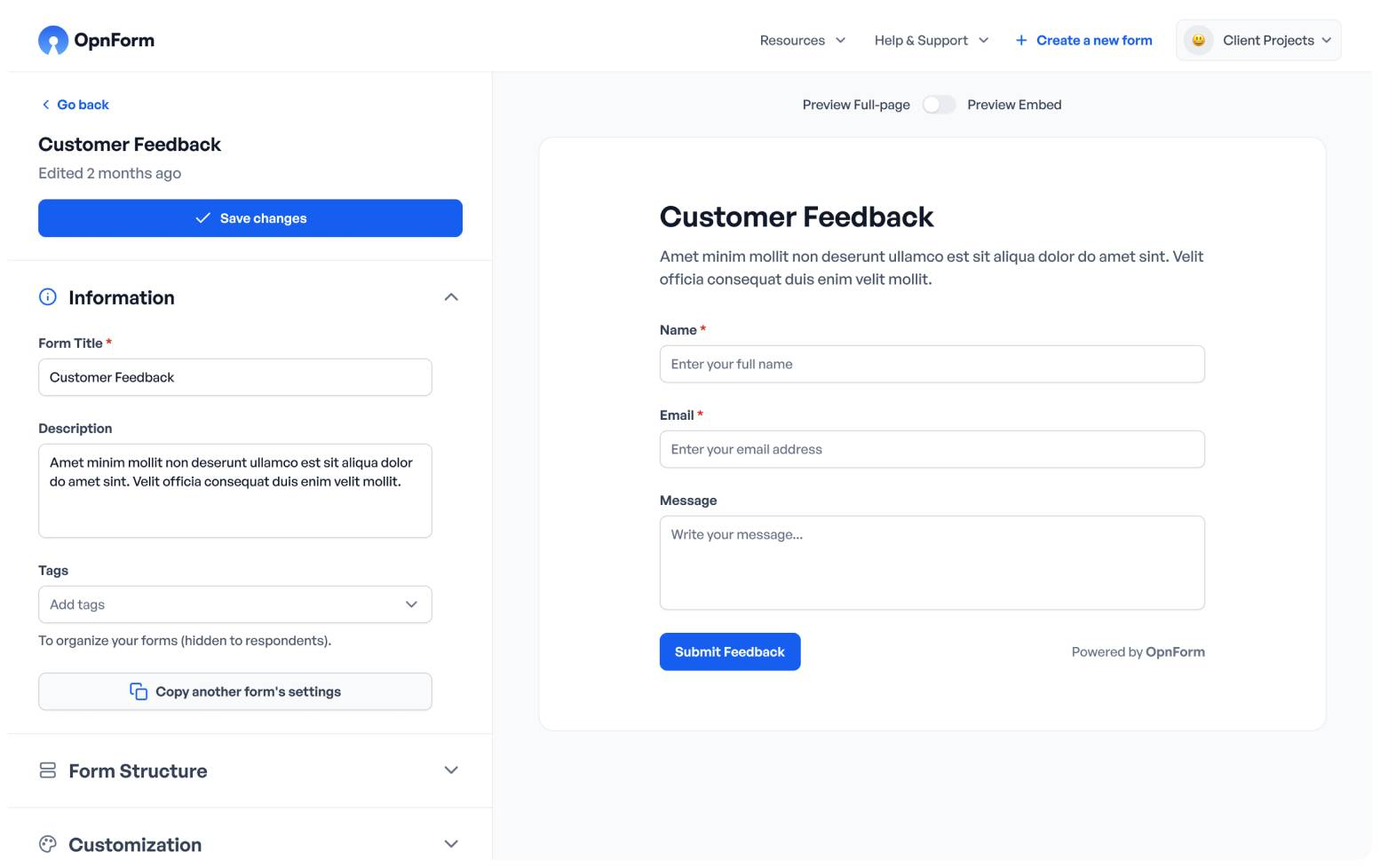
OpnForm screenshot 1

Setup time

A few minutes

Deployment

Your own server

Services

7 connected services

Why OpnForm

Everything you need, running where you choose.

Get the full OpnForm experience with Easypanel handling the repetitive infrastructure work around it.

Form Builder
Create forms with a variety of field types including text, email, file upload, and more.
Response Management
View, manage, and export form submissions in various formats.
Conditional Logic
Show or hide fields based on user input to create dynamic forms.
Spam Protection
Protect your forms with CAPTCHA and other anti-spam measures.
Notifications
Receive email notifications when new submissions are received.
Easy Form Creation
Build professional forms without coding using an intuitive drag-and-drop interface.
How it works

From template to live app in three steps.

Easypanel turns the template into real services, storage, and domains on the server you already control.

Already have Easypanel? Open your dashboard at the URL or IP of your own installation.

Installation guide
1
Open your dashboard
Visit the URL or IP of your Easypanel installation and choose the target project.
2
Choose OpnForm
Open Templates, select OpnForm, then review its service names and configuration.
3
Deploy and open your app
Easypanel starts every service and provisions an HTTPS domain for you.
Installation options
The template asks for these values before creating your services.
OptionDefaultRequired

Service Name

opnformRequired

App Service Image

jhumanj/opnform-client:2.0.1Required

API Service Image

jhumanj/opnform-api:2.0.1Required
Resources
Project documentation and source code.
Latest template update
Jun 9, 2026

Version bumped to 2.0.1

Questions

Deploy with confidence.

The template handles the application setup while Easypanel keeps the infrastructure understandable and under your control.

Keep exploring

Related templates

Browse all
Form.io logo
Form.io
Form.io is a form and data management platform for progressive web applications. It provides a drag-and-drop form builder, API platform, and data management system that allows developers to rapidly build complex forms and workflows. Form.io combines the power of JSON Schema with a robust API to create dynamic, data-driven applications.
View template
Outline Wiki logo
Outline Wiki
Outline is a team knowledge base and wiki that helps organize your team's information in a structured and searchable manner. It offers an intuitive editing experience with markdown support, slash commands, and rich embeds. You can collaborate on documents in real-time, with comments and threads keeping conversations organized. The platform integrates seamlessly with Slack, allowing you to search and share documents without leaving the chat. Outline also supports public sharing of documents with your own brand colors, logos, and domain. It's designed to be fast, collaborative, and easy to use, with a focus on security and permissions. It also supports multiple languages and offers integrations with tools like Figma, Loom, and more.
View template
Radicale logo
Radicale
Radicale is a small but powerful CalDAV (calendars, to-do lists) and CardDAV (contacts) server. It allows you to share calendars and contact lists through CalDAV, CardDAV, and HTTP. Radicale supports events, todos, journal entries, and business cards. It works out-of-the-box, requiring no complicated setup or configuration. Radicale can limit access by authentication and secure connections with TLS. It works with many CalDAV and CardDAV clients, stores all data on the file system in a simple folder structure, and can be extended with plugins. Radicale is GPLv3-licensed free software.
View template
OpnForm logo
Ready to deploy OpnForm?
Open your own Easypanel dashboard, choose OpnForm from Templates, and review the deployment options.