All templates

Deploy SideQuests on your own server.
SideQuests logo

SideQuests is a task management application that helps you organize and track your tasks and projects. It provides a simple and intuitive interface for managing your daily activities and side projects.

Your infrastructureAutomatic HTTPSNo lock-in

Screenshots

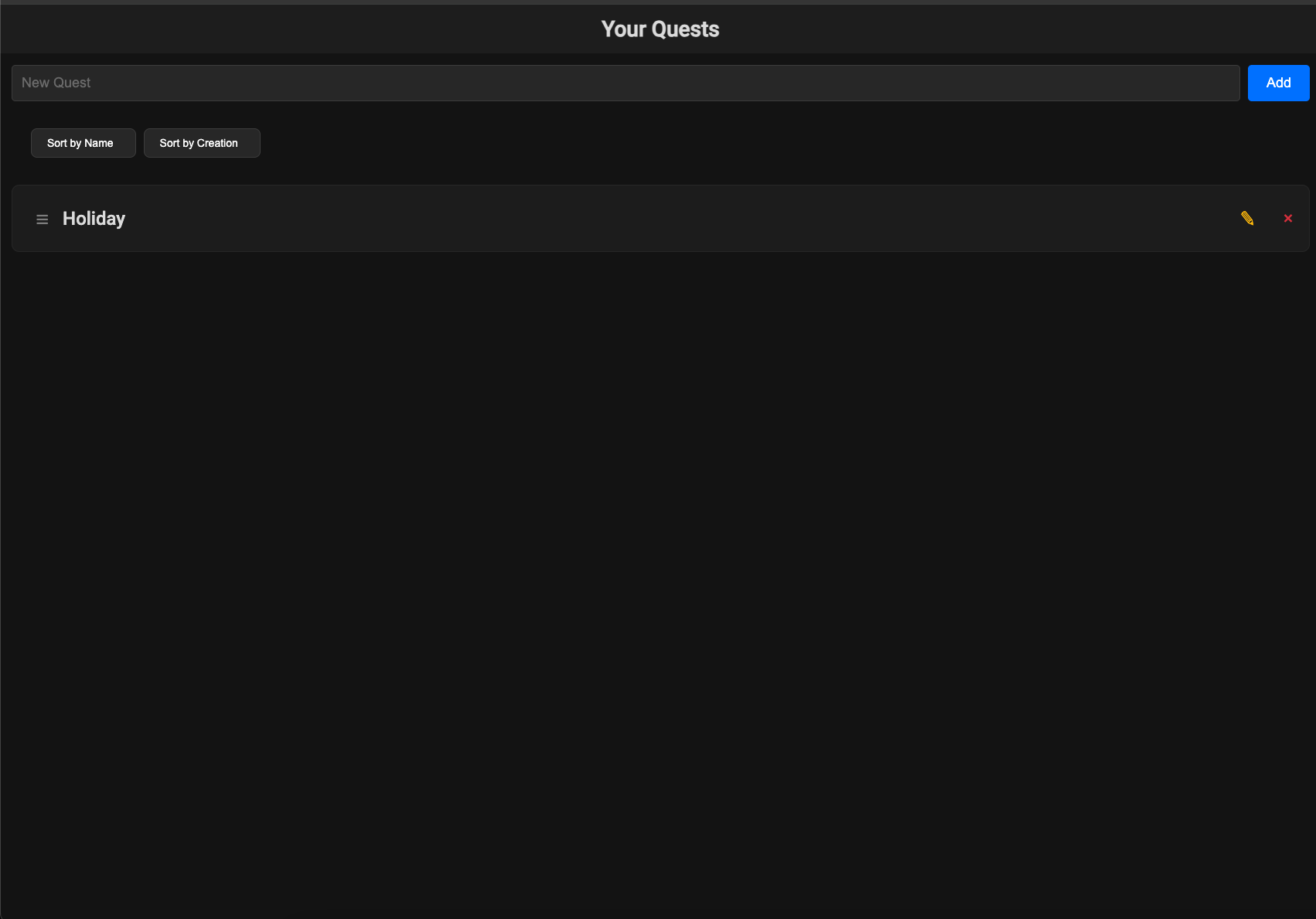
A closer look at SideQuests.
SideQuests screenshot 1

Setup time

A few minutes

Deployment

Your own server

Services

1 connected service

Why SideQuests

Everything you need, running where you choose.

Get the full SideQuests experience with Easypanel handling the repetitive infrastructure work around it.

Task Creation
Create and manage tasks with ease
Project Organization
Organize tasks into projects
User Management
Manage user access and permissions
Data Persistence
Save your tasks and projects securely
Customizable
Configure to your specific needs
Task Management
Organize and track your tasks efficiently
How it works

From template to live app in three steps.

Easypanel turns the template into real services, storage, and domains on the server you already control.

Already have Easypanel? Open your dashboard at the URL or IP of your own installation.

Installation guide
1
Open your dashboard
Visit the URL or IP of your Easypanel installation and choose the target project.
2
Choose SideQuests
Open Templates, select SideQuests, then review its service names and configuration.
3
Deploy and open your app
Easypanel starts every service and provisions an HTTPS domain for you.
Installation options
The template asks for these values before creating your services.
OptionDefaultRequired

App Service Name

sidequestsRequired

App Service Image

need4swede/sidequests:1.1.5Required

Admin Username

adminuserRequired

Admin Password

Set during installRequired
Resources
Project documentation and source code.
Latest template update
May 8, 2026

Version bumped to 1.1.5

Questions

Deploy with confidence.

The template handles the application setup while Easypanel keeps the infrastructure understandable and under your control.

Keep exploring

Related templates

Browse all
4ga Boards logo
4ga Boards
4ga Boards is a modern, open-source project management and collaboration platform inspired by Trello. It provides a powerful Kanban-style board system for organizing tasks, projects, and workflows. With its intuitive drag-and-drop interface, 4ga Boards makes it easy to visualize work, track progress, and collaborate with teams. The application features customizable boards, lists, and cards, along with support for attachments, user avatars, and project backgrounds. Built with modern web technologies, 4ga Boards offers a seamless experience for managing projects of any size. It's perfect for teams looking for a self-hosted alternative to commercial project management tools, providing full control over your data and workflows. Whether you're managing software development sprints, marketing campaigns, or personal todo lists, 4ga Boards provides the flexibility and features you need.
View template
Papra logo
Papra
Papra is a modern, open-source project management and collaboration platform designed to help teams organize their work, track progress, and collaborate effectively. It provides a comprehensive suite of tools for task management, team communication, file sharing, and project tracking in a single, integrated platform. Papra offers an intuitive interface with powerful features for managing complex projects and workflows.
View template
Vikunja logo
Vikunja
Vikunja is a self-hosted To-Do list application and task management tool. It provides a clean and intuitive interface for organizing tasks, projects, and team collaboration. With features like task lists, labels, assignees, due dates, and more, Vikunja helps individuals and teams stay organized and productive.
View template
SideQuests logo
Ready to deploy SideQuests?
Open your own Easypanel dashboard, choose SideQuests from Templates, and review the deployment options.