All templates

Deploy SnapDrop on your own server.

SnapDrop logo

Snapdrop is a self-hosted, browser-based file-sharing platform that allows you to seamlessly transfer files between devices on the same local network. Inspired by Apple's AirDrop, Snapdrop works across any device and browser without requiring an account or installation. It provides fast, peer-to-peer file transfers using WebRTC, ensuring…

Your infrastructureAutomatic HTTPSNo lock-in

Screenshots

A closer look at SnapDrop.
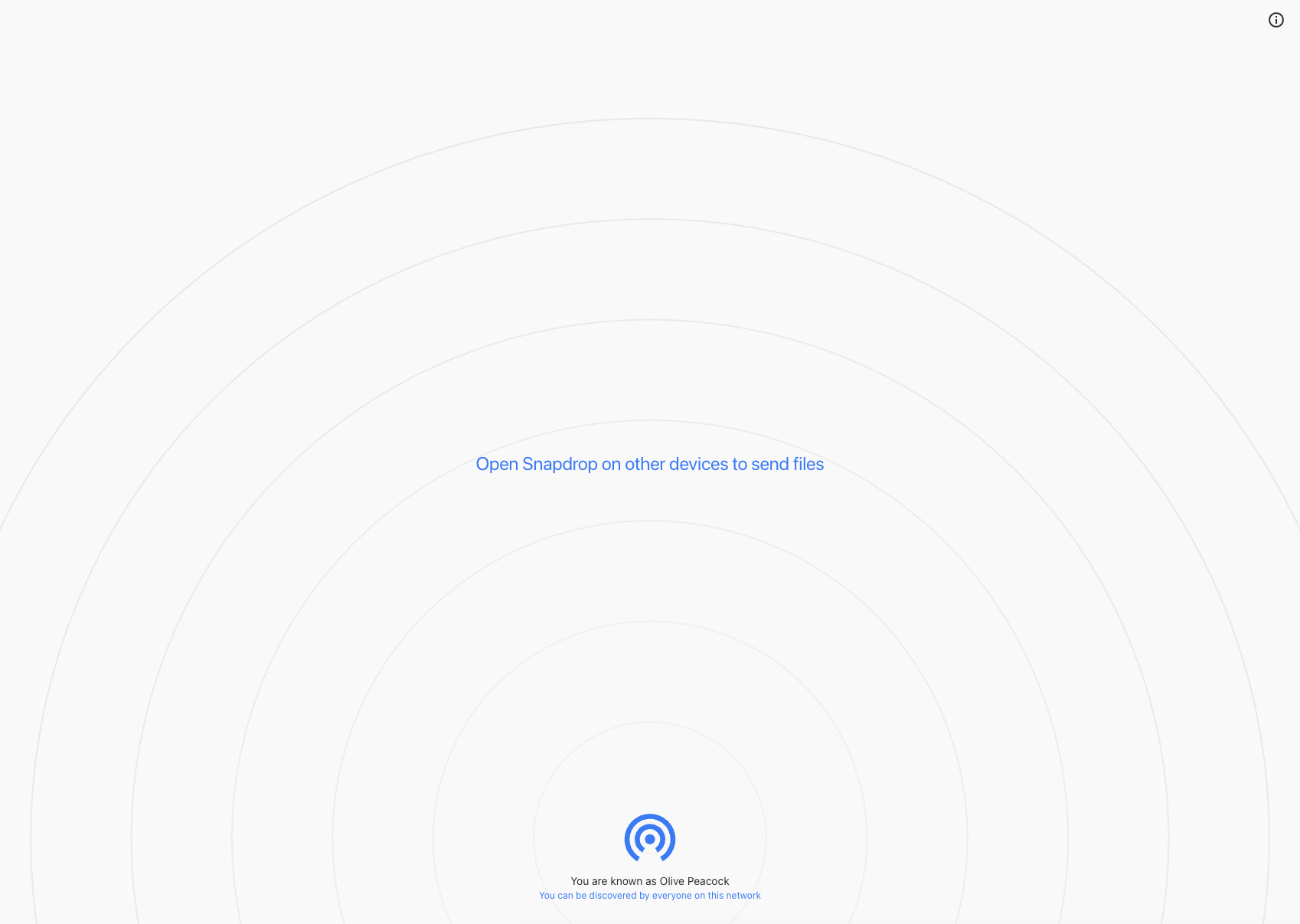
SnapDrop screenshot 1

Setup time

A few minutes

Deployment

Your own server

Services

1 connected service

Why SnapDrop

Everything you need, running where you choose.

Get the full SnapDrop experience with Easypanel handling the repetitive infrastructure work around it.

Peer-to-Peer Transfers
Uses WebRTC for direct peer-to-peer file transfers, bypassing external servers for enhanced privacy.
Browser-Based Interface
No installation required; simply open the Snapdrop service in any modern browser to start sharing files.
Multi-Device Detection
Automatically detects other devices on the same network, allowing seamless file transfers between them.
Drag-and-Drop Functionality
Share files easily by dragging and dropping them into the Snapdrop interface.
Cross-Browser Compatibility
Snapdrop works on Chrome, Firefox, Safari, Edge, and other major browsers.
Mobile-Friendly Design
Optimized for mobile devices, allowing you to share files between your phone, tablet, and desktop effortlessly.
How it works

From template to live app in three steps.

Easypanel turns the template into real services, storage, and domains on the server you already control.

Already have Easypanel? Open your dashboard at the URL or IP of your own installation.

Installation guide
1
Open your dashboard
Visit the URL or IP of your Easypanel installation and choose the target project.
2
Choose SnapDrop
Open Templates, select SnapDrop, then review its service names and configuration.
3
Deploy and open your app
Easypanel starts every service and provisions an HTTPS domain for you.
Installation options
The template asks for these values before creating your services.
OptionDefaultRequired

App Service Name

snapdropRequired

App Service Image

lscr.io/linuxserver/snapdrop:version-b8b78cc2Required
Resources
Project documentation and source code.
Latest template update
Mar 3, 2025

Version bumped to version-b8b78cc2

Questions

Deploy with confidence.

The template handles the application setup while Easypanel keeps the infrastructure understandable and under your control.

SnapDrop logo
Ready to deploy SnapDrop?
Open your own Easypanel dashboard, choose SnapDrop from Templates, and review the deployment options.