Deploy Supabase on your own server.

Supabase is an open source Firebase alternative. Supabase is built on top of Postgres, and it's easy to set up and use. Supabase is also completely free to use, and it's completely open source.
Your infrastructureAutomatic HTTPSNo lock-in
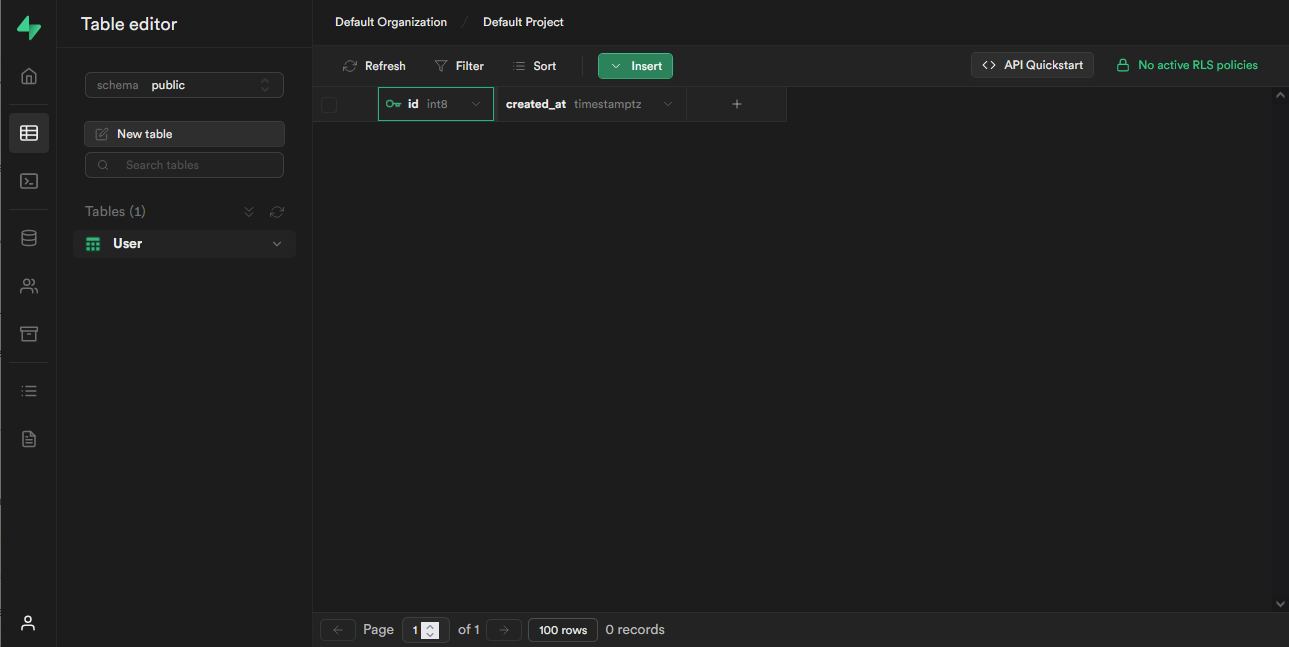
Screenshots
A closer look at Supabase.
Setup time
A few minutes
Deployment
Your own server
Services
1 connected service
Why Supabase
Everything you need, running where you choose.
Get the full Supabase experience with Easypanel handling the repetitive infrastructure work around it.
One-click deployment
Skip manual Docker setup. Easypanel creates and connects the services this app needs.
Your server, your data
Run the application on infrastructure you control, without giving up a polished deployment workflow.
Production-ready defaults
Persistent storage, domains, HTTPS, and environment variables are configured from one guided form.
How it works
From template to live app in three steps.
Easypanel turns the template into real services, storage, and domains on the server you already control.
Already have Easypanel? Open your dashboard at the URL or IP of your own installation.
Installation guide1
Open your dashboard
Visit the URL or IP of your Easypanel installation and choose the target project.
2
Choose Supabase
Open Templates, select Supabase, then review its service names and configuration.
3
Deploy and open your app
Easypanel starts every service and provisions an HTTPS domain for you.
Installation options
The template asks for these values before creating your services.
| Option | Default | Required |
|---|---|---|
Service Name | supabase | Required |
Before you deploy
Username is `supabase` and password is `this_password_is_insecure_and_should_be_updated`. You can change these by editing the environment variables.
Resources
Project documentation and source code.
Latest template update
Jul 26, 2024
first release
Questions
Deploy with confidence.
The template handles the application setup while Easypanel keeps the infrastructure understandable and under your control.
Keep exploring
Browse allRelated templates

OxiCloud
OxiCloud is an ultra-fast, secure, and lightweight self-hosted cloud storage written in Rust. It serves as a lightweight alternative to NextCloud, designed for low-resource environments. OxiCloud runs on just 512MB RAM with sub-second response times, offering file management, user authentication, file deduplication, search, CalDAV calendars, CardDAV contacts, and multi-language support. Built with Clean Architecture, it provides a clean UI that works on desktop and mobile.
View template

Redlib
Redlib is a privacy-focused and lightweight alternative frontend for Reddit, designed to enhance user experience by removing ads, tracking, and unnecessary JavaScript. Built using Rust, Redlib delivers a fast and efficient browsing experience while ensuring user privacy by proxying all requests, including media, through its server. It provides an ad-free, clutter-free interface inspired by Reddit's modern design, making it an ideal choice for users seeking a secure and streamlined way to browse Reddit content.
View template

ZincSearch
ZincSearch is a lightweight, fast, and modern search engine built in Go. It provides full-text search capabilities with a simple REST API, making it an excellent alternative to Elasticsearch for smaller to medium-scale applications. ZincSearch offers easy deployment, low resource consumption, and compatibility with Elasticsearch APIs.
View template
Ready to deploy Supabase?
Open your own Easypanel dashboard, choose Supabase from Templates, and review the deployment options.