All templates

Deploy TeamMapper on your own server.

TeamMapper logo

TeamMapper is a powerful team mapping and visualization tool designed to help organizations understand team structures, relationships, and collaboration patterns. It provides an intuitive interface for creating interactive team maps that visualize team members, their roles, departments, and connections. TeamMapper enables teams to better…

Your infrastructureAutomatic HTTPSNo lock-in

Screenshots

A closer look at TeamMapper.
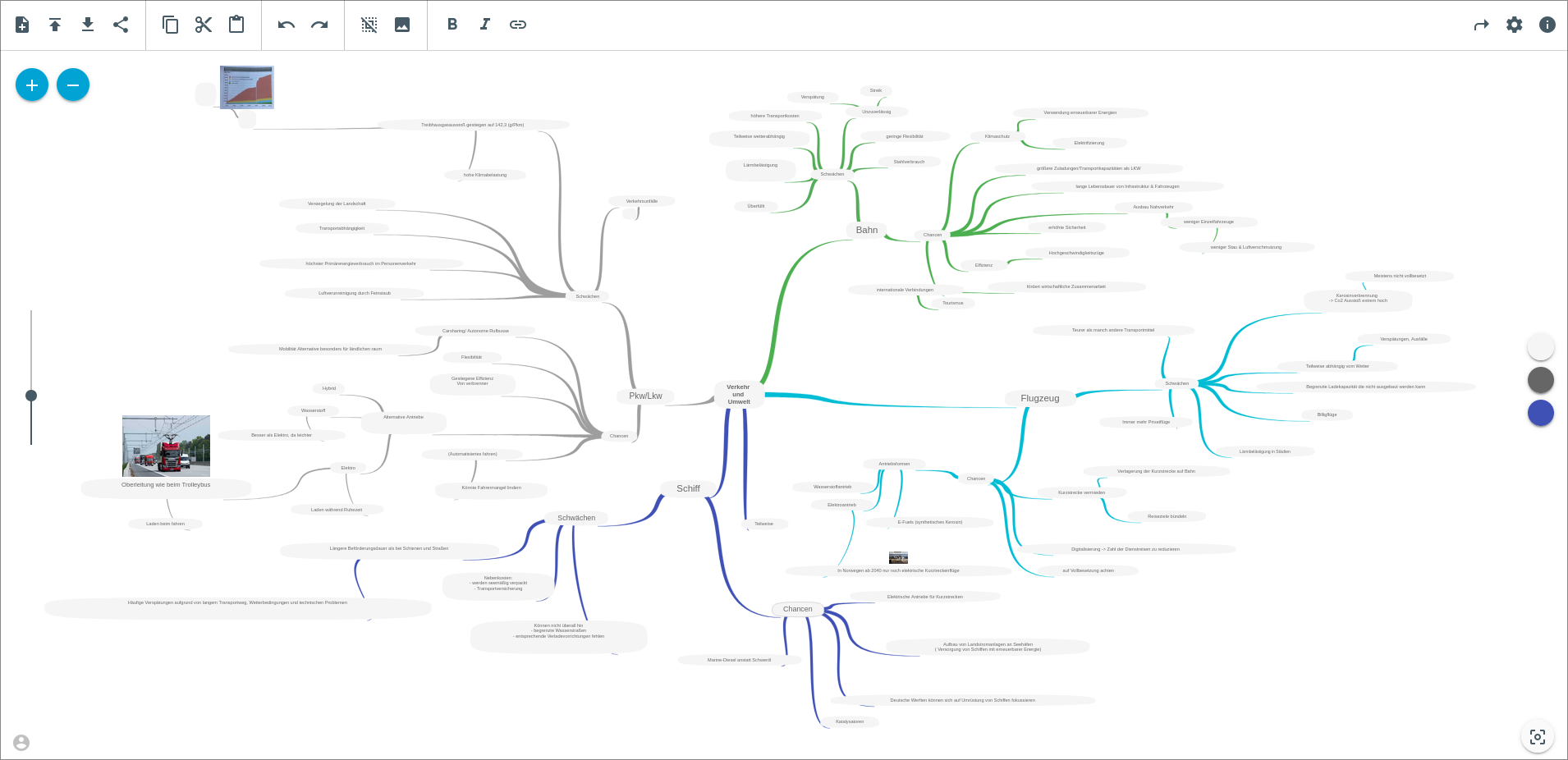
TeamMapper screenshot 1

Setup time

A few minutes

Deployment

Your own server

Services

2 connected services

Why TeamMapper

Everything you need, running where you choose.

Get the full TeamMapper experience with Easypanel handling the repetitive infrastructure work around it.

Interactive Team Maps
Create dynamic, interactive team maps with drag-and-drop functionality, customizable layouts, and real-time updates to reflect organizational changes.
Role and Department Mapping
Map team members to their roles, departments, and reporting structures with visual indicators and customizable categorization options.
Real-Time Updates
Keep team maps current with real-time updates that automatically reflect organizational changes, new hires, role changes, and department restructuring.
Customizable Visualizations
Customize the appearance of team maps with different layouts, color schemes, and visual elements to match your organization's branding and preferences.
Team Analytics
Access comprehensive analytics about team composition, collaboration patterns, and organizational metrics to support data-driven decision making.
Export and Sharing
Export team maps in various formats and share them with stakeholders, making it easy to communicate organizational structure across teams.
How it works

From template to live app in three steps.

Easypanel turns the template into real services, storage, and domains on the server you already control.

Already have Easypanel? Open your dashboard at the URL or IP of your own installation.

Installation guide
1
Open your dashboard
Visit the URL or IP of your Easypanel installation and choose the target project.
2
Choose TeamMapper
Open Templates, select TeamMapper, then review its service names and configuration.
3
Deploy and open your app
Easypanel starts every service and provisions an HTTPS domain for you.
Installation options
The template asks for these values before creating your services.
OptionDefaultRequired

App Service Name

teammapperRequired

App Service Image

ghcr.io/b310-digital/teammapper:v0.2.6-1Required
Resources
Project documentation and source code.
Latest template update
May 7, 2026

Version bumped to v0.2.6-1

Questions

Deploy with confidence.

The template handles the application setup while Easypanel keeps the infrastructure understandable and under your control.

Keep exploring

Related templates

Browse all
Affine logo
Affine
Affine is a modern, self-hosted platform designed for collaborative content creation and project management. It offers an intuitive interface, seamless real-time collaboration, and powerful tools for organizing tasks, notes, and ideas. With Affine, you can centralize your workflows and enhance productivity. The platform features a comprehensive workspace that combines note-taking, task management, and project planning in one unified environment.
View template
Claper logo
Claper
Claper is an interactive presentation platform that transforms passive presentations into engaging, real-time experiences. With Claper, presenters can create interactive presentations that allow audience members to participate through live polls, Q&A sessions, reactions, and more. The platform offers seamless integration with popular presentation tools and provides real-time analytics to help presenters understand audience engagement. Claper supports various presentation formats, file uploads, and customizable branding options, making it perfect for conferences, webinars, educational sessions, and corporate meetings.
View template
4ga Boards logo
4ga Boards
4ga Boards is a modern, open-source project management and collaboration platform inspired by Trello. It provides a powerful Kanban-style board system for organizing tasks, projects, and workflows. With its intuitive drag-and-drop interface, 4ga Boards makes it easy to visualize work, track progress, and collaborate with teams. The application features customizable boards, lists, and cards, along with support for attachments, user avatars, and project backgrounds. Built with modern web technologies, 4ga Boards offers a seamless experience for managing projects of any size. It's perfect for teams looking for a self-hosted alternative to commercial project management tools, providing full control over your data and workflows. Whether you're managing software development sprints, marketing campaigns, or personal todo lists, 4ga Boards provides the flexibility and features you need.
View template
TeamMapper logo
Ready to deploy TeamMapper?
Open your own Easypanel dashboard, choose TeamMapper from Templates, and review the deployment options.