All templates

Deploy Teamspeak on your own server.

Teamspeak logo

TeamSpeak is a powerful and flexible VoIP (Voice over Internet Protocol) application designed for online gaming, business communication, and remote collaboration. It provides crystal-clear voice communication with minimal latency, making it ideal for teams that require real-time coordination. TeamSpeak offers a secure and scalable…

Your infrastructureAutomatic HTTPSNo lock-in

Screenshots

A closer look at Teamspeak.
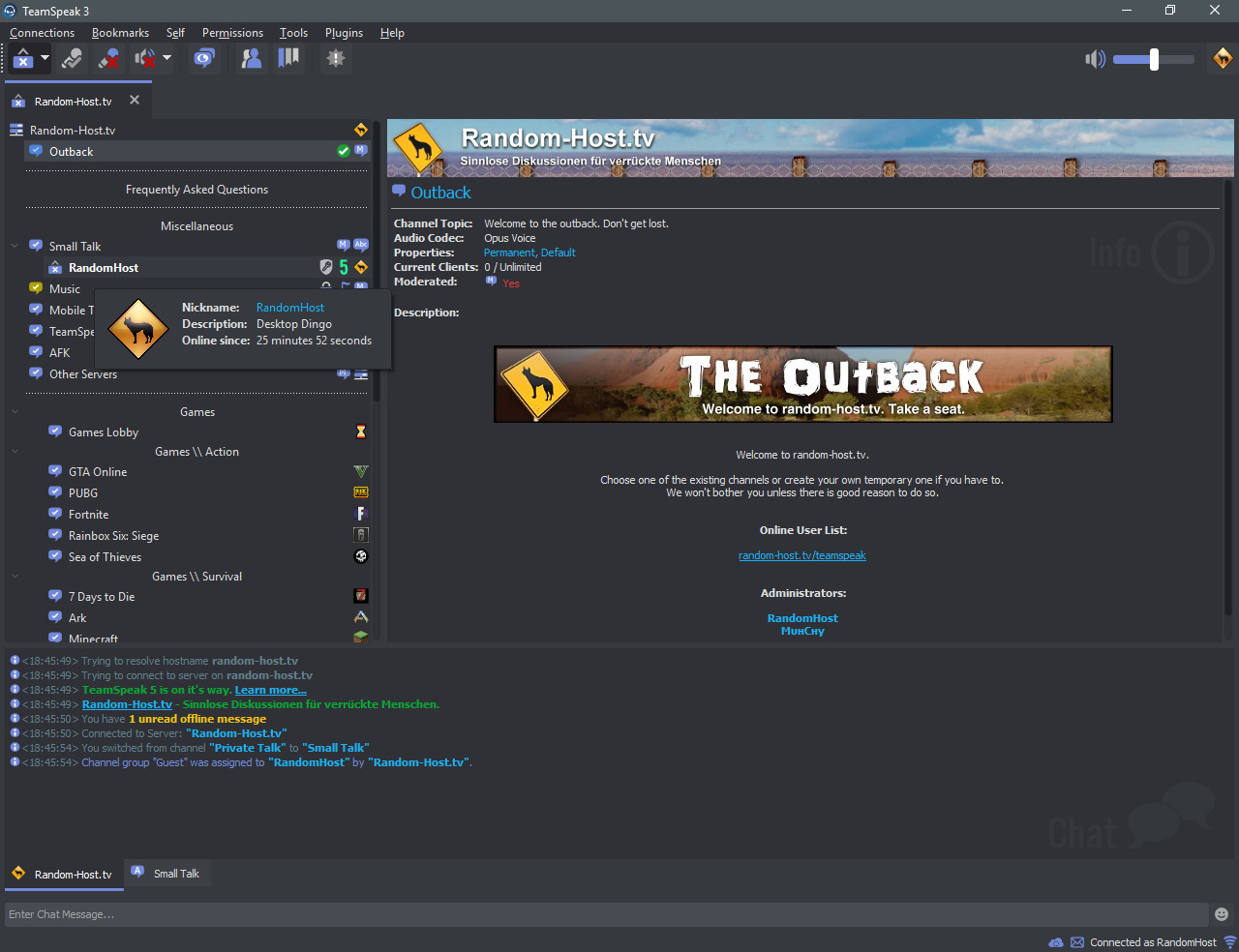
Teamspeak screenshot 1

Setup time

A few minutes

Deployment

Your own server

Services

2 connected services

Why Teamspeak

Everything you need, running where you choose.

Get the full Teamspeak experience with Easypanel handling the repetitive infrastructure work around it.

Voice Communication
High-quality, low-latency voice chat for seamless communication.
Server Hosting
Host your own server with full administrative control.
Permissions System
Manage user roles and permissions with a granular system.
File Transfers
Securely transfer files directly within TeamSpeak.
Cross-Platform Support
Available on Windows, macOS, Linux, iOS, and Android.
Plugins & Add-ons
Extend functionality with community-built plugins and integrations.
How it works

From template to live app in three steps.

Easypanel turns the template into real services, storage, and domains on the server you already control.

Already have Easypanel? Open your dashboard at the URL or IP of your own installation.

Installation guide
1
Open your dashboard
Visit the URL or IP of your Easypanel installation and choose the target project.
2
Choose Teamspeak
Open Templates, select Teamspeak, then review its service names and configuration.
3
Deploy and open your app
Easypanel starts every service and provisions an HTTPS domain for you.
Installation options
The template asks for these values before creating your services.
OptionDefaultRequired

App Service Name

teamspeakRequired

App Service Image

teamspeak:3.13.7Required

Query Server

10011Required

Virtual Base Server

9987Required

File Manager Server

30033Required
Resources
Project documentation and source code.
Latest template update
Jan 29, 2025

First release

Questions

Deploy with confidence.

The template handles the application setup while Easypanel keeps the infrastructure understandable and under your control.

Keep exploring

Related templates

Browse all
MiroTalk P2P logo
MiroTalk P2P
MiroTalk P2P is a powerful WebRTC-based peer-to-peer video conferencing platform that enables secure, real-time communication directly between participants without requiring external servers for media transmission. It offers advanced features like screen sharing, file transfer, chat messaging, and room protection, making it perfect for businesses, educational institutions, and personal use that require privacy-focused video conferencing solutions.
View template
Rocket.Chat logo
Rocket.Chat
Rocket.Chat SIX is a secure and scalable collaboration platform designed to enhance team productivity and customer service experiences. It allows you to own your data and offers extensive customization and integration options. The platform brings together messages, projects, and tasks into one place, enabling teams to work more efficiently. It also provides an omnichannel customer service experience, allowing businesses to engage in contextual interactions with customers, fostering long-term relationships and improved business outcomes. Additionally, Rocket.Chat SIX features a chat engine to drive higher user engagement within your app or website. The platform is built for teams that need more control, offering end-to-end encryption, compliance with various data protection regulations, and a wide range of deployment options to meet your security needs.
View template
Papra logo
Papra
Papra is a modern, open-source project management and collaboration platform designed to help teams organize their work, track progress, and collaborate effectively. It provides a comprehensive suite of tools for task management, team communication, file sharing, and project tracking in a single, integrated platform. Papra offers an intuitive interface with powerful features for managing complex projects and workflows.
View template
Teamspeak logo
Ready to deploy Teamspeak?
Open your own Easypanel dashboard, choose Teamspeak from Templates, and review the deployment options.