All templates

Deploy Wordpress on your own server.

Wordpress logo

WordPress is an open-source platform that empowers you to create a unique online space for your business, interests, or any other purpose. It offers a real-time, intuitive editing experience, allowing you to see exactly how your site will look as you add, edit, and rearrange your content. With flexible design tools and powerful features,…

Your infrastructureAutomatic HTTPSNo lock-in

Screenshots

A closer look at Wordpress.
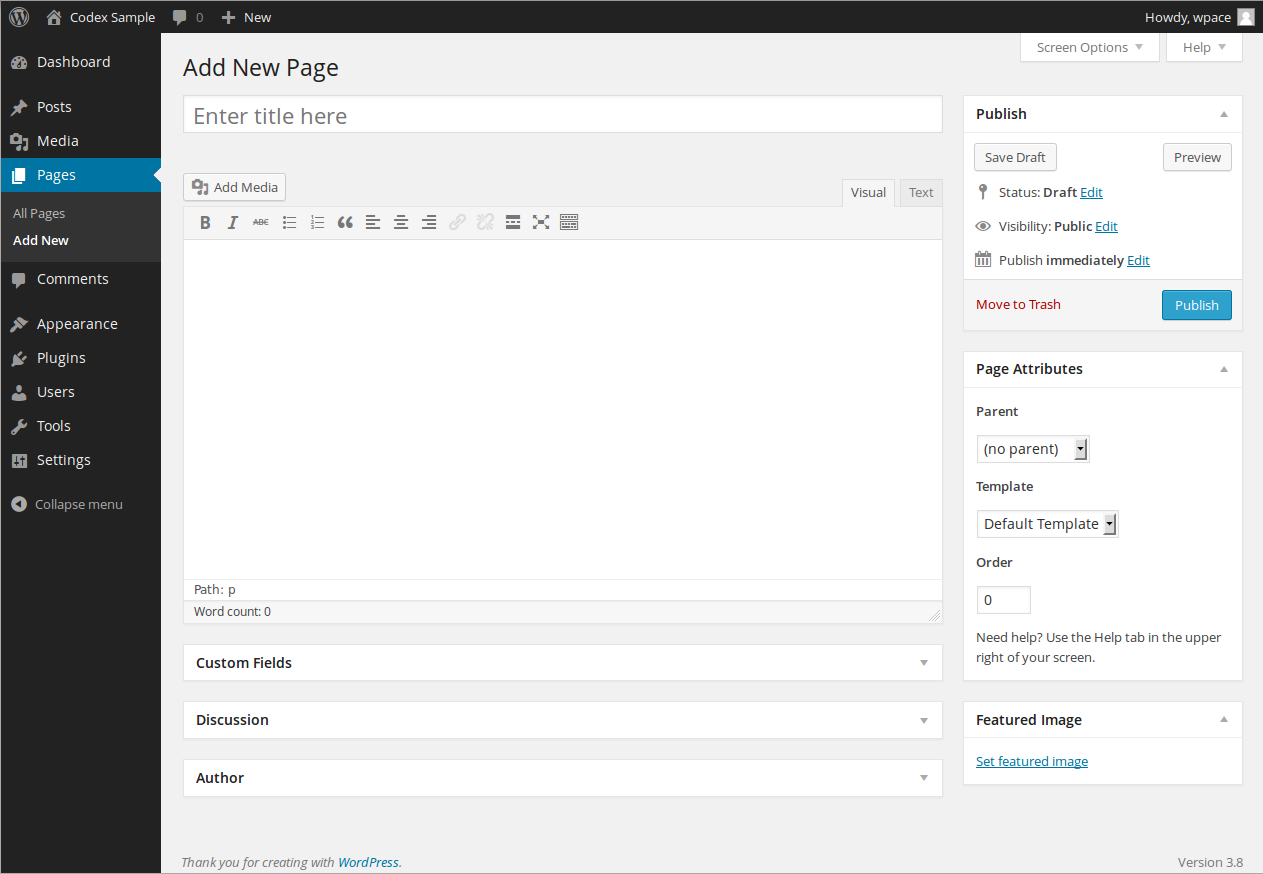
Wordpress screenshot 1

Setup time

A few minutes

Deployment

Your own server

Services

2 connected services

Why Wordpress

Everything you need, running where you choose.

Get the full Wordpress experience with Easypanel handling the repetitive infrastructure work around it.

Flexibility
Create any kind of custom site with intuitive editing, flexible design tools, and powerful features to manage it all.
Customization
Design anything you imagine. Start with a blank canvas or choose from a wide variety of themes and patterns. Customize every detail, from color and fonts to layouts and functionality.
Extensibility
Make WordPress do whatever you need it to. Add a store, mailing list, portfolio, social feed, analytics; you’re in control with over 55,000 plugins.
Ownership
Your content, your design, and your data always belong to you. With WordPress you’re free to tell your story, grow your brand, or simply be yourself.
Stability and Security
Built by an open source community with decades of experience, its passionate contributors are committed to keeping WordPress as stable and secure as possible.
One-click deployment
Skip manual Docker setup. Easypanel creates and connects the services this app needs.
How it works

From template to live app in three steps.

Easypanel turns the template into real services, storage, and domains on the server you already control.

Already have Easypanel? Open your dashboard at the URL or IP of your own installation.

Installation guide
1
Open your dashboard
Visit the URL or IP of your Easypanel installation and choose the target project.
2
Choose Wordpress
Open Templates, select Wordpress, then review its service names and configuration.
3
Deploy and open your app
Easypanel starts every service and provisions an HTTPS domain for you.
Installation options
The template asks for these values before creating your services.
OptionDefaultRequired

App Service Name

wordpressRequired

App Service Image

wordpress:latestRequired

Database Type

MariaDB / MySQLRequired

Database Service Name

wordpress-dbRequired
Resources
Project documentation and source code.
Latest template update
Jul 12, 2022

first release

Questions

Deploy with confidence.

The template handles the application setup while Easypanel keeps the infrastructure understandable and under your control.

Keep exploring

Related templates

Browse all
Joomla logo
Joomla
Joomla is a powerful, open-source content management system (CMS) that allows users to build dynamic websites and applications. It offers a user-friendly interface, extensive customization options through templates and extensions, and robust security features. Joomla is highly scalable and supports multilingual content, making it a versatile choice for businesses, organizations, and personal websites. The application is accessible via your host on standard web ports and is easy to deploy using containers.
View template
Prestashop logo
Prestashop
Prestashop is an open-source e-commerce platform that empowers businesses to build and manage their online stores. It provides a user-friendly interface, a robust product catalog system, order management, and customizable themes, making it an ideal choice for merchants of all sizes. Prestashop supports multiple payment gateways, multilingual and multi-currency features, and SEO optimization to ensure a global reach and enhanced online visibility. Additionally, it offers a vibrant marketplace for modules and themes, enabling seamless customization and integration with third-party services.
View template
Ghost logo
Ghost
Ghost is a robust application designed for new-media creators looking to turn their audience into a business. It provides a suite of modern tools to build a website, publish engaging content, send newsletters, and offer paid subscriptions to members. Ghost allows you to launch your website with a selection of beautiful free themes and design settings that can be tweaked to match your brand and style. It also offers an editor built for professionals, with advanced workflows and a user-friendly interface. With Ghost, you can expand your story beyond words, incorporating image galleries, gifs, video, audio, and more into your content. The app also includes built-in newsletters, allowing you to deliver posts by email to your audience. Ghost simplifies the process of building an indie publication with memberships and subscriptions, with native signup forms that convert anonymous views into logged-in members. It also provides detailed engagement analytics to understand what content is getting the most attention and who your biggest fans are. Ghost also supports offers and promotions to entice new subscribers and grow your business.
View template
Wordpress logo
Ready to deploy Wordpress?
Open your own Easypanel dashboard, choose Wordpress from Templates, and review the deployment options.