All templates

Deploy Akaunting on your own server.

Akaunting logo

Akaunting is a powerful online accounting software designed for small businesses, freelancers, and entrepreneurs. This free and open-source solution provides comprehensive financial management tools with a modern, user-friendly interface. Built on Laravel, it offers robust double-entry bookkeeping, real-time financial tracking, and…

Your infrastructureAutomatic HTTPSNo lock-in

Screenshots

A closer look at Akaunting.
2 images
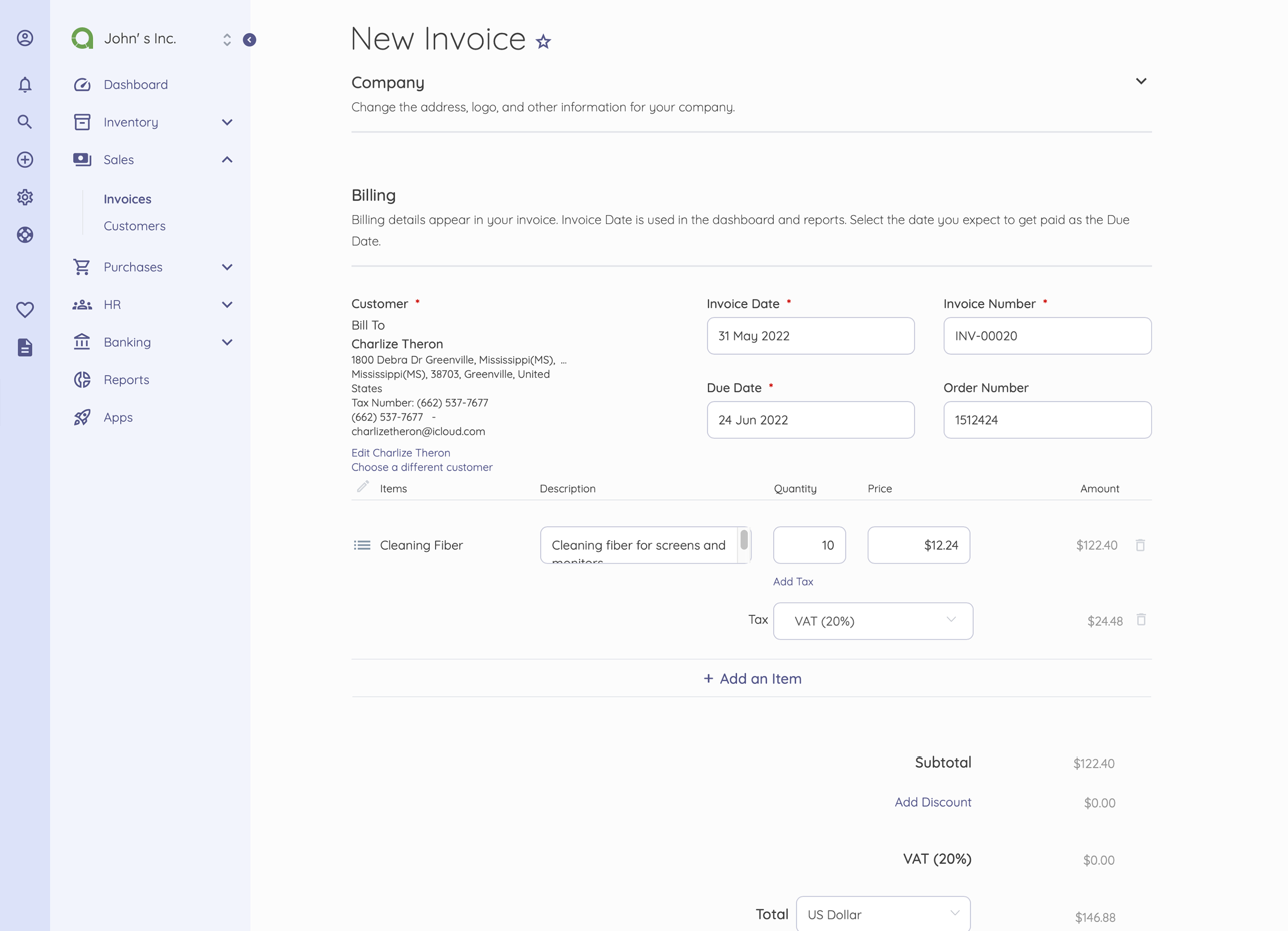
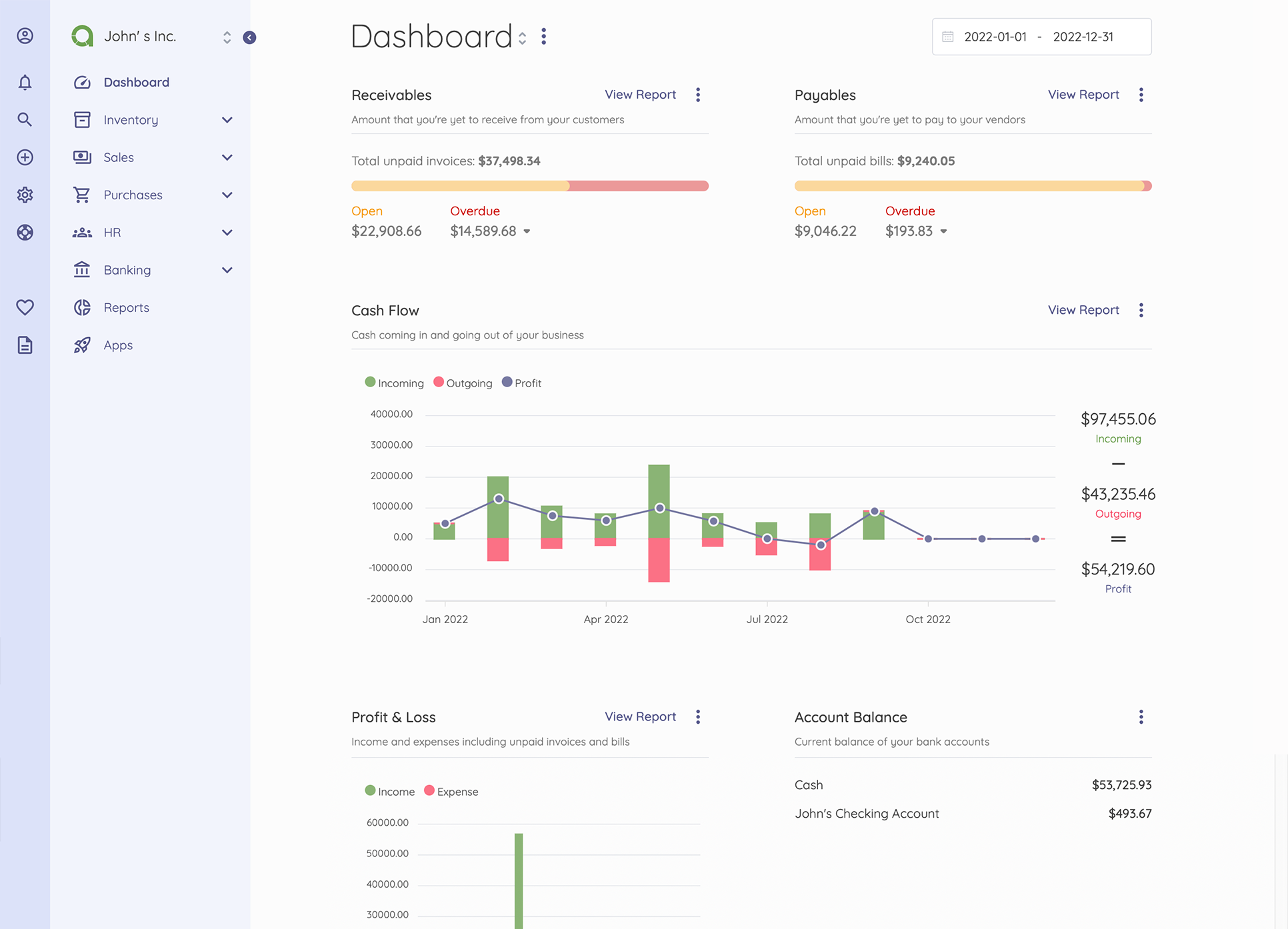
Akaunting screenshot 1Akaunting screenshot 2

Setup time

A few minutes

Deployment

Your own server

Services

2 connected services

Why Akaunting

Everything you need, running where you choose.

Get the full Akaunting experience with Easypanel handling the repetitive infrastructure work around it.

Double-Entry Bookkeeping
Built on professional accounting principles, Akaunting provides comprehensive double-entry bookkeeping to ensure accurate financial records and maintain compliance with accounting standards.
Invoice & Bill Management
Create professional invoices, track bills, and manage payments efficiently. Automated features help you stay on top of accounts receivable and payable.
Financial Reporting
Generate detailed financial reports including profit & loss statements, balance sheets, and tax summaries. Get real-time insights into your business's financial health.
Multi-User & Multi-Company
Support for multiple users and companies makes Akaunting perfect for growing businesses or accountants managing multiple clients.
Professional Accounting Made Simple
Akaunting simplifies professional accounting with an intuitive interface and automated features, making it easy for non-accountants to maintain accurate financial records.
Free and Open-Source
As a free, open-source solution, Akaunting eliminates expensive software costs while giving you full control over your financial data and the freedom to modify the software to suit your needs.
How it works

From template to live app in three steps.

Easypanel turns the template into real services, storage, and domains on the server you already control.

Already have Easypanel? Open your dashboard at the URL or IP of your own installation.

Installation guide
1
Open your dashboard
Visit the URL or IP of your Easypanel installation and choose the target project.
2
Choose Akaunting
Open Templates, select Akaunting, then review its service names and configuration.
3
Deploy and open your app
Easypanel starts every service and provisions an HTTPS domain for you.
Installation options
The template asks for these values before creating your services.
OptionDefaultRequired

App Service Name

akauntingRequired

App Service Image

docker.io/akaunting/akaunting:3.1.21-vRequired

Company Name

My CompanyRequired

Company Email

[email protected]Required

Admin Email

[email protected]Required

Admin Password

Set during installRequired
Resources
Project documentation and source code.
Latest template update
May 7, 2026

Version Bumped to 3.1.21-v

Questions

Deploy with confidence.

The template handles the application setup while Easypanel keeps the infrastructure understandable and under your control.

Akaunting logo
Ready to deploy Akaunting?
Open your own Easypanel dashboard, choose Akaunting from Templates, and review the deployment options.