All templates

Deploy SolidInvoice on your own server.

SolidInvoice logo

SolidInvoice is a self-hosted invoicing and billing platform built with Symfony and Vue.js. Create and send professional invoices and quotes, track payments, manage clients and contacts, and accept online payments through multiple payment gateways. It ships as a single container with an embedded FrankenPHP server and uses MySQL for data…

Your infrastructureAutomatic HTTPSNo lock-in

Screenshots

A closer look at SolidInvoice.
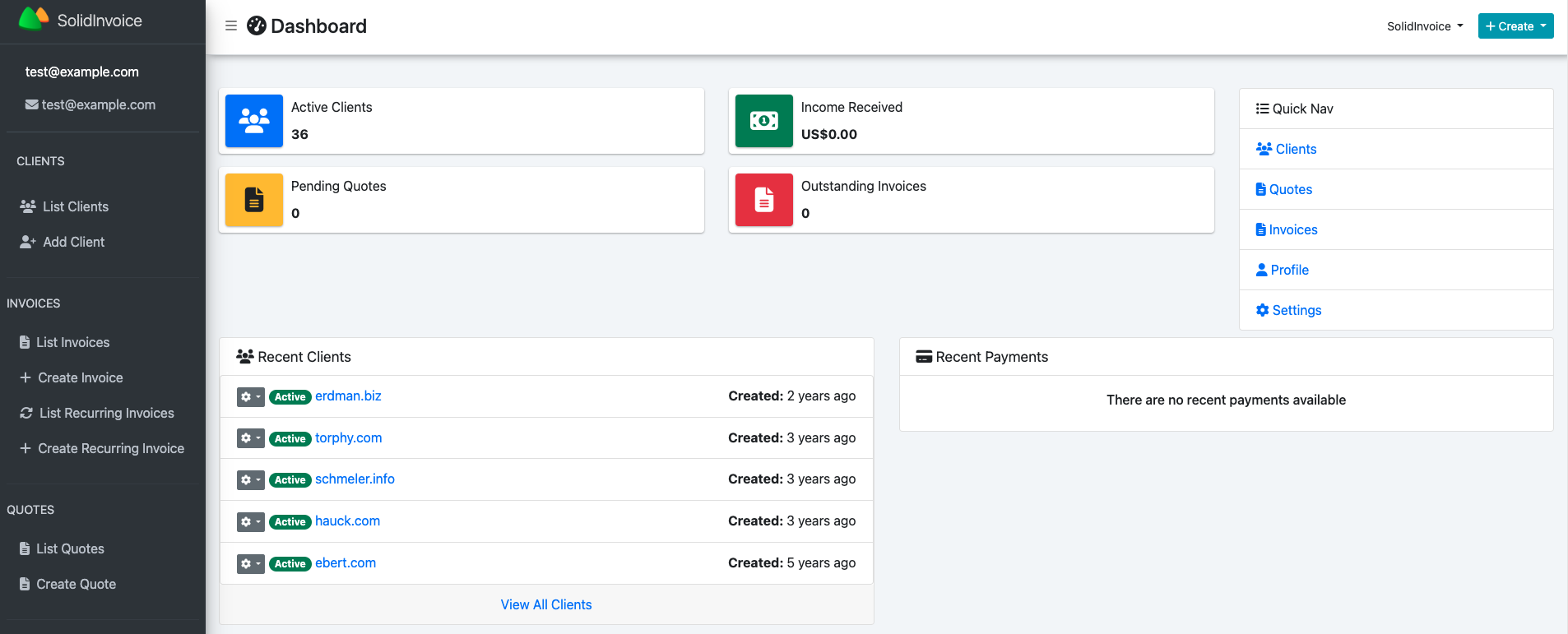
SolidInvoice screenshot 1

Setup time

A few minutes

Deployment

Your own server

Services

2 connected services

Why SolidInvoice

Everything you need, running where you choose.

Get the full SolidInvoice experience with Easypanel handling the repetitive infrastructure work around it.

Invoice & Quote Builder
Drag-and-drop line item editor with support for products, services, taxes, and discounts. Clone invoices to save time on recurring billing.
Payment Gateways
Accept online payments via Stripe, PayPal, and other gateways configured directly in the admin settings.
Tax Management
Define multiple tax rates and apply them per line item or globally. Supports compound taxes and tax-exempt clients.
Recurring Invoices
Schedule invoices to repeat daily, weekly, monthly, or yearly with automatic generation and delivery.
Multi-Currency Support
Set a base currency and bill clients in their local currency with configurable exchange rates.
Professional Invoicing
Create branded invoices and quotes with line items, tax rates, discounts, and notes. Send them directly to clients via email from the app.
How it works

From template to live app in three steps.

Easypanel turns the template into real services, storage, and domains on the server you already control.

Already have Easypanel? Open your dashboard at the URL or IP of your own installation.

Installation guide
1
Open your dashboard
Visit the URL or IP of your Easypanel installation and choose the target project.
2
Choose SolidInvoice
Open Templates, select SolidInvoice, then review its service names and configuration.
3
Deploy and open your app
Easypanel starts every service and provisions an HTTPS domain for you.
Installation options
The template asks for these values before creating your services.
OptionDefaultRequired

App Service Name

solidinvoiceRequired

App Service Image

solidinvoice/solidinvoice:3.0.0Required
Resources
Project documentation and source code.
Latest template update
Jun 18, 2026

Initial release

Questions

Deploy with confidence.

The template handles the application setup while Easypanel keeps the infrastructure understandable and under your control.

SolidInvoice logo
Ready to deploy SolidInvoice?
Open your own Easypanel dashboard, choose SolidInvoice from Templates, and review the deployment options.