All templates

Deploy Rachoon on your own server.

Rachoon logo

Rachoon is a self-hosted invoicing platform for creating and tracking invoices, managing clients, and exporting professional PDFs. This template deploys Rachoon with PostgreSQL and Gotenberg as required dependencies.

Your infrastructureAutomatic HTTPSNo lock-in

Screenshots

A closer look at Rachoon.

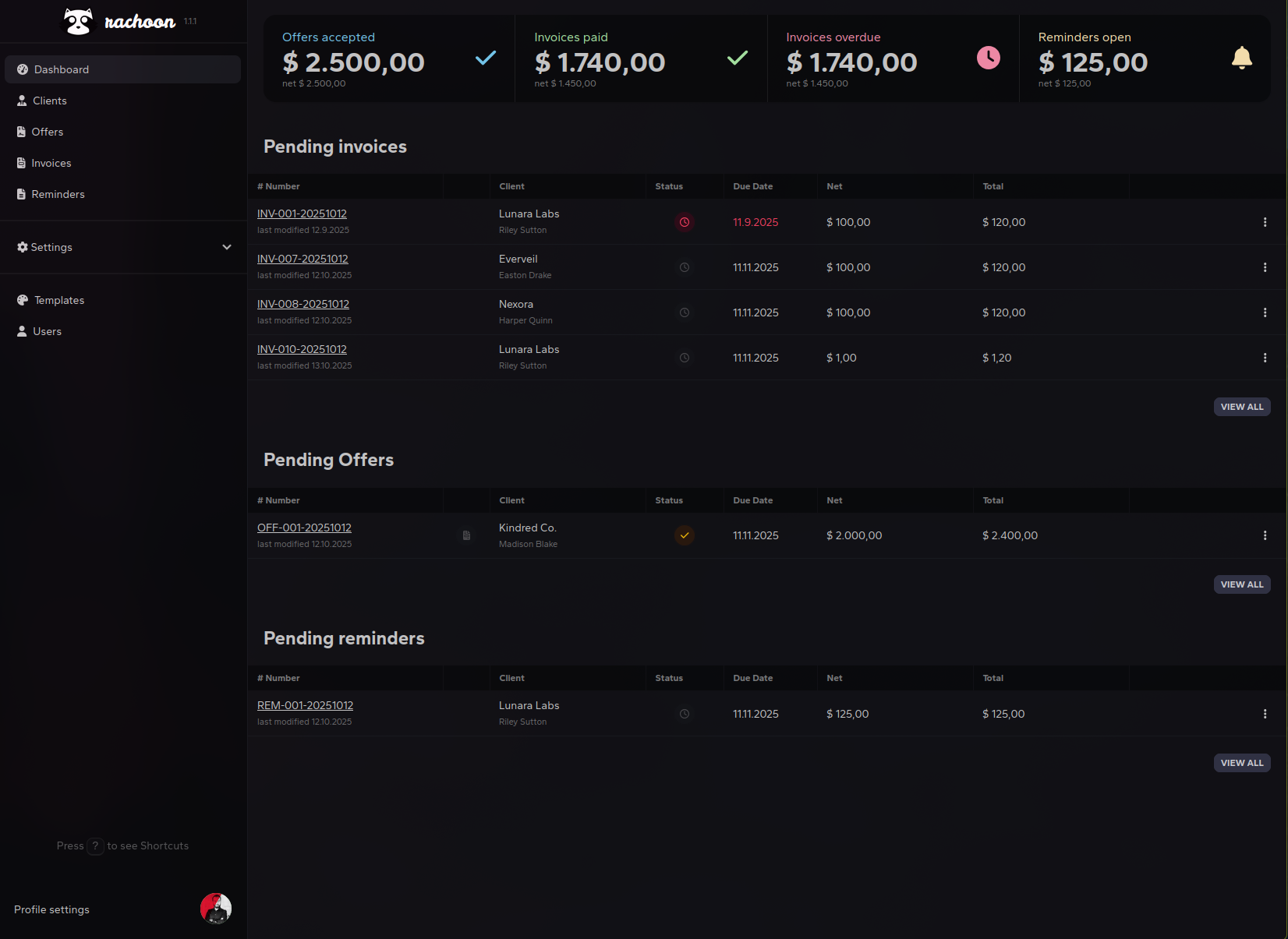
Rachoon screenshot 1

Setup time

A few minutes

Deployment

Your own server

Services

3 connected services

Why Rachoon

Everything you need, running where you choose.

Get the full Rachoon experience with Easypanel handling the repetitive infrastructure work around it.

Invoice and client management
Create, manage, and track invoices and client records from one UI.
PDF export support
Built-in Gotenberg service enables invoice PDF generation.
Persistent PostgreSQL storage
Data is stored in the PostgreSQL service volume for durability.
End-to-end invoicing stack
Deploy invoice management app, PDF generation service, and database together.
Self-hosted billing data
Keep invoice and customer data on infrastructure you control.
Ready for PDF workflows
Includes Gotenberg integration used by Rachoon for document rendering.
How it works

From template to live app in three steps.

Easypanel turns the template into real services, storage, and domains on the server you already control.

Already have Easypanel? Open your dashboard at the URL or IP of your own installation.

Installation guide
1
Open your dashboard
Visit the URL or IP of your Easypanel installation and choose the target project.
2
Choose Rachoon
Open Templates, select Rachoon, then review its service names and configuration.
3
Deploy and open your app
Easypanel starts every service and provisions an HTTPS domain for you.
Installation options
The template asks for these values before creating your services.
OptionDefaultRequired

App Service Name

rachoonRequired

Rachoon Image

ghcr.io/ad-on-is/rachoon:v1.3.7Required

Gotenberg Image

gotenberg/gotenberg:8.30.1Required

APP_KEY (optional)

Leave empty to auto-generate a secure key

Optional
Resources
Project documentation and source code.
Latest template update
Apr 7, 2026

Initial template release

Questions

Deploy with confidence.

The template handles the application setup while Easypanel keeps the infrastructure understandable and under your control.

Rachoon logo
Ready to deploy Rachoon?
Open your own Easypanel dashboard, choose Rachoon from Templates, and review the deployment options.