All templates

Deploy AutoCaliWeb on your own server.

AutoCaliWeb logo

AutoCaliWeb is a self-hosted web application for browsing, reading, and managing your eBook, eComic, and PDF library through a clean, modern interface. Built on Calibre-Web with automated enhancements, it provides automatic book ingestion from a watch folder, multi-format conversion, metadata enforcement, and cover generation. Features…

Your infrastructureAutomatic HTTPSNo lock-in

Screenshots

A closer look at AutoCaliWeb.
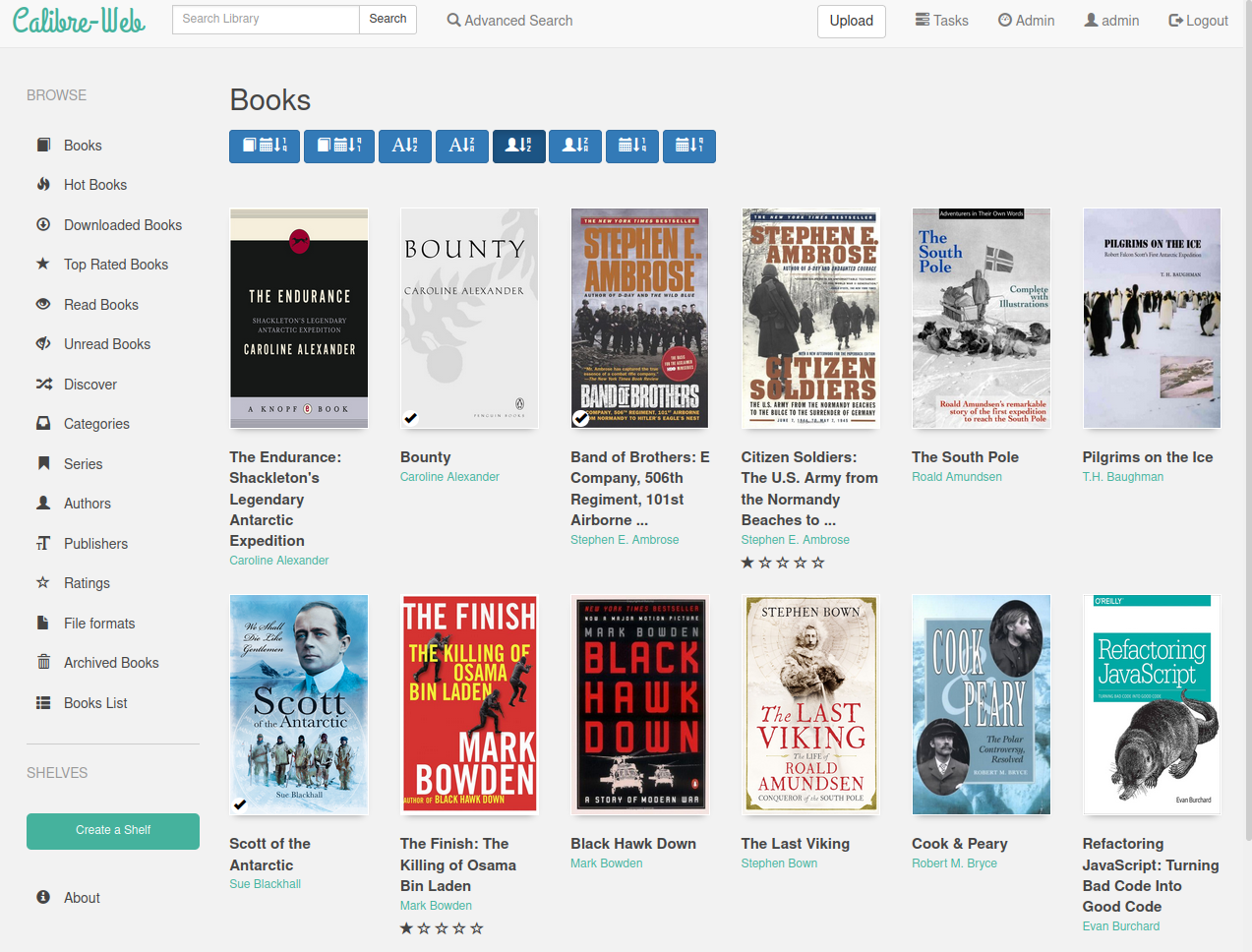
AutoCaliWeb screenshot 1

Setup time

A few minutes

Deployment

Your own server

Services

1 connected service

Why AutoCaliWeb

Everything you need, running where you choose.

Get the full AutoCaliWeb experience with Easypanel handling the repetitive infrastructure work around it.

Automatic Ingest & Conversion
Watch folder monitors for new books and automatically imports them with multi-format conversion, metadata fetching, and cover enforcement.
Comprehensive User Management
Fine-grained per-user permissions, public registration support, LDAP, Google/GitHub OAuth, OIDC, and proxy authentication.
Metadata Enrichment
Fetch metadata and covers from multiple sources including Goodreads, Hardcover, ISBNDB, Amazon JP, and LitRes. Automatically enrich newly added books.
OPDS Catalog
Built-in OPDS feed at /opds lets any compatible e-reader app browse and download books from your library.
Duplicate Management
Dedicated management system for identifying and handling duplicate books in your library.
Self-Update & Backups
Built-in self-update capability, automated backup service, and server stats tracking keep your instance healthy and up to date.
How it works

From template to live app in three steps.

Easypanel turns the template into real services, storage, and domains on the server you already control.

Already have Easypanel? Open your dashboard at the URL or IP of your own installation.

Installation guide
1
Open your dashboard
Visit the URL or IP of your Easypanel installation and choose the target project.
2
Choose AutoCaliWeb
Open Templates, select AutoCaliWeb, then review its service names and configuration.
3
Deploy and open your app
Easypanel starts every service and provisions an HTTPS domain for you.
Installation options
The template asks for these values before creating your services.
OptionDefaultRequired

App Service Name

autocaliwebRequired

AutoCaliWeb Image

gelbphoenix/autocaliweb:v0.12.4Required

Timezone

Container timezone (e.g. America/New_York, Europe/Berlin, Asia/Karachi)

Etc/UTCOptional
Resources
Project documentation and source code.
Latest template update
Apr 29, 2026

Version bumped to (v0.12.4)

Questions

Deploy with confidence.

The template handles the application setup while Easypanel keeps the infrastructure understandable and under your control.

AutoCaliWeb logo
Ready to deploy AutoCaliWeb?
Open your own Easypanel dashboard, choose AutoCaliWeb from Templates, and review the deployment options.