All templates

Deploy Cloud9 on your own server.

Cloud9 logo

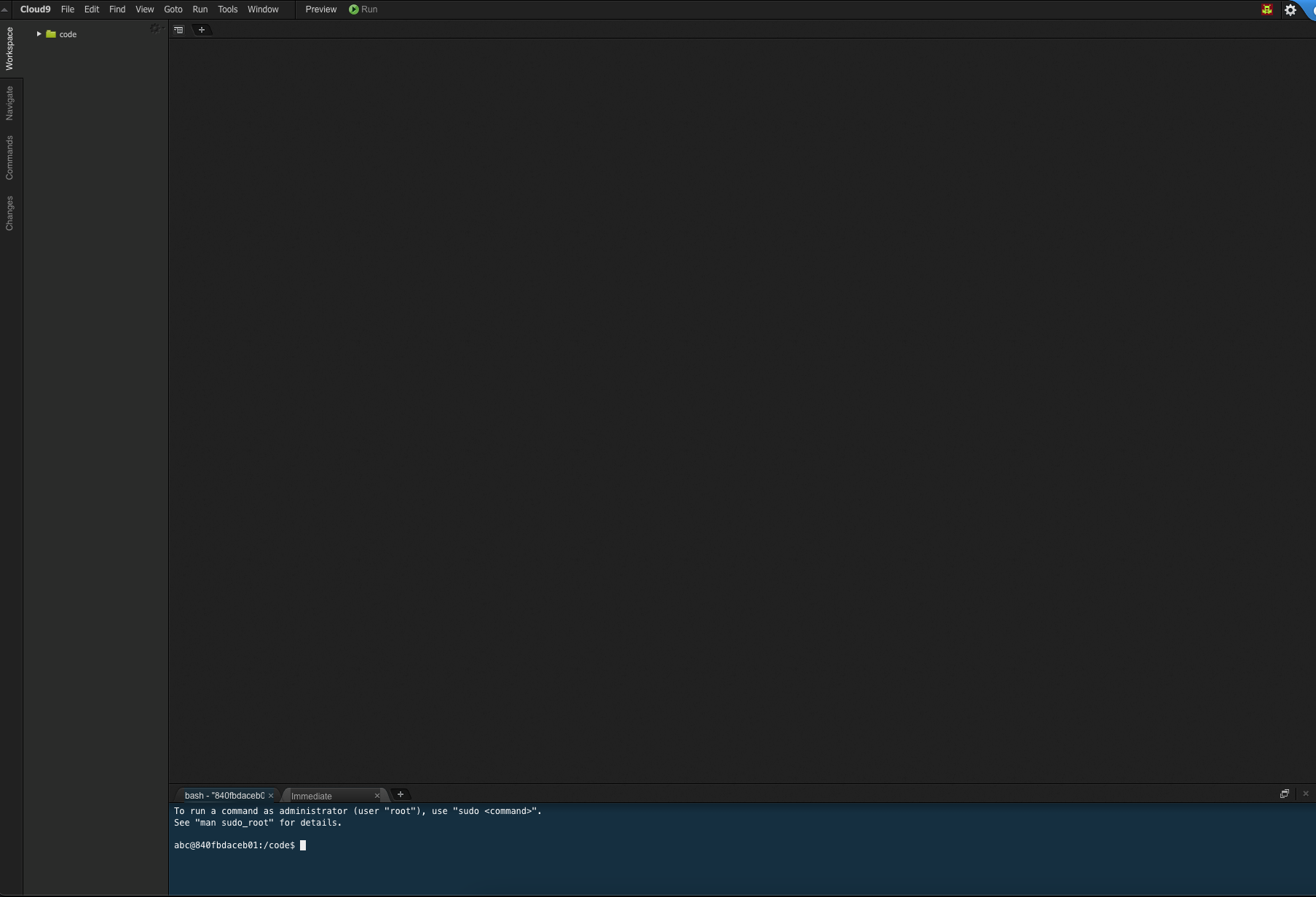
Cloud9 is a cloud-based integrated development environment (IDE) designed for developers to code, build, and debug applications collaboratively in real time. It supports a wide range of programming languages and provides a full-featured development environment directly in the browser. Cloud9 allows developers to work on their projects…

Your infrastructureAutomatic HTTPSNo lock-in

Screenshots

A closer look at Cloud9.

Cloud9 screenshot 1

Setup time

A few minutes

Deployment

Your own server

Services

1 connected service

Why Cloud9

Everything you need, running where you choose.

Get the full Cloud9 experience with Easypanel handling the repetitive infrastructure work around it.

Browser-Based IDE
Cloud9 provides a powerful, browser-based IDE that includes a rich text editor, syntax highlighting, and a terminal, making it easy to develop applications without requiring local installations.
Multi-Language Support
Cloud9 supports a wide range of programming languages, from Python to JavaScript, enabling developers to work on diverse projects within a single platform.
Scalable and Customizable
Cloud9 can be scaled to meet the needs of different projects and environments, with full support for customizing the IDE settings and environment configurations.
Cloud-Based Development
Cloud9 enables developers to code directly in the cloud, providing access to their development environment from anywhere with an internet connection.
Real-Time Collaboration
Developers can collaborate in real time, sharing their environment with team members, making it an ideal choice for remote or distributed teams.
Fully Integrated Tools
Cloud9 offers a built-in terminal, code editor, and debugger, streamlining the development workflow without the need for additional installations.
How it works

From template to live app in three steps.

Easypanel turns the template into real services, storage, and domains on the server you already control.

Already have Easypanel? Open your dashboard at the URL or IP of your own installation.

Installation guide
1
Open your dashboard
Visit the URL or IP of your Easypanel installation and choose the target project.
2
Choose Cloud9
Open Templates, select Cloud9, then review its service names and configuration.
3
Deploy and open your app
Easypanel starts every service and provisions an HTTPS domain for you.
Installation options
The template asks for these values before creating your services.
OptionDefaultRequired

App Service Name

cloud9Required

App Service Image

lscr.io/linuxserver/cloud9:1.29.2Required

Username

adminRequired

Password

Set during installRequired
Resources
Project documentation and source code.
Latest template update
Dec 26, 2024

First release

Questions

Deploy with confidence.

The template handles the application setup while Easypanel keeps the infrastructure understandable and under your control.

Keep exploring

Related templates

Browse all
Atheos logo
Atheos
Atheos is a self-hosted browser-based cloud IDE, updated from Codiad IDE with a modern approach to web development. This lightweight development environment provides fast, interactive coding without the massive overhead of desktop editors. Atheos features built-in Git integration, a comprehensive plugin system, multi-user support with permissions, and supports multiple programming languages. Perfect for developers who want a complete IDE that runs entirely in the browser with minimal server requirements and maximum functionality.
View template
RStudio logo
RStudio
RStudio is a powerful integrated development environment (IDE) for R programming and statistical computing. It provides a comprehensive set of tools for data analysis, visualization, and statistical modeling. This server-based version allows you to access RStudio through your web browser, enabling collaborative work and remote access to your R projects from anywhere. Perfect for data scientists, statisticians, and researchers working with R.
View template
Trigger logo
Trigger
Trigger.dev is a free and open-source platform that simplifies building workflows and automations directly within your codebase. It provides a powerful way to connect your application to APIs, schedule tasks, and manage real-time and delayed workflows with ease. By integrating seamlessly into your development process, Trigger.dev allows developers to focus on delivering high-value features instead of managing complex infrastructure. Its scalability and ease of use make it a great fit for modern web applications and cloud-based systems.
View template
Cloud9 logo
Ready to deploy Cloud9?
Open your own Easypanel dashboard, choose Cloud9 from Templates, and review the deployment options.