Deploy Convoy on your own server.

Convoy logo

Convoy is a self-hosted webhooks gateway. It receives, transforms, retries, and delivers webhooks between your services, with a dashboard for tracking every event and delivery. This template runs Convoy's real production architecture — separate control-plane (web) and data-plane (agent) processes behind a Caddy gateway, backed by…

Your infrastructureAutomatic HTTPSNo lock-in

Screenshots

A closer look at Convoy.

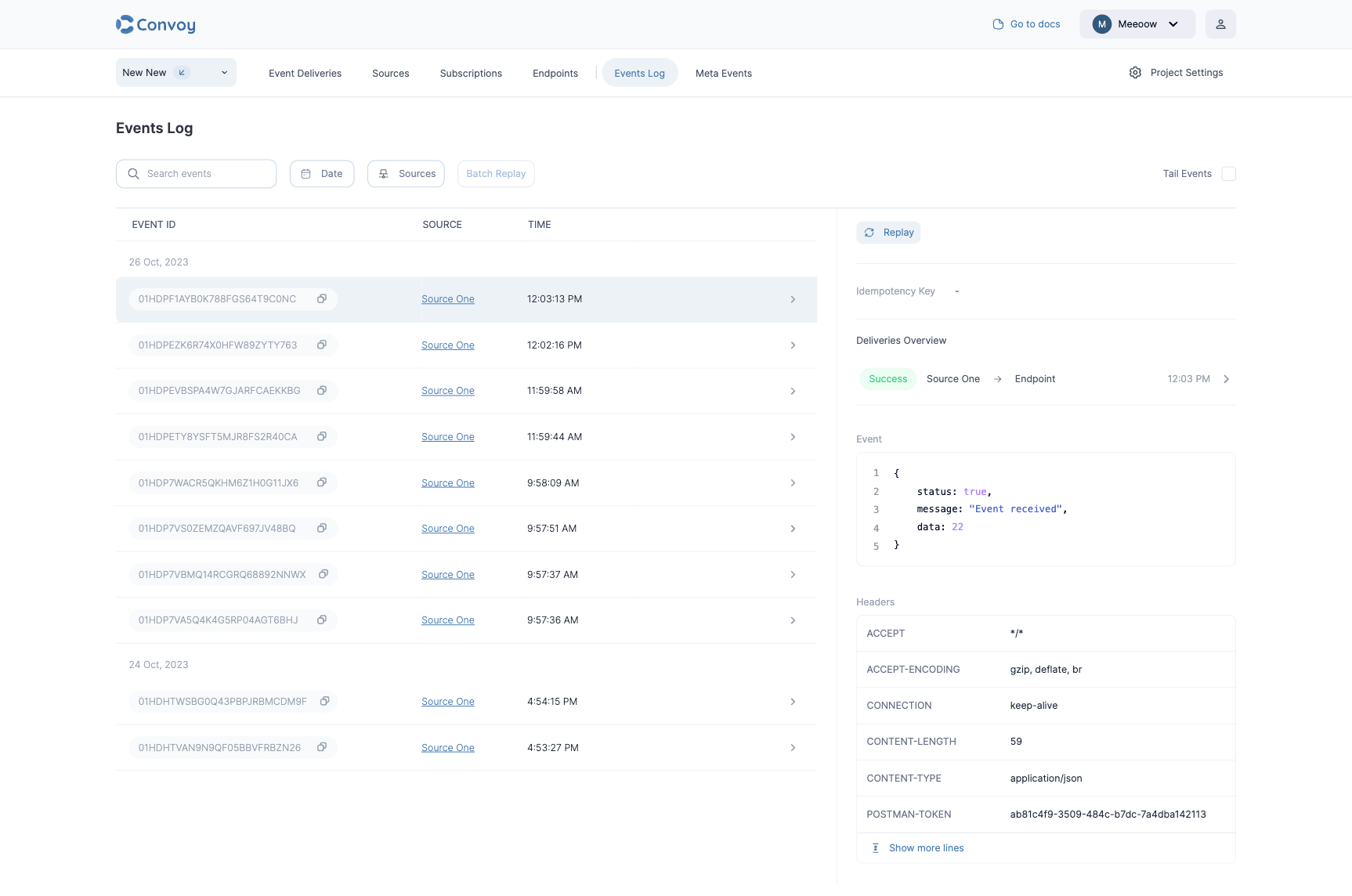
Convoy screenshot 1

Setup time

A few minutes

Deployment

Your own server

Services

5 connected services

Why Convoy

Everything you need, running where you choose.

Get the full Convoy experience with Easypanel handling the repetitive infrastructure work around it.

Webhook Transformation
Transform incoming payloads before they're forwarded to subscribers, instead of forcing every consumer to handle the source format.
Multi-Tenant Projects
Organize sources, subscriptions, and event history into separate projects and organizations from one instance.
Delivery Dashboard
Track event delivery status, retries, and failures from a web dashboard instead of digging through logs.
Real Production Architecture
Runs Convoy's actual control-plane and data-plane processes as separate services, the way the project's own reference deployment does, instead of a single do-everything container.
Reliable Delivery With Retries
Failed webhook deliveries are automatically retried with backoff, so a subscriber's brief downtime doesn't mean a lost event.
Full Event History
Every inbound and outbound event is logged with its payload and delivery attempts, so you can debug integrations without re-triggering them.
How it works

From template to live app in three steps.

Easypanel turns the template into real services, storage, and domains on the server you already control.

Already have Easypanel? Open your dashboard at the URL or IP of your own installation.

Installation guide
1
Open your dashboard
Visit the URL or IP of your Easypanel installation and choose the target project.
2
Choose Convoy
Open Templates, select Convoy, then review its service names and configuration.
3
Deploy and open your app
Easypanel starts every service and provisions an HTTPS domain for you.
Installation options
The template asks for these values before creating your services.
OptionDefaultRequired

App Service Name

convoyRequired

App Service Image

getconvoy/convoy:v26.6.6Required

Admin Email

Email for the first admin account. Its password is generated on first boot — find it in the web service's deploy logs.

[email protected]Required

Public Domain

Optional, without https:// or a trailing slash (e.g. convoy.example.com). Leave blank to deploy on the domain Easypanel assigns automatically.

Optional
Resources
Project documentation and source code.
Latest template update
Jul 21, 2026

first release

Questions

Deploy with confidence.

The template handles the application setup while Easypanel keeps the infrastructure understandable and under your control.

Convoy logo
Ready to deploy Convoy?
Open your own Easypanel dashboard, choose Convoy from Templates, and review the deployment options.