Deploy Kitsu on your own server.

Kitsu is a production tracker for animation and VFX studios, built by CGWire. Organize projects, shots, and assets, track task progress across your pipeline, and manage preview files, all from one collaborative dashboard. This template deploys Kitsu's real production architecture — the Zou API, its event stream, and the frontend behind…
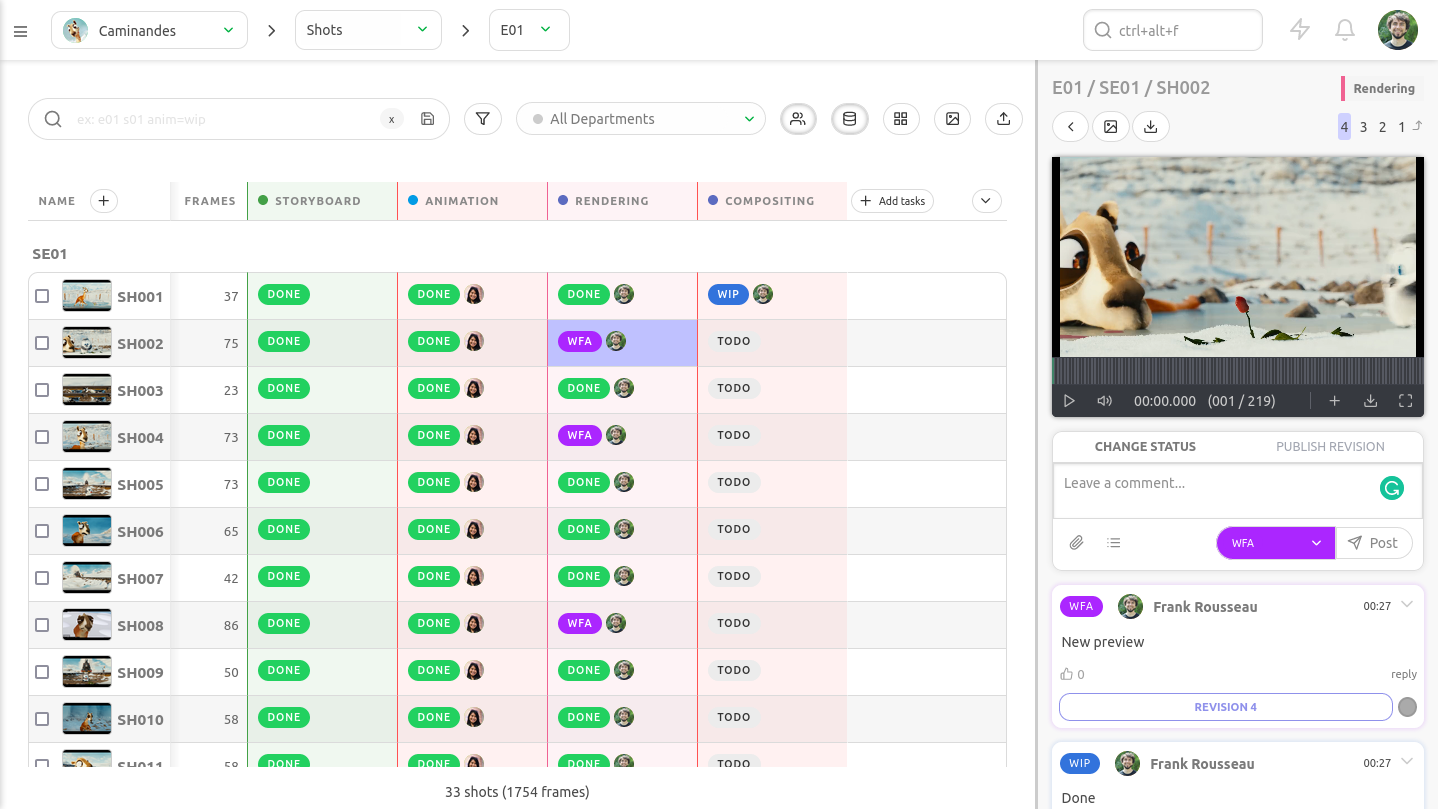
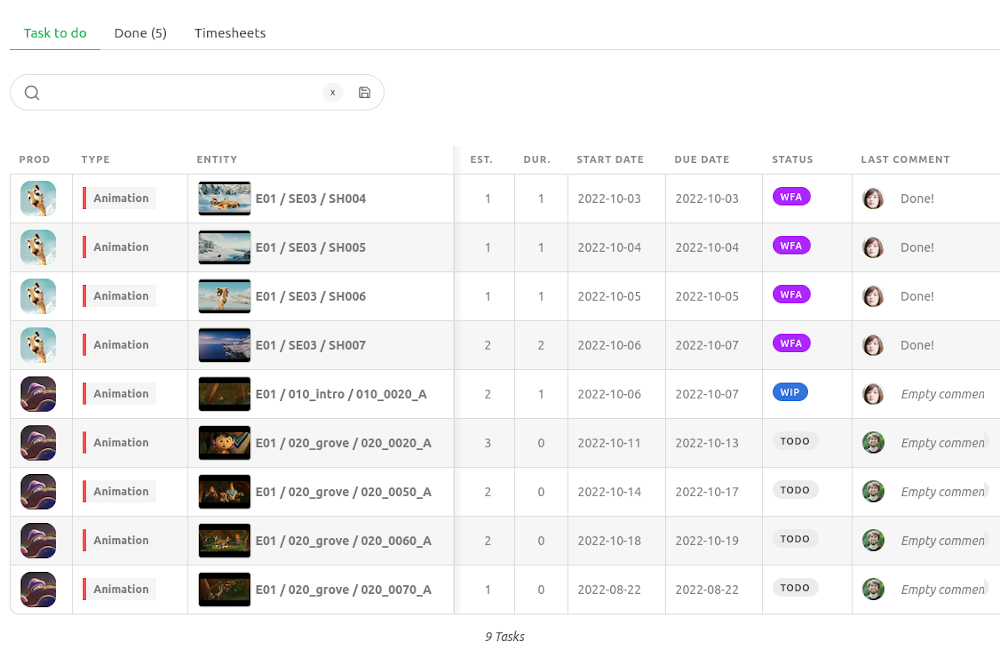
Screenshots
A closer look at Kitsu.
Setup time
A few minutes
Deployment
Your own server
Services
6 connected services
Everything you need, running where you choose.
Get the full Kitsu experience with Easypanel handling the repetitive infrastructure work around it.
From template to live app in three steps.
Easypanel turns the template into real services, storage, and domains on the server you already control.
Already have Easypanel? Open your dashboard at the URL or IP of your own installation.
Installation guide| Option | Default | Required |
|---|---|---|
App Service Name | kitsu | Required |
Public Domain Optional, without https:// or a trailing slash (e.g. kitsu.example.com). Leave blank to deploy immediately on the domain Easypanel assigns automatically — but until you set this (and redeploy), passkey/WebAuthn login won't work and outgoing emails will link to a placeholder address instead of your real one. Normal password login and the app itself are unaffected either way. | — | Optional |
Admin Email Used to sign in as the first admin user after deploying. | — | Required |
Studio Type Selects the starter reference data seeded on first boot (task statuses, task types, etc.). | 3D Animation / 2D Animation / VFX / Video Games | Required |
Enable Background Job Worker Deploys a worker for background jobs like playlist building. Off by default, matching Zou's own default. | false | Required |
Zou (Backend) Version | 1.0.57 | Required |
Kitsu (Frontend) Version | 1.0.53 | Required |
SMTP Host Optional. Required for invite emails and notifications; leave blank to disable outgoing mail entirely. | — | Optional |
SMTP Port | 587 | Optional |
SMTP Username Optional. | — | Optional |
SMTP Password Optional. | Set during install | Optional |
SMTP From Address Optional. Defaults to the admin email if left blank. | — | Optional |
first release
Deploy with confidence.
The template handles the application setup while Easypanel keeps the infrastructure understandable and under your control.
Related templates