Deploy DumbBudget on your own server.

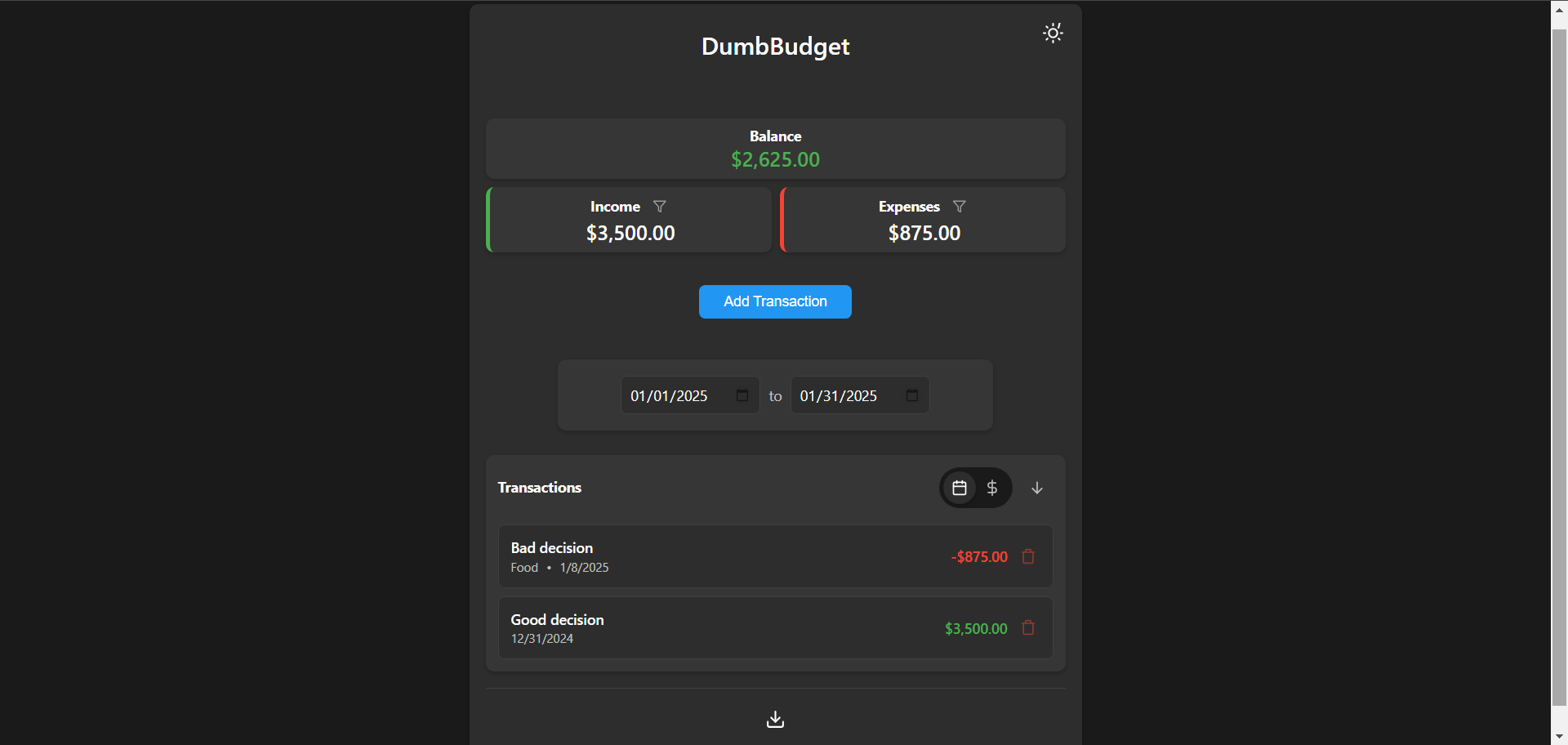
DumbBudget is a simple, self-hosted personal budgeting app from DumbWare.io. Track income and expenses with categories, PIN protection, multi-currency support, CSV export, and a responsive PWA UI. Data persists under /app/data.
Screenshots
A closer look at DumbBudget.
Setup time
A few minutes
Deployment
Your own server
Services
1 connected service
Everything you need, running where you choose.
Get the full DumbBudget experience with Easypanel handling the repetitive infrastructure work around it.
From template to live app in three steps.
Easypanel turns the template into real services, storage, and domains on the server you already control.
Already have Easypanel? Open your dashboard at the URL or IP of your own installation.
Installation guide| Option | Default | Required |
|---|---|---|
App Service Name | dumbbudget | Required |
App Service Image | dumbwareio/dumbbudget:b9db5cb32d14b7b78675d8be054611d4829253ef | Required |
DUMBBUDGET_PIN Optional. Empty = no PIN. Set a numeric PIN to protect the app at login. | — | Required |
Currency code ISO currency code (USD, EUR, GBP, …). See README for full supported list. | USD | Required |
SITE_TITLE Title shown in the app UI (upstream default DumbBudget). | DumbBudget | Required |
INSTANCE_NAME Optional label for this instance/account when running multiple deployments. | — | Required |
Version bumped to b9db5cb32d14b7b78675d8be054611d4829253ef
Deploy with confidence.
The template handles the application setup while Easypanel keeps the infrastructure understandable and under your control.
Related templates