All templates

Deploy DumbTerm on your own server.

DumbTerm logo

DumbTerm is a web-based terminal emulator that provides secure terminal access through your browser. It features PIN protection, session management, and configurable security settings. Perfect for remote server access, development environments, and system administration tasks.

Your infrastructureAutomatic HTTPSNo lock-in

Screenshots

A closer look at DumbTerm.
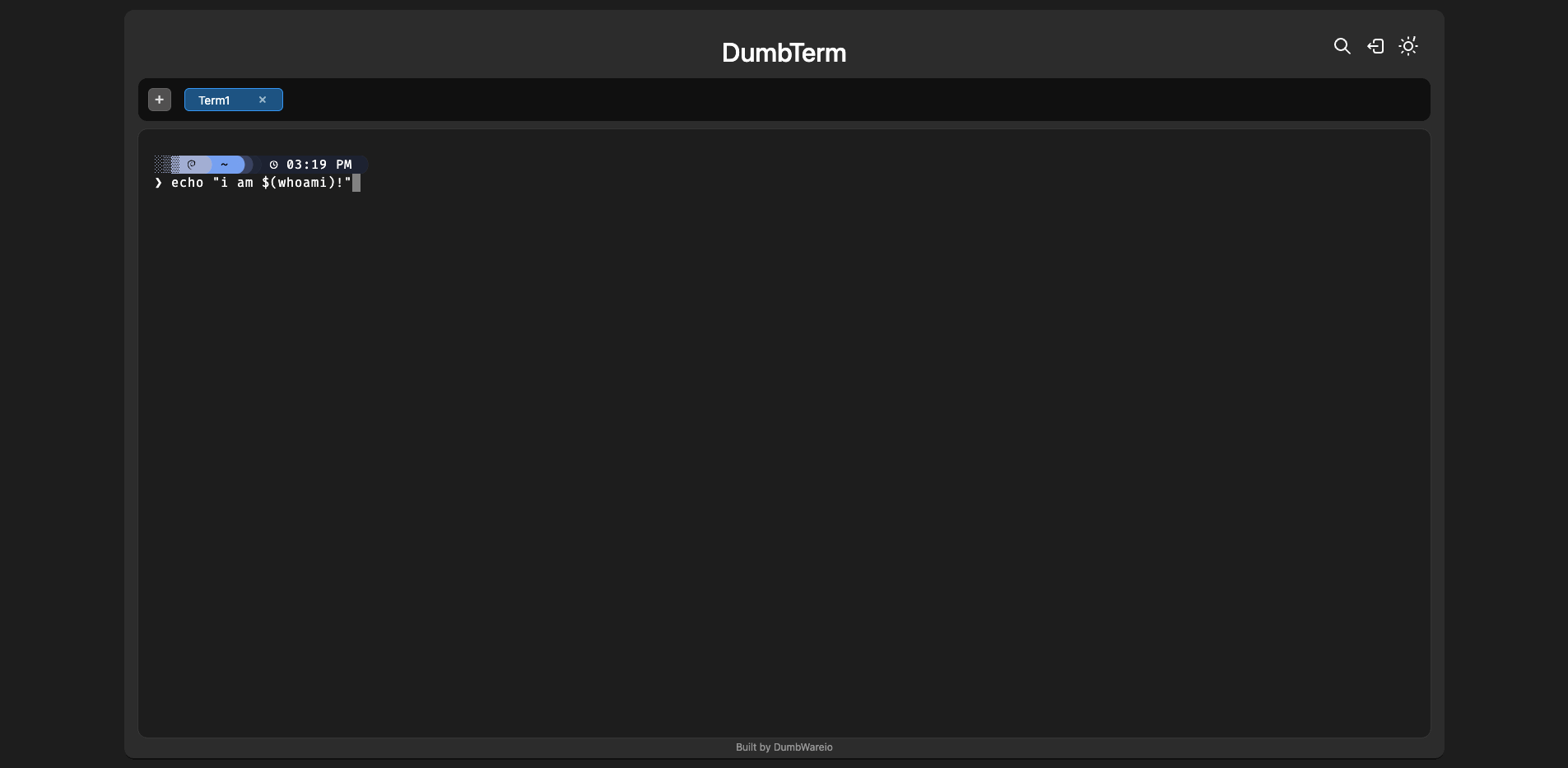
DumbTerm screenshot 1

Setup time

A few minutes

Deployment

Your own server

Services

1 connected service

Why DumbTerm

Everything you need, running where you choose.

Get the full DumbTerm experience with Easypanel handling the repetitive infrastructure work around it.

Web Interface
Clean, responsive web interface for terminal access.
PIN Protection
Optional PIN-based access control for additional security.
Session Management
Configurable session duration and lockout protection.
Starship Integration
Optional Starship prompt for enhanced terminal experience.
Timezone Configuration
Configurable timezone for proper time display.
CORS Support
Configurable cross-origin resource sharing settings.
How it works

From template to live app in three steps.

Easypanel turns the template into real services, storage, and domains on the server you already control.

Already have Easypanel? Open your dashboard at the URL or IP of your own installation.

Installation guide
1
Open your dashboard
Visit the URL or IP of your Easypanel installation and choose the target project.
2
Choose DumbTerm
Open Templates, select DumbTerm, then review its service names and configuration.
3
Deploy and open your app
Easypanel starts every service and provisions an HTTPS domain for you.
Installation options
The template asks for these values before creating your services.
OptionDefaultRequired

App Service Name

dumbtermRequired

App Service Image

dumbwareio/dumbterm:1.2.0Required
Resources
Project documentation and source code.
Latest template update
Sep 26, 2025

First release (v1.2.0)

Questions

Deploy with confidence.

The template handles the application setup while Easypanel keeps the infrastructure understandable and under your control.

Keep exploring

Related templates

Browse all
JumpServer logo
JumpServer
JumpServer is an open-source, enterprise-grade bastion host and privileged access management (PAM) solution. It provides secure access to servers, databases, and other IT resources through a web-based interface. JumpServer supports multiple authentication methods, session recording, command auditing, and fine-grained access control. It's designed to help organizations manage and monitor privileged access to critical infrastructure while maintaining security compliance and audit trails.
View template
Termix logo
Termix
Termix is a lightweight, web-based terminal emulator and SSH client that allows you to access and manage remote servers directly from your browser. It provides a modern, intuitive interface for executing commands, managing files, and administering systems without needing a traditional terminal application. Termix features session persistence, multiple connection management, customizable themes, and secure SSH connections. The web interface is responsive and works seamlessly across desktop and mobile devices, making it perfect for system administrators who need remote access on the go. All connection data is stored locally, ensuring your credentials and sessions remain private and secure.
View template
Remotely logo
Remotely
Remotely is a free, open-source remote support and remote access solution that enables IT professionals to provide remote assistance to users and manage computers remotely. Built with ASP.NET Core, it offers secure remote desktop access, file transfer capabilities, remote command execution, and comprehensive device management features. The platform includes a web-based dashboard for managing connected devices, user authentication, and audit logging. Perfect for IT support teams, managed service providers, and organizations that need to provide remote technical support and system administration.
View template
DumbTerm logo
Ready to deploy DumbTerm?
Open your own Easypanel dashboard, choose DumbTerm from Templates, and review the deployment options.