All templates

Deploy Flagsmith on your own server.

Flagsmith logo

Flagsmith is a powerful, self-hosted service for feature flag management, remote configuration, and experimentation. It provides a clean and simple interface, supports integrations with various tools, and offers advanced analytics for feature usage and experimentation results. With Flagsmith, you can maintain control over your feature…

Your infrastructureAutomatic HTTPSNo lock-in

Screenshots

A closer look at Flagsmith.
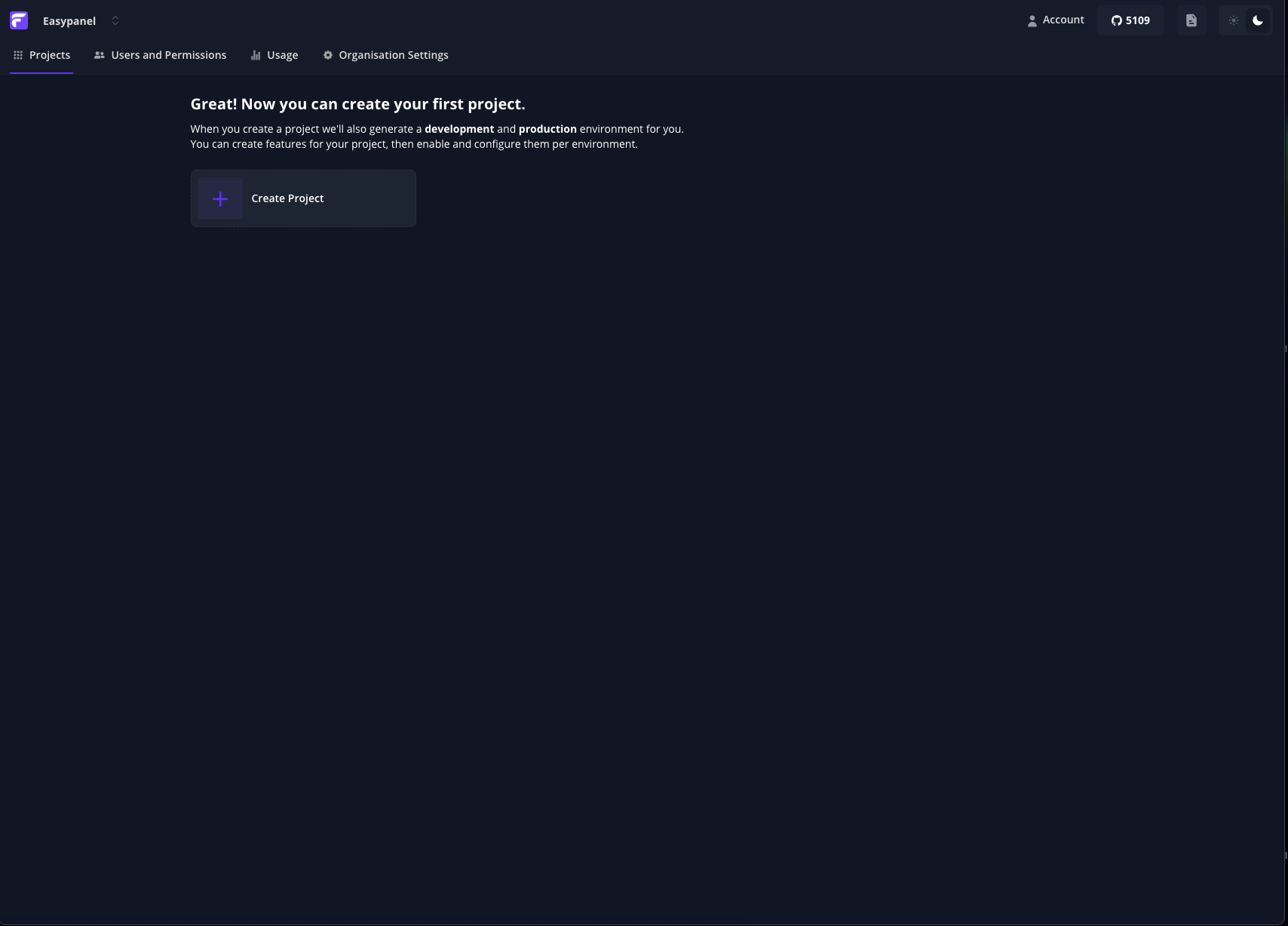
Flagsmith screenshot 1

Setup time

A few minutes

Deployment

Your own server

Services

2 connected services

Why Flagsmith

Everything you need, running where you choose.

Get the full Flagsmith experience with Easypanel handling the repetitive infrastructure work around it.

REST API
Integrate Flagsmith with other tools using its flexible API for programmatic access.
Integrations
Connect Flagsmith with tools like Slack, Segment, or GitHub for streamlined workflows.
Advanced Analytics
Gain insights into feature usage, experiments, and configurations for better decision-making.
Multi-Environment Support
Manage and deploy feature flags across multiple environments with ease.
Centralized Feature Management
Manage feature flags across all your environments and applications from a single platform.
Remote Configuration
Dynamically control application behavior without redeploying your code.
How it works

From template to live app in three steps.

Easypanel turns the template into real services, storage, and domains on the server you already control.

Already have Easypanel? Open your dashboard at the URL or IP of your own installation.

Installation guide
1
Open your dashboard
Visit the URL or IP of your Easypanel installation and choose the target project.
2
Choose Flagsmith
Open Templates, select Flagsmith, then review its service names and configuration.
3
Deploy and open your app
Easypanel starts every service and provisions an HTTPS domain for you.
Installation options
The template asks for these values before creating your services.
OptionDefaultRequired

App Service Name

flagsmithRequired

App Service Image

flagsmith/flagsmith:2.231.1Required
Resources
Project documentation and source code.
Latest template update
Apr 29, 2026

Version bumped to 2.231.1

Questions

Deploy with confidence.

The template handles the application setup while Easypanel keeps the infrastructure understandable and under your control.

Keep exploring

Related templates

Browse all
YOURLS logo
YOURLS
YOURLS (Your Own URL Shortener) is a powerful, self-hosted service designed for creating and managing short URLs. It provides a clean and simple interface, supports plugins for extended functionality, and offers detailed link tracking analytics. With YOURLS, you can maintain control over your short links and branding. The application is accessible via your host on ports 8080 and 8081. This container is based on Docker Baseimage KasmVNC, providing additional environment variables and configurations for enhanced flexibility. It also supports the docker manifest for multi-platform awareness, ensuring the correct image for your architecture.
View template
Teable logo
Teable
Teable is a powerful, self-hosted service designed for managing team collaboration and projects efficiently. It offers a clean and user-friendly interface, supports plugins for extended functionality, and provides detailed analytics on team activities. With Teable, you can maintain full control over your data and workflows.
View template
Langfuse logo
Langfuse
Langfuse is a powerful, self-hosted observability platform designed for AI applications. It simplifies monitoring, debugging, and optimizing your AI workflows with detailed insights, customizable metrics, and flexible integrations. Langfuse provides a clean and intuitive interface, robust API access, and plugin support to extend its functionality. It ensures privacy and compliance by allowing you to maintain full control over your data with a self-hosted solution. The application is accessible via your host and supports multi-platform awareness, ensuring compatibility with various architectures.
View template
Flagsmith logo
Ready to deploy Flagsmith?
Open your own Easypanel dashboard, choose Flagsmith from Templates, and review the deployment options.