Deploy GitLab CE on your own server.

GitLab CE logo

GitLab Community Edition is a complete DevOps platform combining Git repository hosting, CI/CD pipelines, issue tracking, container registry, and more in a single self-hosted application. This template runs the official Omnibus GitLab CE image, which bundles GitLab, Postgres, Redis, and all dependencies into one container.

Your infrastructureAutomatic HTTPSNo lock-in

Screenshots

A closer look at GitLab CE.
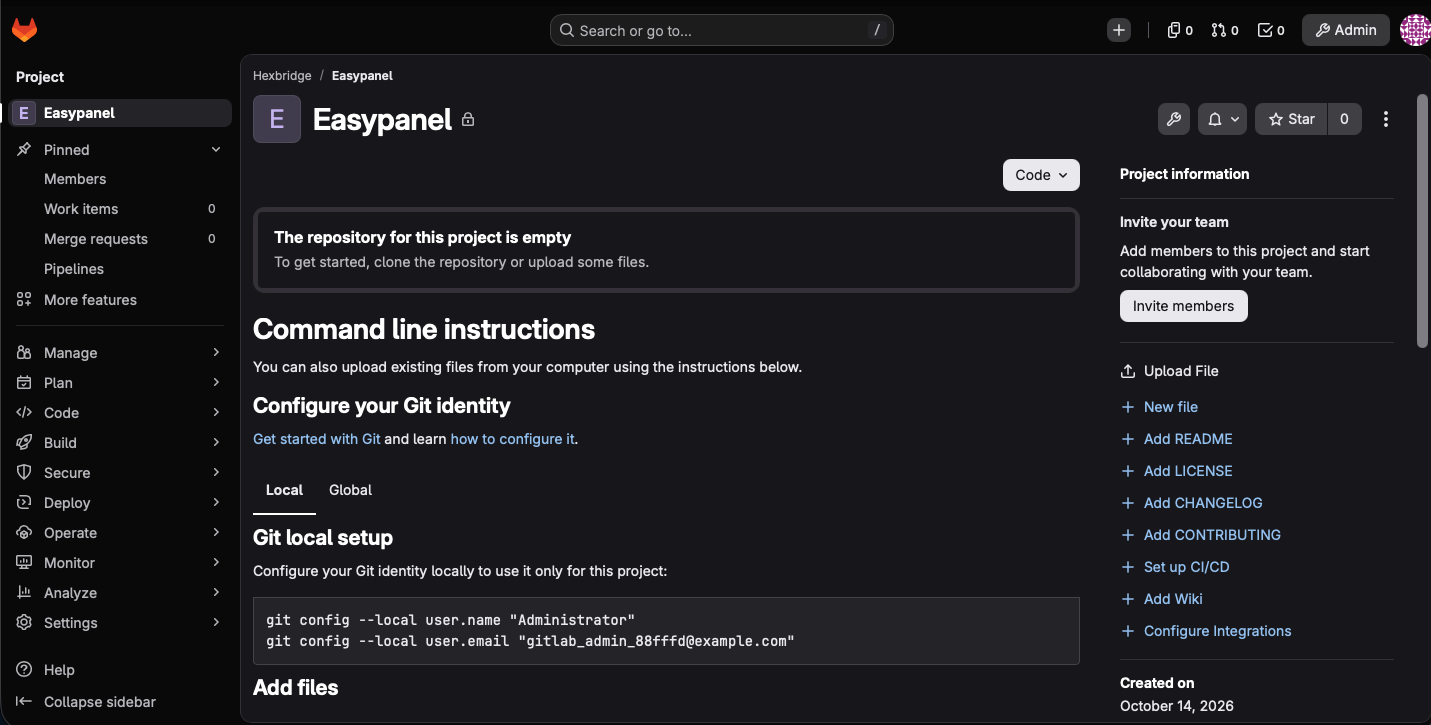
GitLab CE screenshot 1

Setup time

A few minutes

Deployment

Your own server

Services

1 connected service

Why GitLab CE

Everything you need, running where you choose.

Get the full GitLab CE experience with Easypanel handling the repetitive infrastructure work around it.

Git Repository Hosting
Unlimited private repositories with merge request workflows
CI/CD Pipelines
Define pipelines in .gitlab-ci.yml, run on connected runners
Issue Tracking
Boards, milestones, and labels for project management
Container Registry
Built-in Docker registry for every project
All-in-One DevOps
Git hosting, CI/CD, issues, and container registry in one app
Self-Hosted
Full control over your code and infrastructure
How it works

From template to live app in three steps.

Easypanel turns the template into real services, storage, and domains on the server you already control.

Already have Easypanel? Open your dashboard at the URL or IP of your own installation.

Installation guide
1
Open your dashboard
Visit the URL or IP of your Easypanel installation and choose the target project.
2
Choose GitLab CE
Open Templates, select GitLab CE, then review its service names and configuration.
3
Deploy and open your app
Easypanel starts every service and provisions an HTTPS domain for you.
Installation options
The template asks for these values before creating your services.
OptionDefaultRequired

App Service Name

gitlab-ceRequired

GitLab CE Image

gitlab/gitlab-ce:19.4.2-ce.0Required

Root Password

Set during installRequired
Resources
Project documentation and source code.
Latest template update
Oct 14, 2026

Initial release

Questions

Deploy with confidence.

The template handles the application setup while Easypanel keeps the infrastructure understandable and under your control.

Keep exploring

Related templates

Browse all
OneDev logo
OneDev
OneDev is a versatile app designed to streamline your project management and development processes. It offers a comprehensive suite of features including pull requests, issue tracking, and build management. With OneDev, you can easily manage your projects, track commits, and handle branches and tags. The app also provides a platform for managing pull requests, merging them, and discarding when necessary. It allows you to keep track of open and closed issues, as well as those that have been released. OneDev also offers a robust build management system, enabling you to monitor successful builds across various projects. The app is designed to support multiple projects, each with its own set of files, commits, branches, tags, pull requests, and builds. With OneDev, you can streamline your workflow, enhance collaboration, and improve productivity in your development projects.
View template
Sonatype Nexus logo
Sonatype Nexus
Sonatype Nexus is a powerful repository manager designed to streamline the management and storage of binary components. It enables development teams to efficiently organize, share, and deploy artifacts across various formats, such as Maven, npm, Docker, and more. With its robust feature set and enterprise-grade capabilities, Sonatype Nexus improves DevOps workflows by providing secure, scalable, and centralized storage for software assets.
View template
GitSave logo
GitSave
GitSave is a self-hosted and open-source application that backs up your Git repositories on a schedule. It supports GitHub, GitLab and other Git platforms, lets you choose how many backups to keep, and can back up to a local volume or an SMB share. GitSave includes an easy to use and responsive web interface for managing schedules, pausing or resuming backups, and viewing backup history.
View template
GitLab CE logo
Ready to deploy GitLab CE?
Open your own Easypanel dashboard, choose GitLab CE from Templates, and review the deployment options.