All templates

Deploy Glances on your own server.

Glances logo

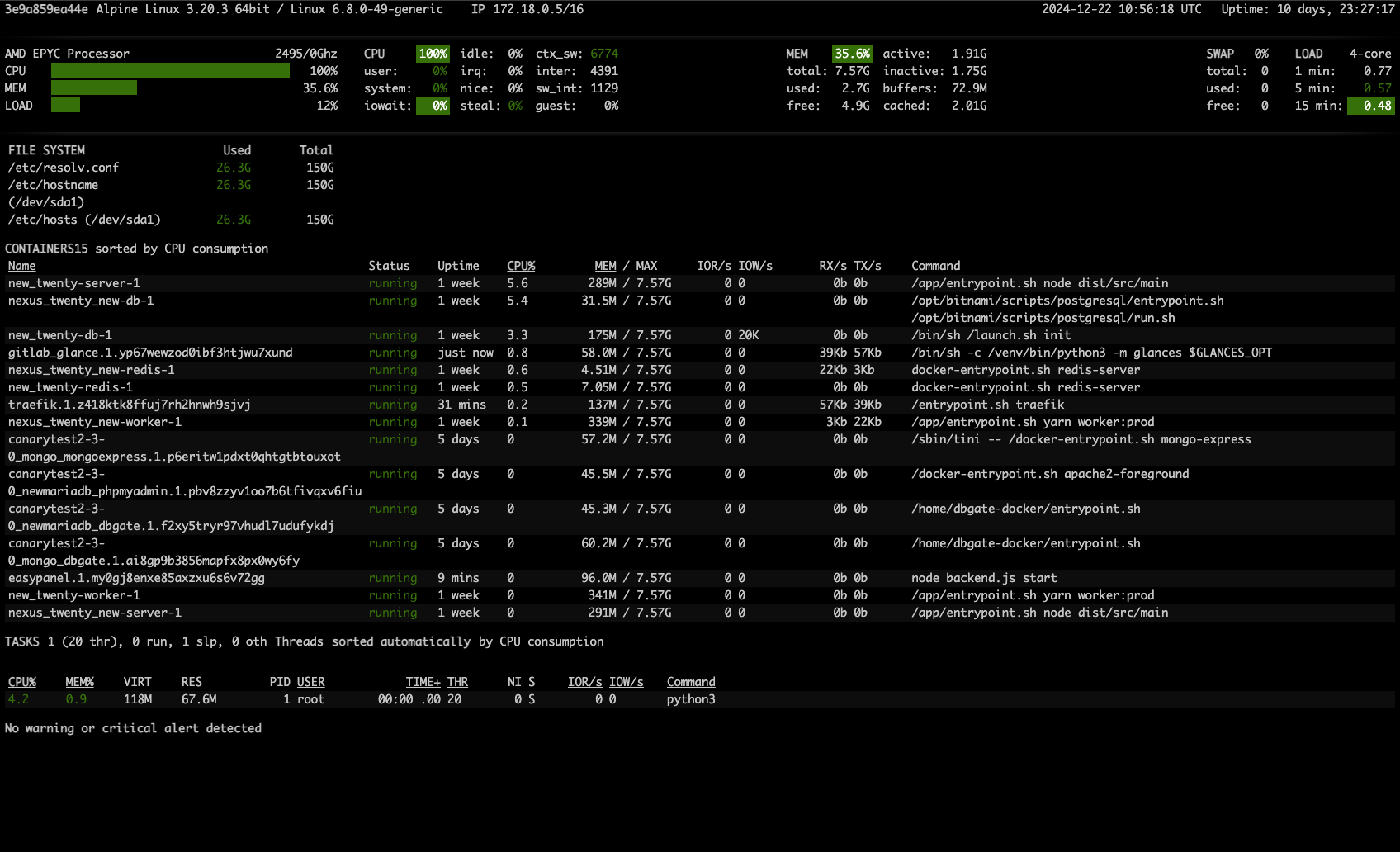
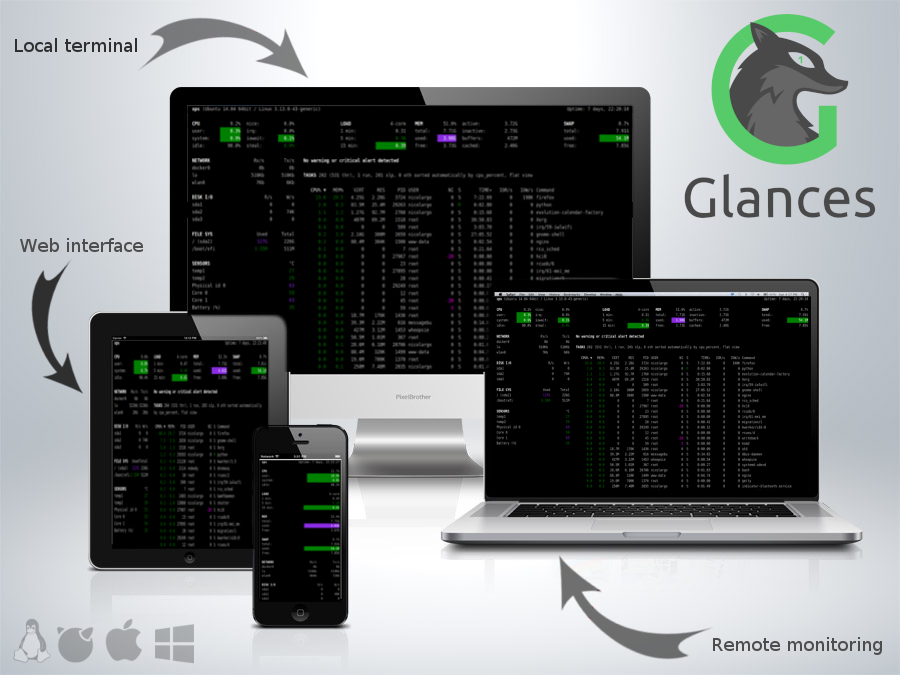
Glances is a cross-platform, real-time system monitoring tool designed to offer a unified view of your system's performance and health. It provides an intuitive interface that displays critical information, including CPU usage, memory, disk I/O, network activity, and more. Built to work seamlessly on Linux, macOS, Windows, and ARM-based…

Your infrastructureAutomatic HTTPSNo lock-in

Screenshots

A closer look at Glances.
2 images
Glances screenshot 1Glances screenshot 2

Setup time

A few minutes

Deployment

Your own server

Services

1 connected service

Why Glances

Everything you need, running where you choose.

Get the full Glances experience with Easypanel handling the repetitive infrastructure work around it.

Unified Monitoring Dashboard
Displays key performance metrics, including CPU, memory, disk usage, network traffic, and more, in a single view.
Remote Access
Access Glances remotely using its web-based UI or RESTful API.
Threshold-Based Alerts
Configure alerts based on thresholds to get notified about critical system issues in real-time.
Plugin Support
Extend functionality with plugins for additional metrics or integrations with other tools.
Multi-Platform Integration
Integrates with tools like Docker, Podman, and Kubernetes for container monitoring.
Real-Time System Monitoring
Glances provides a detailed and real-time overview of system performance metrics, ensuring you stay informed about your system's health.
How it works

From template to live app in three steps.

Easypanel turns the template into real services, storage, and domains on the server you already control.

Already have Easypanel? Open your dashboard at the URL or IP of your own installation.

Installation guide
1
Open your dashboard
Visit the URL or IP of your Easypanel installation and choose the target project.
2
Choose Glances
Open Templates, select Glances, then review its service names and configuration.
3
Deploy and open your app
Easypanel starts every service and provisions an HTTPS domain for you.
Installation options
The template asks for these values before creating your services.
OptionDefaultRequired

App Service Name

glancesRequired

App Service Image

nicolargo/glances:4.5.0.4Required
Resources
Project documentation and source code.
Latest template update
Feb 21, 2026

Version bumped to 4.5.0.4

Questions

Deploy with confidence.

The template handles the application setup while Easypanel keeps the infrastructure understandable and under your control.

Keep exploring

Related templates

Browse all
SnapDrop logo
SnapDrop
Snapdrop is a self-hosted, browser-based file-sharing platform that allows you to seamlessly transfer files between devices on the same local network. Inspired by Apple's AirDrop, Snapdrop works across any device and browser without requiring an account or installation. It provides fast, peer-to-peer file transfers using WebRTC, ensuring privacy and efficiency. Snapdrop's lightweight design ensures minimal resource usage while offering an intuitive user interface for easy file sharing.
View template
PairDrop logo
PairDrop
PairDrop is an open-source peer-to-peer file sharing application designed for seamless and secure data transfer between devices on the same network. With its minimalist design and cross-platform compatibility, PairDrop ensures a user-friendly and efficient file sharing experience. It eliminates the need for third-party cloud services, offering a direct and private solution for sharing files, links, and other data securely.
View template
Healthchecks.io logo
Healthchecks.io
Healthchecks.io is an open-source application designed for monitoring cron jobs, periodic tasks, and application endpoints. It provides a lightweight and efficient way to ensure critical processes are running as expected. Healthchecks.io integrates with a wide range of notification methods, allowing users to be alerted when tasks fail to execute within their expected intervals. With its user-friendly interface and robust feature set, Healthchecks.io empowers users to maintain reliable task execution and system monitoring.
View template
Glances logo
Ready to deploy Glances?
Open your own Easypanel dashboard, choose Glances from Templates, and review the deployment options.