Deploy HabitTrove on your own server.

HabitTrove logo

HabitTrove is a self-hosted habit and chore tracker that pays out virtual coins for completed habits, which can then be redeemed against a wishlist you define. It supports multiple household members with their own PINs, tracks streaks and completion history, and stores everything in flat JSON files rather than a database, so there is…

Your infrastructureAutomatic HTTPSNo lock-in

Screenshots

A closer look at HabitTrove.
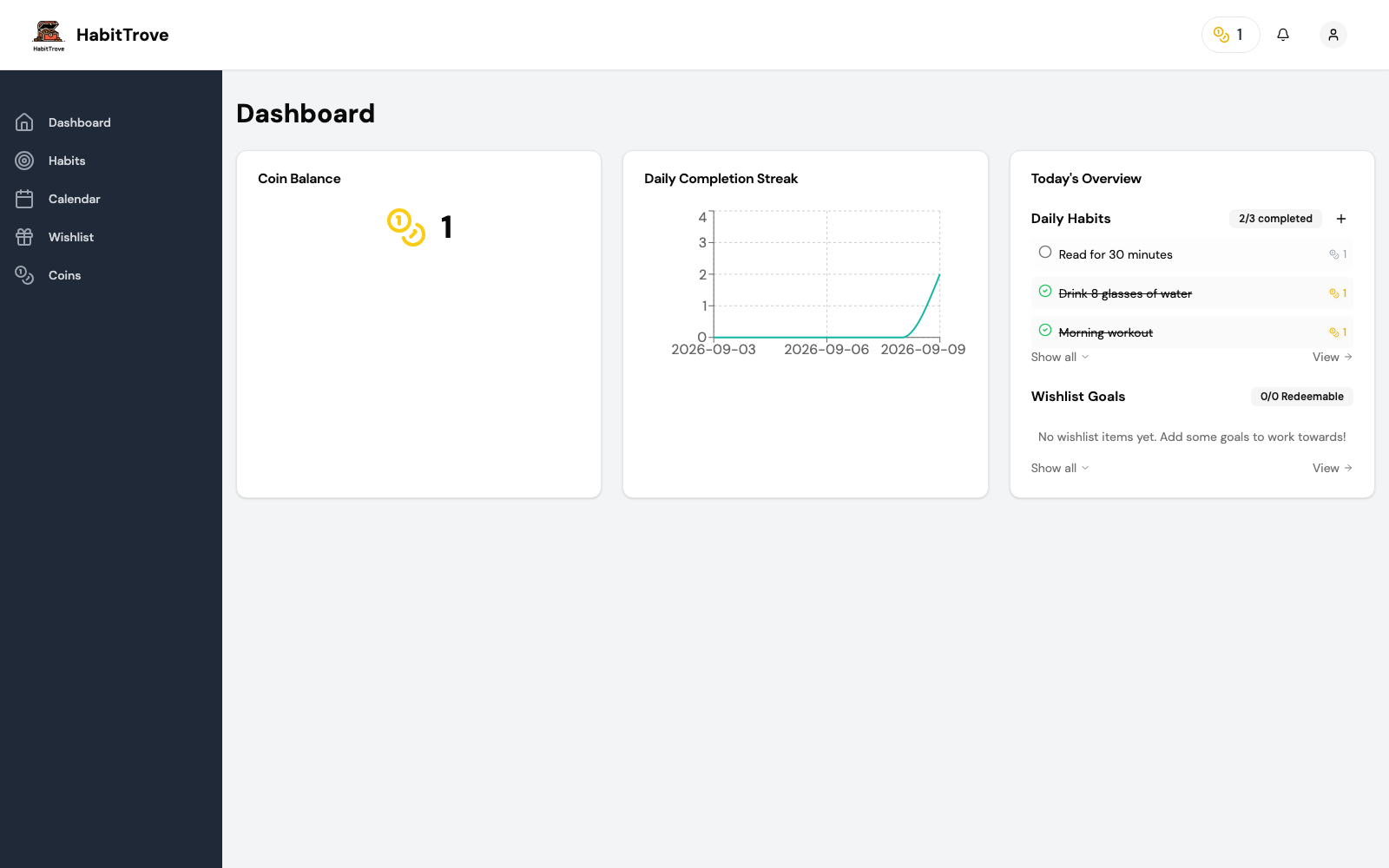
HabitTrove screenshot 1

Setup time

A few minutes

Deployment

Your own server

Services

1 connected service

Why HabitTrove

Everything you need, running where you choose.

Get the full HabitTrove experience with Easypanel handling the repetitive infrastructure work around it.

Streaks and History
Every habit tracks its completion history and current streak, so progress is visible at a glance.
Wishlist Redemption
Define rewards with a coin cost and redeem earned coins against them directly from the app.
Automatic Backups
A daily backup of the JSON data store is written to a separate backups volume automatically.
Multi-Language UI
The interface is available in multiple languages, selectable per user.
Coin-Based Rewards
Completing a habit pays out coins that can be redeemed against a wishlist, turning habit-building into a small game instead of a bare checklist.
No Database to Manage
All data is stored in flat JSON files inside a single data volume, so there is no separate database service to provision or back up.
How it works

From template to live app in three steps.

Easypanel turns the template into real services, storage, and domains on the server you already control.

Already have Easypanel? Open your dashboard at the URL or IP of your own installation.

Installation guide
1
Open your dashboard
Visit the URL or IP of your Easypanel installation and choose the target project.
2
Choose HabitTrove
Open Templates, select HabitTrove, then review its service names and configuration.
3
Deploy and open your app
Easypanel starts every service and provisions an HTTPS domain for you.
Installation options
The template asks for these values before creating your services.
OptionDefaultRequired

App Service Name

habittroveRequired

App Service Image

dohsimpson/habittrove:v0.2.31Required
Resources
Project documentation and source code.
Latest template update
Jul 13, 2026

first release

Questions

Deploy with confidence.

The template handles the application setup while Easypanel keeps the infrastructure understandable and under your control.

HabitTrove logo
Ready to deploy HabitTrove?
Open your own Easypanel dashboard, choose HabitTrove from Templates, and review the deployment options.