All templates

Deploy Hastebin on your own server.

Hastebin logo

Haste is an open-source software that allows you to quickly and easily share text snippets. It's designed to be simple, pretty, and easy to use. With Haste, you can create a 'paste' of your text and it will generate a unique URL that you can share. This is particularly useful for sharing code snippets or other information that you want…

Your infrastructureAutomatic HTTPSNo lock-in

Screenshots

A closer look at Hastebin.
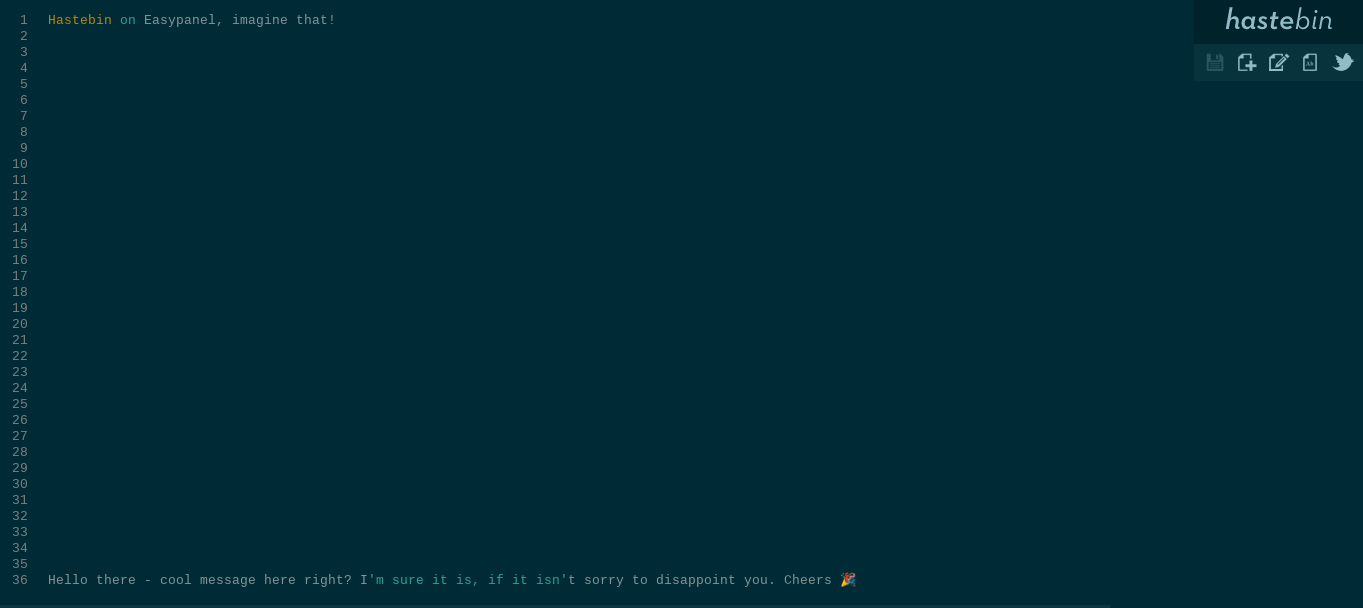
Hastebin screenshot 1

Setup time

A few minutes

Deployment

Your own server

Services

1 connected service

Why Hastebin

Everything you need, running where you choose.

Get the full Hastebin experience with Easypanel handling the repetitive infrastructure work around it.

Data Sharing
Haste makes it easy to share data. Simply input your data into the app, and Haste will generate a URL that you can share with others. This feature is perfect for those who need to share large amounts of data quickly and efficiently.
Multiple Storage Options
Haste supports a variety of data storage options. You can choose to store your data in files, Redis, PostgreSQL, MongoDB, Memcached, RethinkDB, Google Datastore, or Amazon S3. This feature gives you the flexibility to choose the storage option that best suits your needs.
Rate Limiting
Haste includes built-in rate limiting courtesy of connect-ratelimit. This feature helps to prevent abuse and ensure fair usage by limiting the number of requests a user can make within a certain timeframe.
Key Generation
Haste includes a key generation feature that generates unique keys for each piece of data you input into the app. You can choose to generate phonetic keys, similar to pwgen, or random keys. This feature ensures that each piece of data you share has a unique identifier.
Efficient Data Sharing
Haste allows users to share data quickly and efficiently. By simply inputting data into the app, users can generate a URL that can be shared with others. This eliminates the need for cumbersome email attachments or other more traditional methods of data sharing.
Versatile Data Storage
Haste supports a variety of data storage options. Whether you prefer file storage, Redis, PostgreSQL, MongoDB, Memcached, RethinkDB, Google Datastore, or Amazon S3, Haste has you covered. This flexibility allows users to choose the storage option that best suits their needs.
How it works

From template to live app in three steps.

Easypanel turns the template into real services, storage, and domains on the server you already control.

Already have Easypanel? Open your dashboard at the URL or IP of your own installation.

Installation guide
1
Open your dashboard
Visit the URL or IP of your Easypanel installation and choose the target project.
2
Choose Hastebin
Open Templates, select Hastebin, then review its service names and configuration.
3
Deploy and open your app
Easypanel starts every service and provisions an HTTPS domain for you.
Installation options
The template asks for these values before creating your services.
OptionDefaultRequired

App Service Name

hastebinRequired

App Service Image

rlister/hastebin:latestRequired
Resources
Project documentation and source code.
Latest template update
Nov 22, 2022

first release

Questions

Deploy with confidence.

The template handles the application setup while Easypanel keeps the infrastructure understandable and under your control.

Keep exploring

Related templates

Browse all
Lenpaste
Lenpaste is a web service that allows you to share notes anonymously. It is an open-source alternative to pastebin.com. The app supports multiple languages and uses cookies only to store settings. It can work without JavaScript and has its own API. Lenpaste allows you to set maximum length for the paste title and body, maximum lifetime of the paste, and rate limits for viewing and creating pastes. It also provides options to prohibit search engine crawlers from indexing the site and to set information about the server admin. Lenpaste is self-hosted and provides a list of public servers managed by various contributors.
View template
Hasty Paste logo
Hasty Paste
Hasty Paste is a fast and minimalistic app designed for quickly pasting and sharing text. It is primarily used for sharing debug logs and similar content to aid developers in providing tech support. The app is publicly accessible with no authentication required. It generates random IDs for each paste, with an optional 'long' ID to reduce the chances of brute force attacks. Users can also add expiring pastes. The app features a dark theme and optional syntax highlighting. It is designed to use minimal resources and does not require JavaScript. Hasty Paste also allows users to choose their file system and offers a custom flat-file system. The app is named 'Hasty Paste' to reflect its speed and ease of use.
View template
Paperless-ngx logo
Paperless-ngx
Paperless-ngx is a modern document management system designed to convert your physical documents into a searchable online archive, helping you maintain a clutter-free, paperless environment. It uses advanced OCR technology to add selectable text to image-only documents, and allows you to organize and index your scanned documents with tags, correspondents, types, and more. The app supports a variety of file formats including PDFs, images, plain text files, and Office documents. It also features a single-page application front end with a dashboard that displays basic statistics and allows document upload. With its full-text search functionality, you can easily find the documents you need, with results sorted by relevance to your search query. The app also includes email processing, enabling it to add documents from your email accounts. Moreover, Paperless-ngx is powered by machine learning, enabling it to learn from your documents and automatically assign tags, correspondents, and types to documents once you've stored a few documents in it. It is optimized for multi-core systems, allowing it to process multiple documents in parallel.
View template
Hastebin logo
Ready to deploy Hastebin?
Open your own Easypanel dashboard, choose Hastebin from Templates, and review the deployment options.