All templates

Deploy Headphones on your own server.

Headphones logo

Headphones is an open-source application designed to manage and organize your music library with precision and efficiency. It provides a powerful interface for searching, downloading, and managing albums and tracks, ensuring your music collection is always up-to-date. Headphones integrates seamlessly with popular media servers and…

Your infrastructureAutomatic HTTPSNo lock-in

Screenshots

A closer look at Headphones.
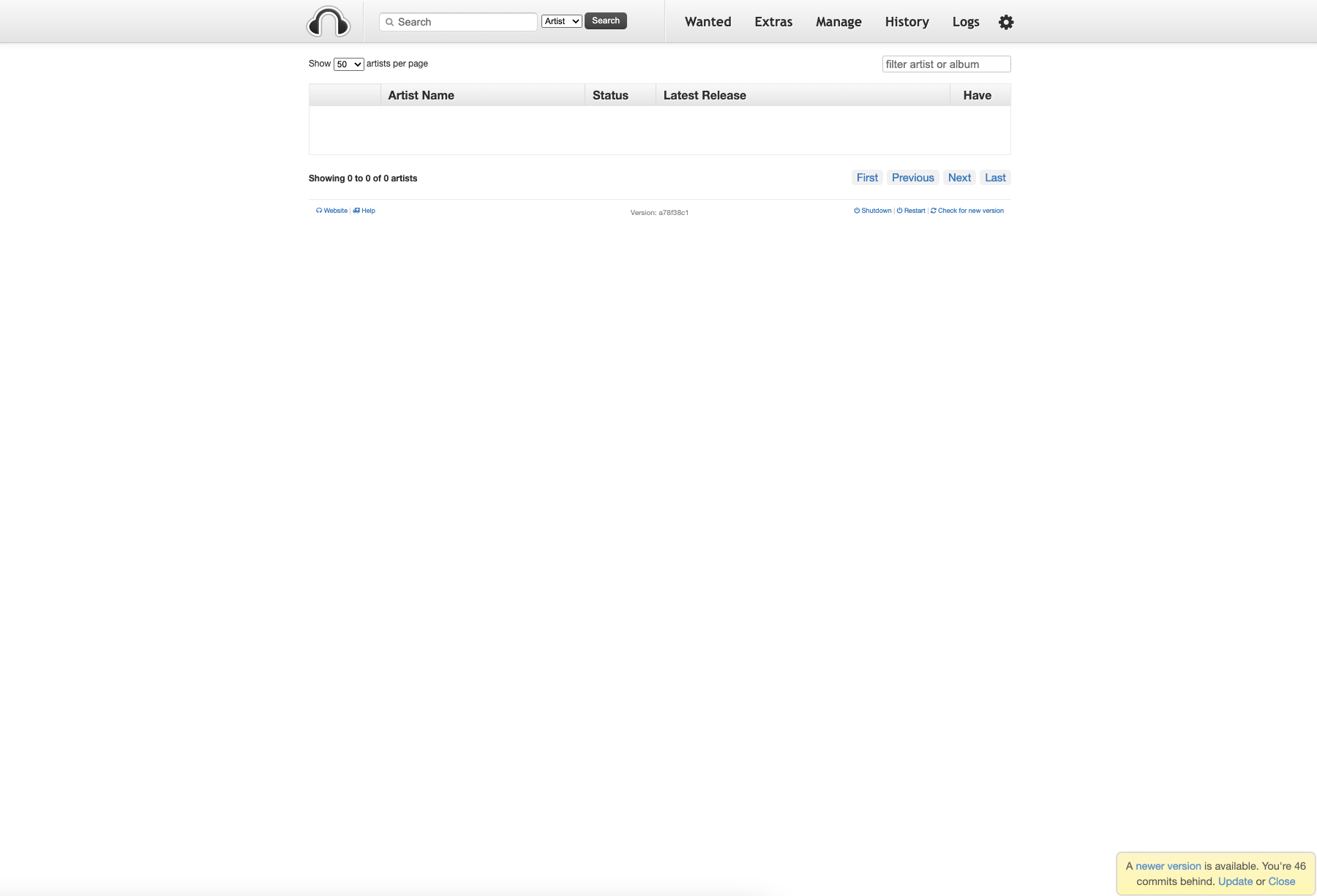
Headphones screenshot 1

Setup time

A few minutes

Deployment

Your own server

Services

1 connected service

Why Headphones

Everything you need, running where you choose.

Get the full Headphones experience with Easypanel handling the repetitive infrastructure work around it.

Music Library Management
Organize and curate your music library with powerful tools for tagging and metadata management.
Automated Downloads
Search for and download music automatically using your preferred download client.
Integration with Media Servers
Seamlessly integrates with Plex, Emby, and other media servers for a complete music experience.
Metadata Fetching
Fetches accurate metadata and album art to keep your library polished and organized.
Community Support
An active community offers extensive documentation, tutorials, and forums for troubleshooting and enhancements.
Cross-Platform Compatibility
Runs on various platforms, ensuring accessibility across different operating systems.
How it works

From template to live app in three steps.

Easypanel turns the template into real services, storage, and domains on the server you already control.

Already have Easypanel? Open your dashboard at the URL or IP of your own installation.

Installation guide
1
Open your dashboard
Visit the URL or IP of your Easypanel installation and choose the target project.
2
Choose Headphones
Open Templates, select Headphones, then review its service names and configuration.
3
Deploy and open your app
Easypanel starts every service and provisions an HTTPS domain for you.
Installation options
The template asks for these values before creating your services.
OptionDefaultRequired

App Service Name

headphonesRequired

App Service Image

linuxserver/headphones:version-a78f38c1Required
Resources
Project documentation and source code.
Latest template update
Dec 27, 2024

First Release

Questions

Deploy with confidence.

The template handles the application setup while Easypanel keeps the infrastructure understandable and under your control.

Keep exploring

Related templates

Browse all
Soulbeet
Soulbeet is a self-hosted music management and downloading application that integrates with slskd (Soulseek daemon) and beets to create a seamless music acquisition and organization workflow. The application provides a web interface for searching and downloading music through the Soulseek peer-to-peer network, then automatically organizing your downloads using beets' powerful music library management capabilities. Soulbeet connects to your slskd instance to handle the actual Soulseek network communication, allowing you to search for tracks, browse user shares, and queue downloads. Once files are downloaded, beets integration enables automatic tagging, metadata correction, album art fetching, and file organization based on your configured rules. The application uses SQLite for lightweight data persistence and supports custom beets configurations for advanced music library management. Perfect for music enthusiasts who want to build and maintain a well-organized digital music collection, users looking for a self-hosted alternative to music streaming services, audiophiles who prefer to own their music with proper metadata and organization, or anyone who wants to combine the power of Soulseek's peer-to-peer network with beets' music library management in a single unified interface.
View template
SoulSync
SoulSync is an automated music synchronization service that bridges the gap between streaming platforms and your local media library. It automatically syncs your Spotify and Tidal playlists to your self-hosted media servers like Plex, Jellyfin, or Navidrome by downloading tracks from Soulseek. The web-based interface provides a centralized dashboard for managing playlist synchronization, monitoring download progress, configuring OAuth connections with streaming services, and organizing your music collection. With automated discovery and intelligent matching algorithms, SoulSync ensures your local library stays up-to-date with your streaming playlists without manual intervention. The service handles the complete workflow from playlist detection through download orchestration to media server integration, making it effortless to maintain an offline music collection that mirrors your online listening habits. Perfect for music enthusiasts who want the convenience of streaming services combined with the reliability and ownership of local media files, audiophiles building high-quality music collections, or users preparing for offline listening scenarios while maintaining synchronization with their curated playlists.
View template
Pinchflat logo
Pinchflat
Pinchflat is a modern, self-hosted media management and download application designed for organizing and managing your digital media collection. It provides an intuitive web interface for downloading, organizing, and accessing your media files with support for various formats and sources. Pinchflat offers powerful features for media discovery, automated downloads, and collection management in a clean, user-friendly environment.
View template
Headphones logo
Ready to deploy Headphones?
Open your own Easypanel dashboard, choose Headphones from Templates, and review the deployment options.