All templates

Deploy Pinchflat on your own server.

Pinchflat logo

Pinchflat is a modern, self-hosted media management and download application designed for organizing and managing your digital media collection. It provides an intuitive web interface for downloading, organizing, and accessing your media files with support for various formats and sources. Pinchflat offers powerful features for media…

Your infrastructureAutomatic HTTPSNo lock-in

Screenshots

A closer look at Pinchflat.
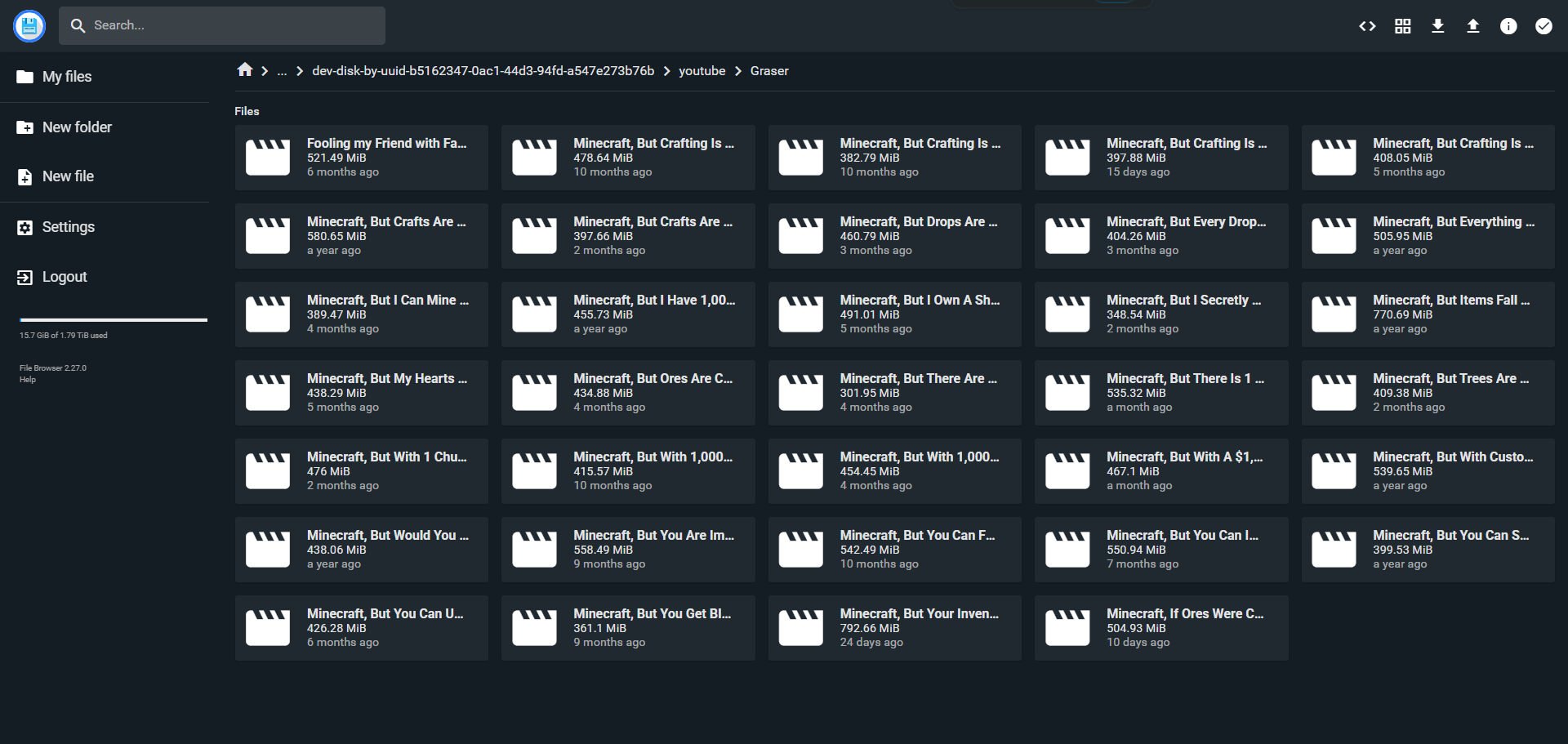
Pinchflat screenshot 1

Setup time

A few minutes

Deployment

Your own server

Services

1 connected service

Why Pinchflat

Everything you need, running where you choose.

Get the full Pinchflat experience with Easypanel handling the repetitive infrastructure work around it.

Media Organization
Advanced media organization features with custom categories, tags, and metadata management for efficient collection browsing.
Download Management
Powerful download management with queue support, progress tracking, and automated retry mechanisms for reliable media acquisition.
Search and Discovery
Advanced search capabilities with full-text search, filtering, and discovery features to quickly find your media content.
Multi-Format Support
Support for various media formats and sources with automatic format detection and conversion capabilities.
User Management
Built-in user management system with role-based access control and permission management for secure multi-user environments.
API Integration
Comprehensive REST API for integration with other applications and custom automation workflows.
How it works

From template to live app in three steps.

Easypanel turns the template into real services, storage, and domains on the server you already control.

Already have Easypanel? Open your dashboard at the URL or IP of your own installation.

Installation guide
1
Open your dashboard
Visit the URL or IP of your Easypanel installation and choose the target project.
2
Choose Pinchflat
Open Templates, select Pinchflat, then review its service names and configuration.
3
Deploy and open your app
Easypanel starts every service and provisions an HTTPS domain for you.
Installation options
The template asks for these values before creating your services.
OptionDefaultRequired

App Service Name

pinchflatRequired

App Service Image

Pinchflat Docker image

ghcr.io/kieraneglin/pinchflat:v2025.6.6Required
Resources
Project documentation and source code.
Latest template update
Sep 11, 2025

Initial Template Release (v2025.6.6)

Questions

Deploy with confidence.

The template handles the application setup while Easypanel keeps the infrastructure understandable and under your control.

Keep exploring

Related templates

Browse all
Palmr logo
Palmr
Palmr is a self-hosted file management and download application that provides a comprehensive solution for managing files and downloads. It features a modern web interface for file operations, download management, and file organization. Palmr supports various file operations including uploading, downloading, organizing, and managing your files in a centralized location.
View template
Autobrr logo
Autobrr
Autobrr is a modern download automation tool for torrent indexers and trackers. It monitors IRC announce channels and RSS feeds from various torrent trackers, automatically downloading torrents that match your custom filters and rules. Autobrr acts as a bridge between torrent indexers and your download clients, enabling advanced automation workflows. It supports numerous torrent clients including qBittorrent, Deluge, Transmission, and rTorrent, and integrates with media management tools like Sonarr, Radarr, and Lidarr. With powerful filtering capabilities based on resolution, codec, release group, and custom regex patterns, Autobrr ensures you only download exactly what you want. Perfect for automating private tracker workflows, racing releases, and maintaining ratio requirements.
View template
Zep logo
Zep
Zep is a powerful, self-hosted AI platform designed for seamless integration with large language models. It provides a clean and intuitive interface, supports plugins for extended functionality, and offers detailed analytics to monitor and optimize your AI workflows. With Zep, you maintain full control over your deployments and configurations. The application is accessible via your host on designated ports, ensuring secure and scalable operations. This container is based on Docker Baseimage KasmVNC, providing additional environment variables and configurations for enhanced flexibility. It also supports the docker manifest for multi-platform awareness, ensuring the correct image for your architecture.
View template
Pinchflat logo
Ready to deploy Pinchflat?
Open your own Easypanel dashboard, choose Pinchflat from Templates, and review the deployment options.