Deploy Hollo on your own server.

Hollo logo

Hollo is federated, single-user microblogging software that speaks ActivityPub, so it interoperates with Mastodon, Misskey, and the rest of the fediverse. It's headless by design — you post and read through any Mastodon-compatible client app, while Hollo handles federation, storage, and moderation on the server.

Your infrastructureAutomatic HTTPSNo lock-in

Screenshots

A closer look at Hollo.

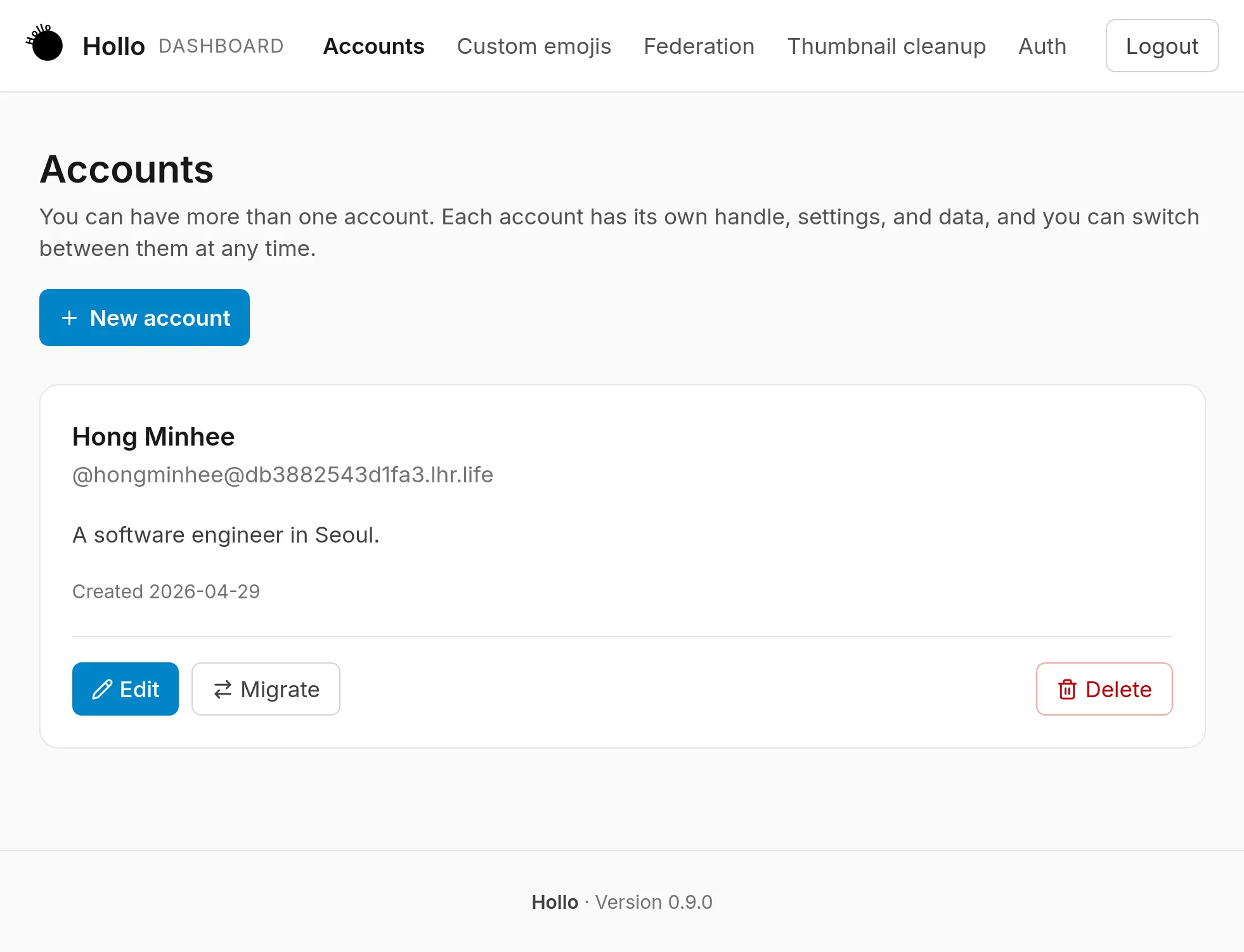
Hollo screenshot 1

Setup time

A few minutes

Deployment

Your own server

Services

2 connected services

Why Hollo

Everything you need, running where you choose.

Get the full Hollo experience with Easypanel handling the repetitive infrastructure work around it.

Data Portability
Export follows, lists, mutes, blocks, and bookmarks as CSV from the admin dashboard.
Local Media Storage
Uploaded media is stored on disk by default — no S3-compatible bucket required.
Thumbnail Cache Management
Purge cached remote media thumbnails on demand from the admin dashboard.
Fediverse Native
Speaks ActivityPub, so it interoperates with Mastodon, Misskey, Pixelfed, and the rest of the fediverse out of the box.
Bring Your Own Client
No bundled web UI to fight with — use any Mastodon-compatible client app you already like.
Single User, Full Control
Built for one account with full moderation and data export tools, not a shared multi-tenant instance.
How it works

From template to live app in three steps.

Easypanel turns the template into real services, storage, and domains on the server you already control.

Already have Easypanel? Open your dashboard at the URL or IP of your own installation.

Installation guide
1
Open your dashboard
Visit the URL or IP of your Easypanel installation and choose the target project.
2
Choose Hollo
Open Templates, select Hollo, then review its service names and configuration.
3
Deploy and open your app
Easypanel starts every service and provisions an HTTPS domain for you.
Installation options
The template asks for these values before creating your services.
OptionDefaultRequired

App Service Name

holloRequired

App Service Image

ghcr.io/fedify-dev/hollo:0.9.17Required

Behind Reverse Proxy

trueOptional
Resources
Project documentation and source code.
Latest template update
Aug 31, 2026

first release

Questions

Deploy with confidence.

The template handles the application setup while Easypanel keeps the infrastructure understandable and under your control.

Keep exploring

Related templates

Browse all
Nitter logo
Nitter
Nitter is a free and open source alternative front-end for Twitter/X, focused on privacy and performance. It renders timelines, profiles, and search results without JavaScript, ads, or tracking, and is on average around 15 times lighter than Twitter, often loading pages 2-4x faster.
View template
ChartDB logo
ChartDB
ChartDB is an open-source, web-based database diagramming editor that enables you to visualize and manage database schemas through interactive diagrams. Create entity-relationship diagrams (ERDs) instantly by connecting to your databases and automatically generating visual representations of your schema. The application supports instant schema visualization using a single query and offers AI-powered features through OpenAI integration for intelligent SQL export and schema management. ChartDB provides an intuitive interface for understanding complex database structures, making it perfect for developers, database administrators, and teams who need to document and communicate database designs. With its modern web-based approach, you can access your database diagrams from anywhere and collaborate effectively on database architecture without installing desktop software.
View template
Zerobyte logo
Zerobyte
Zerobyte is a self-hosted backup and restore management solution that provides a unified web interface for managing your backup repositories across multiple storage backends. It supports various cloud storage providers including S3-compatible storage, Google Cloud Storage, Azure Blob Storage, and local directories through rclone integration. With its intuitive web interface, you can configure backup sources, manage multiple repositories, schedule backups, and perform restores with ease. The application leverages FUSE filesystem capabilities to mount and interact with cloud storage as if it were local storage, enabling seamless backup and restore operations. Zerobyte features automatic backup scheduling, support for multiple storage backends, encrypted backup repositories, incremental backups for efficient storage usage, and comprehensive restore capabilities. The web-based dashboard allows you to monitor backup status, view repository statistics, and manage your backup configurations without command-line tools. Perfect for home lab enthusiasts who need reliable backup solutions, system administrators managing multiple backup repositories, organizations requiring self-hosted backup infrastructure, or anyone who wants to maintain control over their backup data with support for various cloud providers and local storage options.
View template
Hollo logo
Ready to deploy Hollo?
Open your own Easypanel dashboard, choose Hollo from Templates, and review the deployment options.