Deploy Nitter on your own server.

Nitter is a free and open source alternative front-end for Twitter/X, focused on privacy and performance. It renders timelines, profiles, and search results without JavaScript, ads, or tracking, and is on average around 15 times lighter than Twitter, often loading pages 2-4x faster.
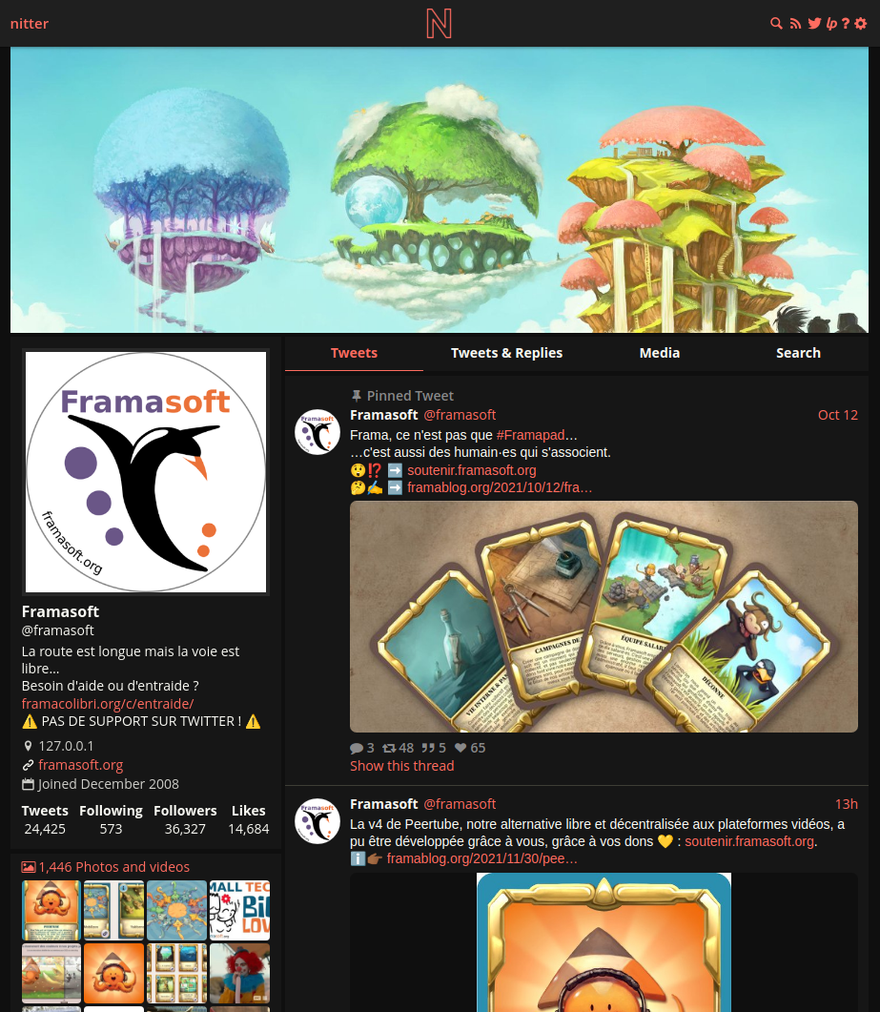
Screenshots
A closer look at Nitter.
Setup time
A few minutes
Deployment
Your own server
Services
2 connected services
Everything you need, running where you choose.
Get the full Nitter experience with Easypanel handling the repetitive infrastructure work around it.
From template to live app in three steps.
Easypanel turns the template into real services, storage, and domains on the server you already control.
Already have Easypanel? Open your dashboard at the URL or IP of your own installation.
Installation guide| Option | Default | Required |
|---|---|---|
App Service Name | nitter | Required |
App Service Image | zedeus/nitter:8142bab1a920d13589ab5e689d7623ac0ac7ec34 | Required |
Sessions (sessions.jsonl content) Required — Nitter refuses to start without it. Paste the JSONL output of "tools/create_session_browser.py <username> <password>" from the Nitter repo, run against a Twitter/X account you control. One JSON object per line. | — | Required |
Site Title | nitter | Optional |
Theme | Nitter | Optional |
Proxy Videos Route video playback through the instance instead of Twitter's CDN. | true | Optional |
Infinite Scroll | false | Optional |
first release
Deploy with confidence.
The template handles the application setup while Easypanel keeps the infrastructure understandable and under your control.
Related templates