All templates

Deploy Infisical on your own server.

Infisical logo

Infisical is a robust, self-hosted platform designed for securely managing and accessing secrets, environment variables, and API keys. It provides a user-friendly interface, seamless integration with popular development and CI/CD tools, and advanced encryption to ensure the safety of sensitive data. With Infisical, you maintain full…

Your infrastructureAutomatic HTTPSNo lock-in

Screenshots

A closer look at Infisical.
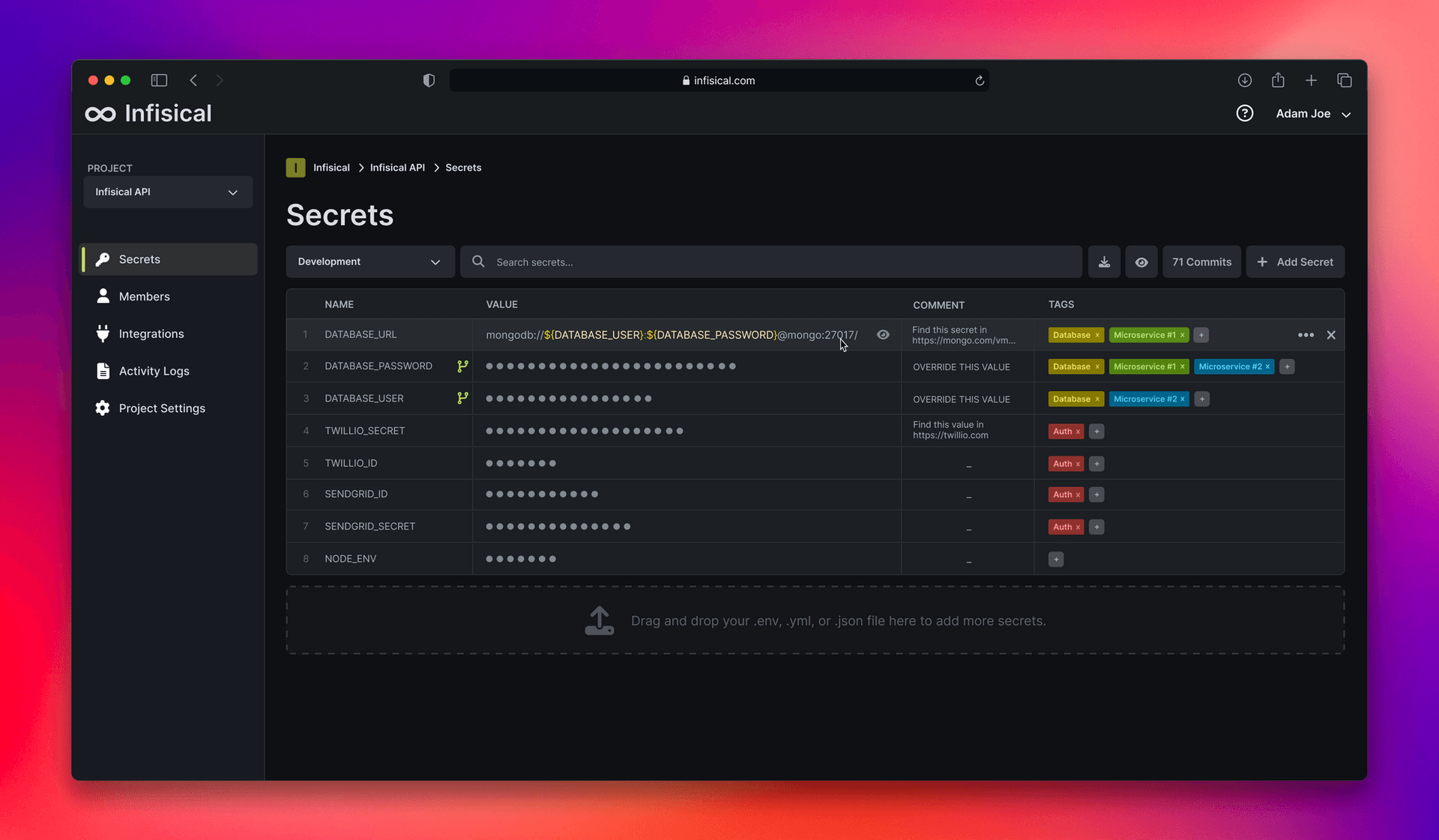
Infisical screenshot 1

Setup time

A few minutes

Deployment

Your own server

Services

4 connected services

Why Infisical

Everything you need, running where you choose.

Get the full Infisical experience with Easypanel handling the repetitive infrastructure work around it.

End-to-End Encryption
Protect your secrets with advanced end-to-end encryption, ensuring they remain safe and inaccessible to unauthorized parties.
Role-Based Access Control
Manage user and team access with granular role-based permissions for better security.
Real-Time Sync
Automatically sync secrets and environment variables across your team in real time.
Version Control
Track changes and roll back to previous versions of secrets for better manageability.
Secure Secret Management
Infisical provides a centralized and secure way to manage environment variables and secrets across your applications.
Self-Hosted Privacy
Retain full control and privacy over your secrets with a self-hosted solution.
How it works

From template to live app in three steps.

Easypanel turns the template into real services, storage, and domains on the server you already control.

Already have Easypanel? Open your dashboard at the URL or IP of your own installation.

Installation guide
1
Open your dashboard
Visit the URL or IP of your Easypanel installation and choose the target project.
2
Choose Infisical
Open Templates, select Infisical, then review its service names and configuration.
3
Deploy and open your app
Easypanel starts every service and provisions an HTTPS domain for you.
Installation options
The template asks for these values before creating your services.
OptionDefaultRequired

App Service Name

infisicalRequired

App Service Image

infisical/infisical:v0.159.27Required
Resources
Project documentation and source code.
Latest template update
May 8, 2026

Version bumped to v0.159.27

Questions

Deploy with confidence.

The template handles the application setup while Easypanel keeps the infrastructure understandable and under your control.

Infisical logo
Ready to deploy Infisical?
Open your own Easypanel dashboard, choose Infisical from Templates, and review the deployment options.