Deploy OpenBao on your own server.

OpenBao logo

OpenBao is an open-source, community-driven secrets manager and fork of HashiCorp Vault, stewarded by the Linux Foundation's OpenSSF. It manages, stores, and distributes sensitive data — secrets, certificates, and encryption keys — with fine-grained access control, dynamic secret generation, data encryption as a service, and a full audit…

Your infrastructureAutomatic HTTPSNo lock-in

Screenshots

A closer look at OpenBao.

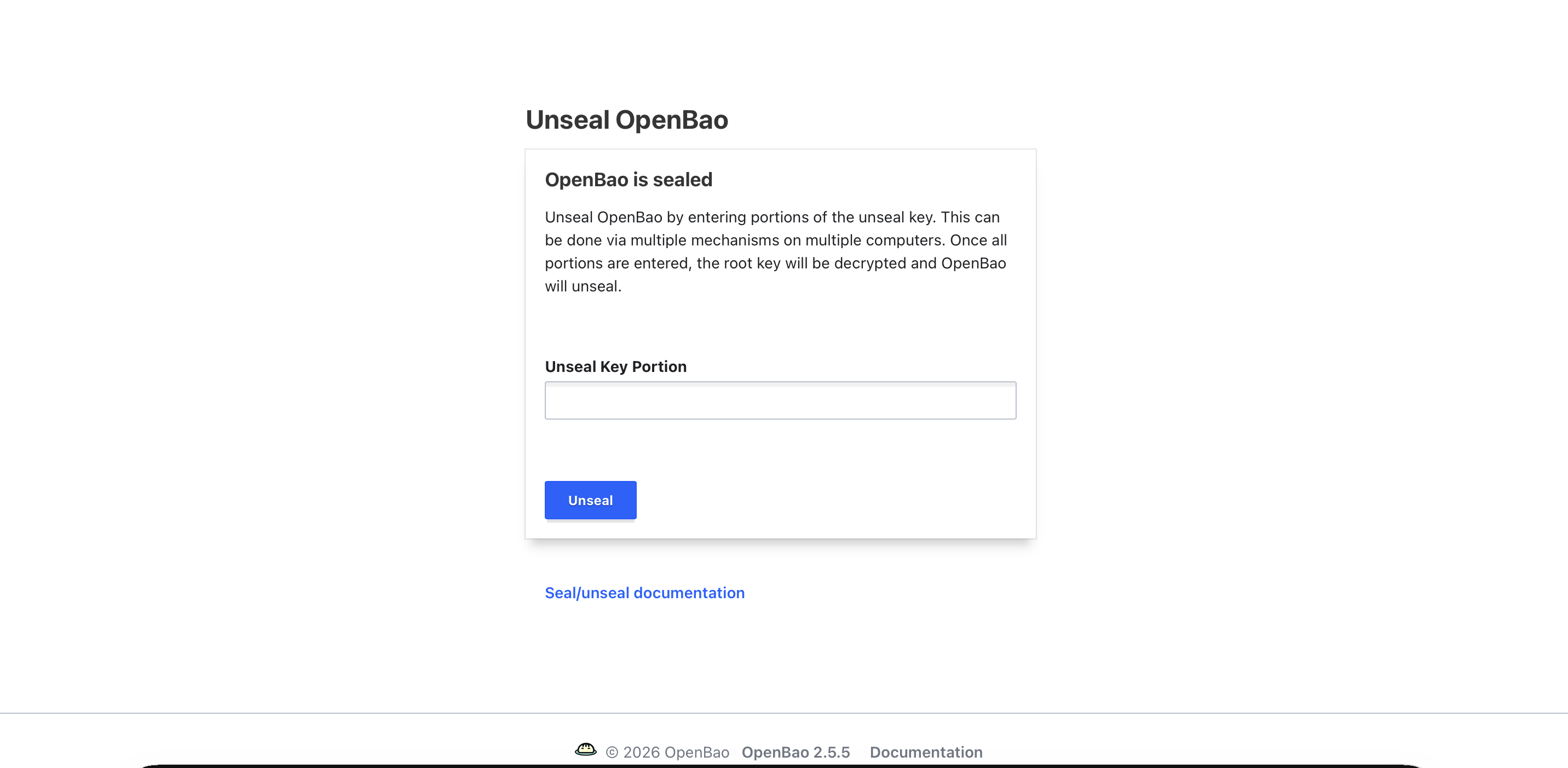
OpenBao screenshot 1

Setup time

A few minutes

Deployment

Your own server

Services

1 connected service

Why OpenBao

Everything you need, running where you choose.

Get the full OpenBao experience with Easypanel handling the repetitive infrastructure work around it.

Key/Value Secret Store
Store and retrieve arbitrary secrets with versioning, metadata, and policy-based access control via the KV secrets engine.
Data Encryption as a Service
Encrypt and decrypt data without storing it, letting applications offload cryptographic operations to OpenBao.
PKI and Certificate Management
Act as an internal certificate authority to issue, renew, and revoke TLS certificates with configurable TTLs.
Auth Methods
Authenticate via tokens, AppRole, Kubernetes service accounts, LDAP, GitHub, JWT, and more — integrating with your existing identity stack.
Audit Logging
Every request and response is recorded to a tamper-evident audit log for compliance and forensic investigation.
Web UI
A built-in browser interface lets you browse secrets, manage policies, monitor leases, and unseal the vault without the CLI.
How it works

From template to live app in three steps.

Easypanel turns the template into real services, storage, and domains on the server you already control.

Already have Easypanel? Open your dashboard at the URL or IP of your own installation.

Installation guide
1
Open your dashboard
Visit the URL or IP of your Easypanel installation and choose the target project.
2
Choose OpenBao
Open Templates, select OpenBao, then review its service names and configuration.
3
Deploy and open your app
Easypanel starts every service and provisions an HTTPS domain for you.
Installation options
The template asks for these values before creating your services.
OptionDefaultRequired

App Service Name

openbaoRequired

App Service Image

quay.io/openbao/openbao:2.5.5Required
Resources
Project documentation and source code.
Latest template update
Jun 23, 2026

Initial release (2.5.5)

Questions

Deploy with confidence.

The template handles the application setup while Easypanel keeps the infrastructure understandable and under your control.

OpenBao logo
Ready to deploy OpenBao?
Open your own Easypanel dashboard, choose OpenBao from Templates, and review the deployment options.