All templates

Deploy KiCad on your own server.

KiCad logo

KiCad is an open-source software suite for electronic design automation (EDA), enabling the design and simulation of electronic circuits and printed circuit boards (PCBs). It provides a comprehensive set of tools for schematic capture, PCB layout, and 3D visualization. KiCad supports extensive libraries of components and footprints,…

Your infrastructureAutomatic HTTPSNo lock-in

Screenshots

A closer look at KiCad.

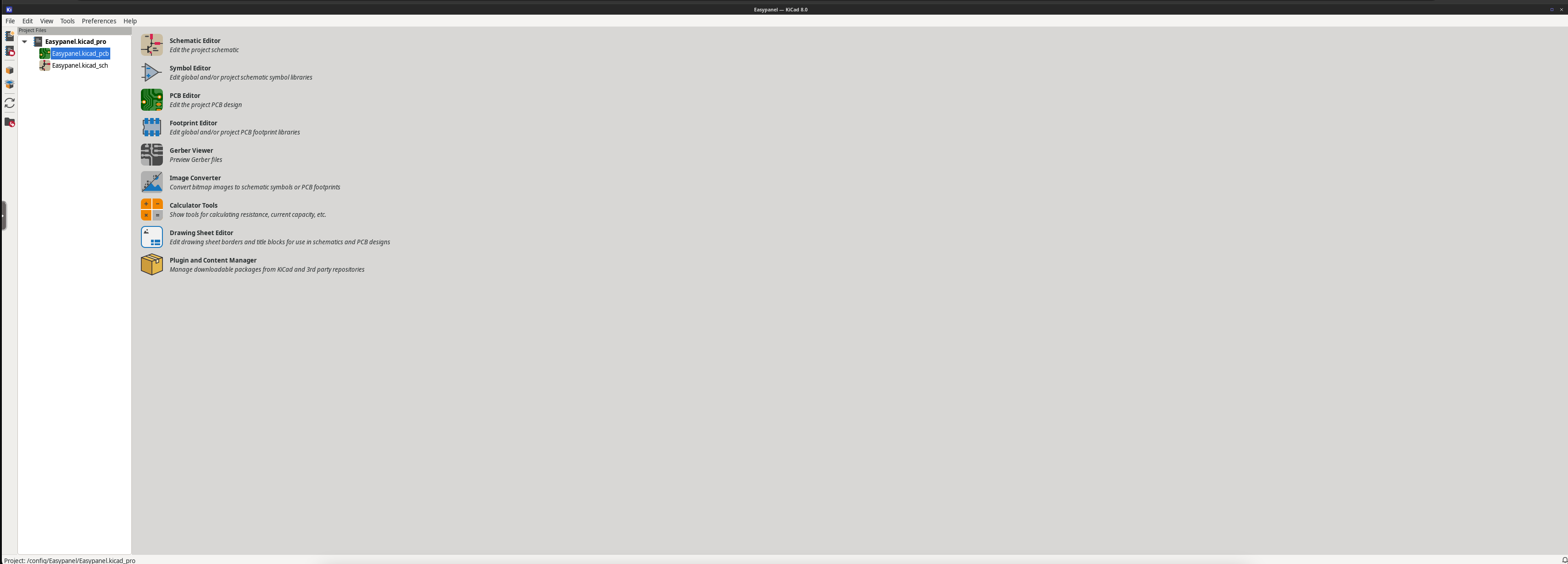
KiCad screenshot 1

Setup time

A few minutes

Deployment

Your own server

Services

1 connected service

Why KiCad

Everything you need, running where you choose.

Get the full KiCad experience with Easypanel handling the repetitive infrastructure work around it.

Schematic Capture
KiCad's schematic editor allows users to create and manage electronic circuit diagrams with ease, including hierarchical designs.
PCB Layout
The PCB layout editor provides powerful tools for designing multi-layer boards, routing, and managing design rules.
3D Visualization
KiCad includes a 3D viewer that allows designers to visualize their PCB designs with realistic rendering of components and boards.
Design Rule Checking
The design rule checker ensures that layouts meet predefined constraints, helping to prevent errors during manufacturing.
Gerber File Export
KiCad supports Gerber file export for seamless collaboration with PCB manufacturers.
Component Libraries
Extensive libraries of components and footprints are included, with support for creating custom libraries.
How it works

From template to live app in three steps.

Easypanel turns the template into real services, storage, and domains on the server you already control.

Already have Easypanel? Open your dashboard at the URL or IP of your own installation.

Installation guide
1
Open your dashboard
Visit the URL or IP of your Easypanel installation and choose the target project.
2
Choose KiCad
Open Templates, select KiCad, then review its service names and configuration.
3
Deploy and open your app
Easypanel starts every service and provisions an HTTPS domain for you.
Installation options
The template asks for these values before creating your services.
OptionDefaultRequired

App Service Name

kicadRequired

App Service Image

linuxserver/kicad:8.0.7Required
Resources
Project documentation and source code.
Latest template update
Dec 27, 2024

First Release

Questions

Deploy with confidence.

The template handles the application setup while Easypanel keeps the infrastructure understandable and under your control.

Keep exploring

Related templates

Browse all
Habridge logo
Habridge
Habridge is an open-source software solution that emulates Philips Hue bridges, enabling the integration of various smart devices with home automation systems. It provides a simple yet powerful interface for controlling and managing smart lights, switches, and other IoT devices. Habridge supports a wide range of integrations, including Amazon Alexa, Google Home, and custom APIs, allowing users to create a seamless smart home experience. With its focus on flexibility and ease of use, Habridge empowers users to control their home automation setup with precision and efficiency.
View template
Mautic 5 logo
Mautic 5
Mautic 5 is an open-source, comprehensive marketing automation platform that empowers businesses to manage and optimize customer engagement strategies. It enables marketers to streamline their workflows by automating marketing tasks such as email campaigns, SMS messaging, social media outreach, and lead generation. Mautic 5 offers detailed analytics, campaign tracking, and personalized communication, ensuring an efficient marketing strategy for businesses of all sizes. With its intuitive interface and powerful features, Mautic 5 helps businesses maximize customer engagement while reducing manual effort.
View template
Headphones logo
Headphones
Headphones is an open-source application designed to manage and organize your music library with precision and efficiency. It provides a powerful interface for searching, downloading, and managing albums and tracks, ensuring your music collection is always up-to-date. Headphones integrates seamlessly with popular media servers and download clients, offering an automated solution for music enthusiasts. With its focus on flexibility and ease of use, Headphones empowers users to curate their music library effortlessly.
View template
KiCad logo
Ready to deploy KiCad?
Open your own Easypanel dashboard, choose KiCad from Templates, and review the deployment options.