All templates

Deploy Komodo on your own server.

Komodo logo

Komodo is a comprehensive server management platform that provides monitoring and control capabilities for Docker containers and system processes. It offers a unified dashboard to manage your infrastructure, with features including container management, process monitoring, resource tracking, and system metrics visualization.

Your infrastructureAutomatic HTTPSNo lock-in

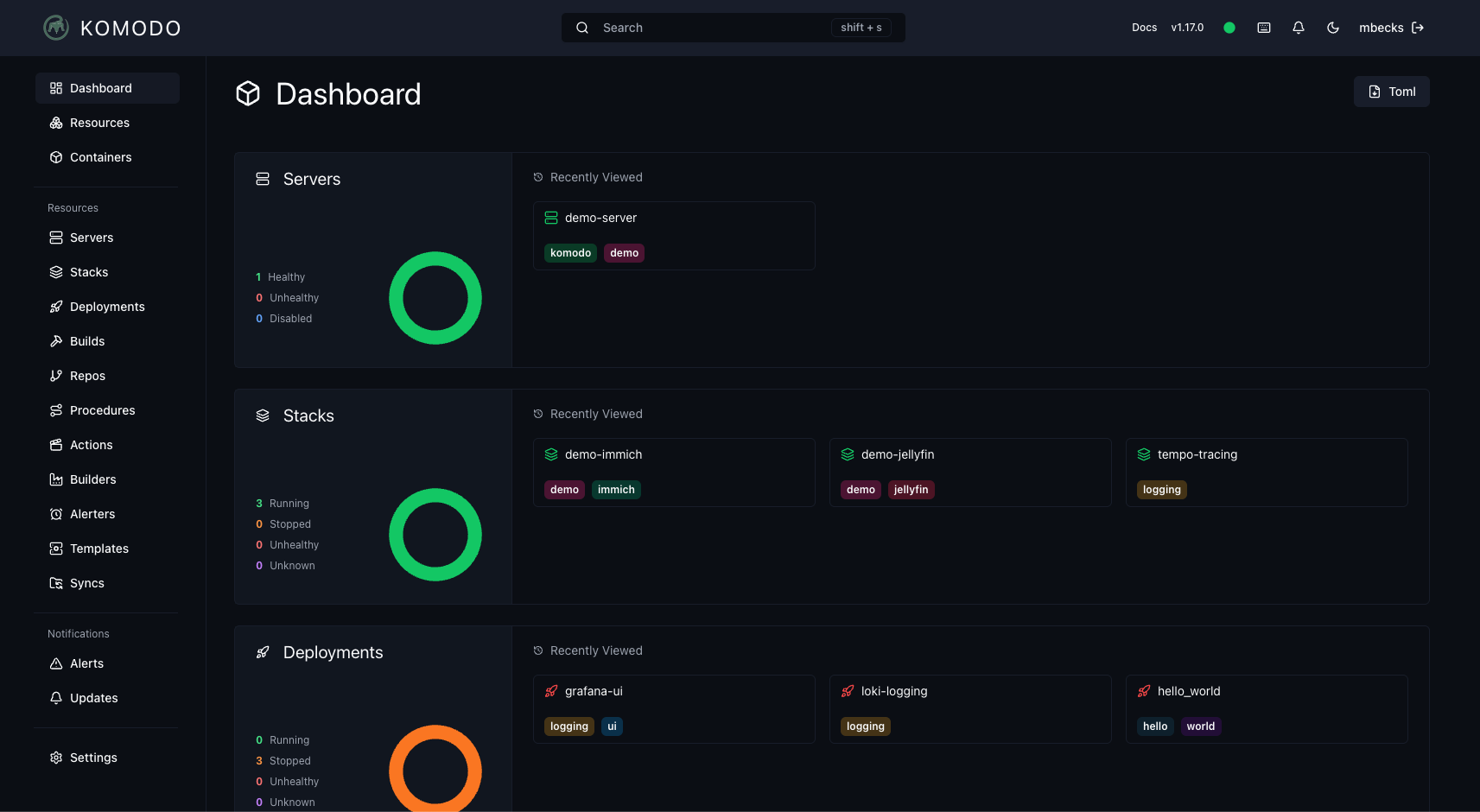
Screenshots

A closer look at Komodo.

Komodo screenshot 1

Setup time

A few minutes

Deployment

Your own server

Services

3 connected services

Why Komodo

Everything you need, running where you choose.

Get the full Komodo experience with Easypanel handling the repetitive infrastructure work around it.

MongoDB Database
Reliable MongoDB database for storing configuration and monitoring data.
Komodo Core
Main application providing web interface and core functionality.
Komodo Periphery
Agent for Docker integration and system process monitoring.
Docker Socket Access
Direct access to Docker socket for container management.
Process Monitoring
Monitor system processes outside of containers.
Backup System
Automated database backups with configurable storage paths.
How it works

From template to live app in three steps.

Easypanel turns the template into real services, storage, and domains on the server you already control.

Already have Easypanel? Open your dashboard at the URL or IP of your own installation.

Installation guide
1
Open your dashboard
Visit the URL or IP of your Easypanel installation and choose the target project.
2
Choose Komodo
Open Templates, select Komodo, then review its service names and configuration.
3
Deploy and open your app
Easypanel starts every service and provisions an HTTPS domain for you.
Installation options
The template asks for these values before creating your services.
OptionDefaultRequired

App Service Name

komodoRequired

Komodo Core Image

ghcr.io/moghtech/komodo-core:2.2.0Required

Komodo Periphery Image

ghcr.io/moghtech/komodo-periphery:2.2.0Required

Admin Username

adminRequired

Admin Password

Set during installRequired
Resources
Project documentation and source code.
Latest template update
Aug 25, 2025

First release

Questions

Deploy with confidence.

The template handles the application setup while Easypanel keeps the infrastructure understandable and under your control.

Keep exploring

Related templates

Browse all
Dockhand logo
Dockhand
Dockhand is a modern Docker container management and monitoring tool that provides an intuitive web interface for managing your Docker containers, images, volumes, and networks. With real-time container statistics, log viewing, and container lifecycle management, Dockhand simplifies Docker operations for both developers and system administrators. The application offers comprehensive container management capabilities including start, stop, restart, and removal operations, along with detailed container information and resource usage monitoring. Perfect for developers who need a visual interface for Docker management, system administrators monitoring container infrastructure, or teams looking for an alternative to command-line Docker tools.
View template
Isaiah
Isaiah is a Docker-based application that provides a simple and efficient way to manage containerized applications. It offers a web interface for monitoring and controlling Docker containers with a clean, user-friendly interface. Isaiah allows you to view container status, logs, and resource usage, making it easier to maintain your Docker infrastructure.
View template
DCM
DCM is a lightweight self-hosted web interface for managing and monitoring Docker containers. It provides a simple dashboard to view container status, start/stop operations, and inspect basic container details. Designed to be minimal and easy to deploy, DCM helps you keep an eye on your containers without exposing the full Docker API or using heavier management stacks. Ideal for small home labs or users who want a quick overview of their running services via a browser.
View template
Komodo logo
Ready to deploy Komodo?
Open your own Easypanel dashboard, choose Komodo from Templates, and review the deployment options.