All templates

Deploy Kopia on your own server.

Kopia logo

Kopia is a robust open-source backup and restore tool designed to provide fast and secure backups of your important data. It allows you to create encrypted snapshots of your files and directories, which can be stored on the cloud storage of your choice, network-attached storage, server, or locally on your machine. Kopia supports a wide…

Your infrastructureAutomatic HTTPSNo lock-in

Screenshots

A closer look at Kopia.

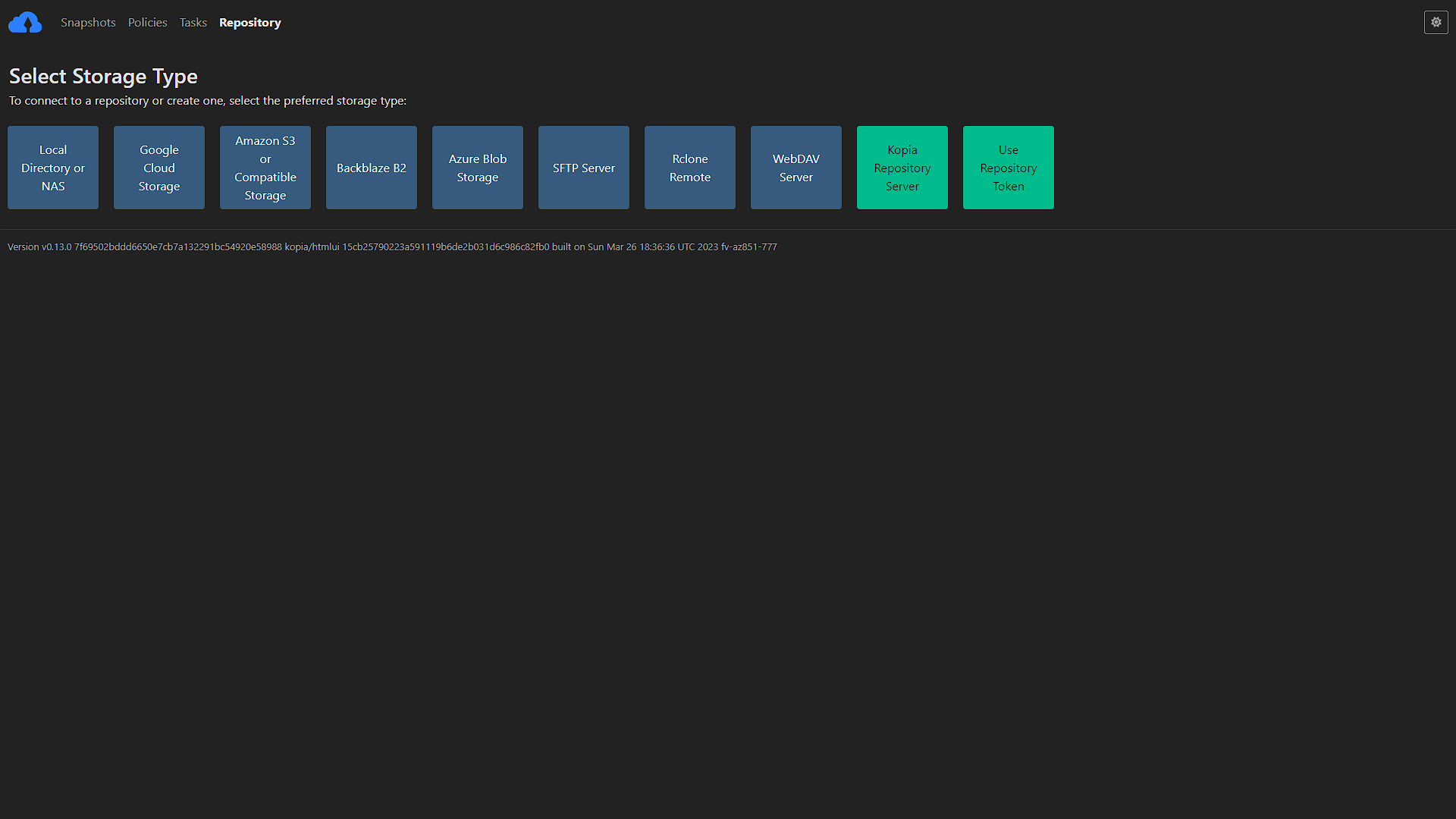
Kopia screenshot 1

Setup time

A few minutes

Deployment

Your own server

Services

1 connected service

Why Kopia

Everything you need, running where you choose.

Get the full Kopia experience with Easypanel handling the repetitive infrastructure work around it.

Encrypted, Compressed, and Deduplicated Backups
Kopia allows you to create encrypted snapshots of your data and save the snapshots to the storage of your choice. It also uses compression and deduplication to make your backups more efficient.
Supports GUI and CLI
Kopia comes with both a graphical user interface (GUI) and a command-line interface (CLI), making it suitable for both advanced and regular users.
Wide Range of Supported Storage Locations
Kopia supports a wide range of storage locations, including Amazon S3, Azure Blob Storage, Google Cloud Storage, and any remote server or cloud storage that supports WebDAV or SFTP.
Fast and Secure
With a secure and scalable architecture, Kopia can back up everything from small laptops to large servers quickly and securely.
Secure and Encrypted Backups
Kopia provides a secure and scalable architecture that can back up everything from small laptops to large servers. It uses end-to-end 'zero knowledge' encryption, ensuring that your data is always safe and secure.
Flexible Storage Options
With Kopia, you have full control over where to store your snapshots. It supports a wide range of storage locations, including Amazon S3, Azure Blob Storage, Google Cloud Storage, and any remote server or cloud storage that supports WebDAV or SFTP. You can even use multiple storage locations if you want to.
How it works

From template to live app in three steps.

Easypanel turns the template into real services, storage, and domains on the server you already control.

Already have Easypanel? Open your dashboard at the URL or IP of your own installation.

Installation guide
1
Open your dashboard
Visit the URL or IP of your Easypanel installation and choose the target project.
2
Choose Kopia
Open Templates, select Kopia, then review its service names and configuration.
3
Deploy and open your app
Easypanel starts every service and provisions an HTTPS domain for you.
Installation options
The template asks for these values before creating your services.
OptionDefaultRequired

Username

Required

Password

Set during installRequired

App Service Name

kopiaRequired

App Service Image

kopia/kopia:20260502.0.42513Required
Resources
Project documentation and source code.
Latest template update
May 4, 2026

Version bumped to 20260502.0.42513

Questions

Deploy with confidence.

The template handles the application setup while Easypanel keeps the infrastructure understandable and under your control.

Keep exploring

Related templates

Browse all
Zerobyte logo
Zerobyte
Zerobyte is a self-hosted backup and restore management solution that provides a unified web interface for managing your backup repositories across multiple storage backends. It supports various cloud storage providers including S3-compatible storage, Google Cloud Storage, Azure Blob Storage, and local directories through rclone integration. With its intuitive web interface, you can configure backup sources, manage multiple repositories, schedule backups, and perform restores with ease. The application leverages FUSE filesystem capabilities to mount and interact with cloud storage as if it were local storage, enabling seamless backup and restore operations. Zerobyte features automatic backup scheduling, support for multiple storage backends, encrypted backup repositories, incremental backups for efficient storage usage, and comprehensive restore capabilities. The web-based dashboard allows you to monitor backup status, view repository statistics, and manage your backup configurations without command-line tools. Perfect for home lab enthusiasts who need reliable backup solutions, system administrators managing multiple backup repositories, organizations requiring self-hosted backup infrastructure, or anyone who wants to maintain control over their backup data with support for various cloud providers and local storage options.
View template
Duplicati logo
Duplicati
Duplicati is a free, open-source backup software designed to store encrypted backups online. It is compatible with Windows, macOS, and Linux. The software works with standard protocols like FTP, SSH, WebDAV, and popular services such as Backblaze B2, Tardigrade, Microsoft OneDrive, Amazon S3, Google Drive, box.com, Mega, hubiC, and many others. Duplicati allows you to backup files and folders with strong AES-256 encryption, saving space with incremental backups and data deduplication. It can run backups on any machine through a web-based interface or via command line interface. Duplicati has a built-in scheduler and auto-updater, ensuring your backups are always up-to-date. It is designed for online backups from scratch, handling network issues efficiently. For instance, interrupted backups can be resumed, and Duplicati regularly tests the content of backups, detecting broken backups on corrupt storage systems before it’s too late. The software is configured by a web interface that runs in any browser and can be accessed from anywhere.
View template
PgBackWeb logo
PgBackWeb
PgBackWeb is a comprehensive web-based backup solution for PostgreSQL databases. It provides an intuitive interface to manage, schedule, and monitor PostgreSQL backups with support for multiple backup destinations including local storage and S3-compatible object storage. The application allows you to configure automated backup schedules, manage retention policies, and restore databases through a user-friendly web interface. PgBackWeb ensures your PostgreSQL databases are safely backed up with encryption support, making it an essential tool for database administrators who need reliable backup management without complex command-line operations. It supports multiple PostgreSQL instances and provides detailed backup logs and notifications.

View template
Kopia logo
Ready to deploy Kopia?
Open your own Easypanel dashboard, choose Kopia from Templates, and review the deployment options.