All templates

Deploy LibreChat on your own server.

LibreChat logo

LibreChat is a free, open source clone of ChatGPT that supports multiple AI providers and models. It offers a familiar chat interface with support for OpenAI, Anthropic, Google, Azure OpenAI, and many other AI providers. LibreChat features conversation management, preset configurations, plugin support, multi-user authentication, and…

Your infrastructureAutomatic HTTPSNo lock-in

Screenshots

A closer look at LibreChat.
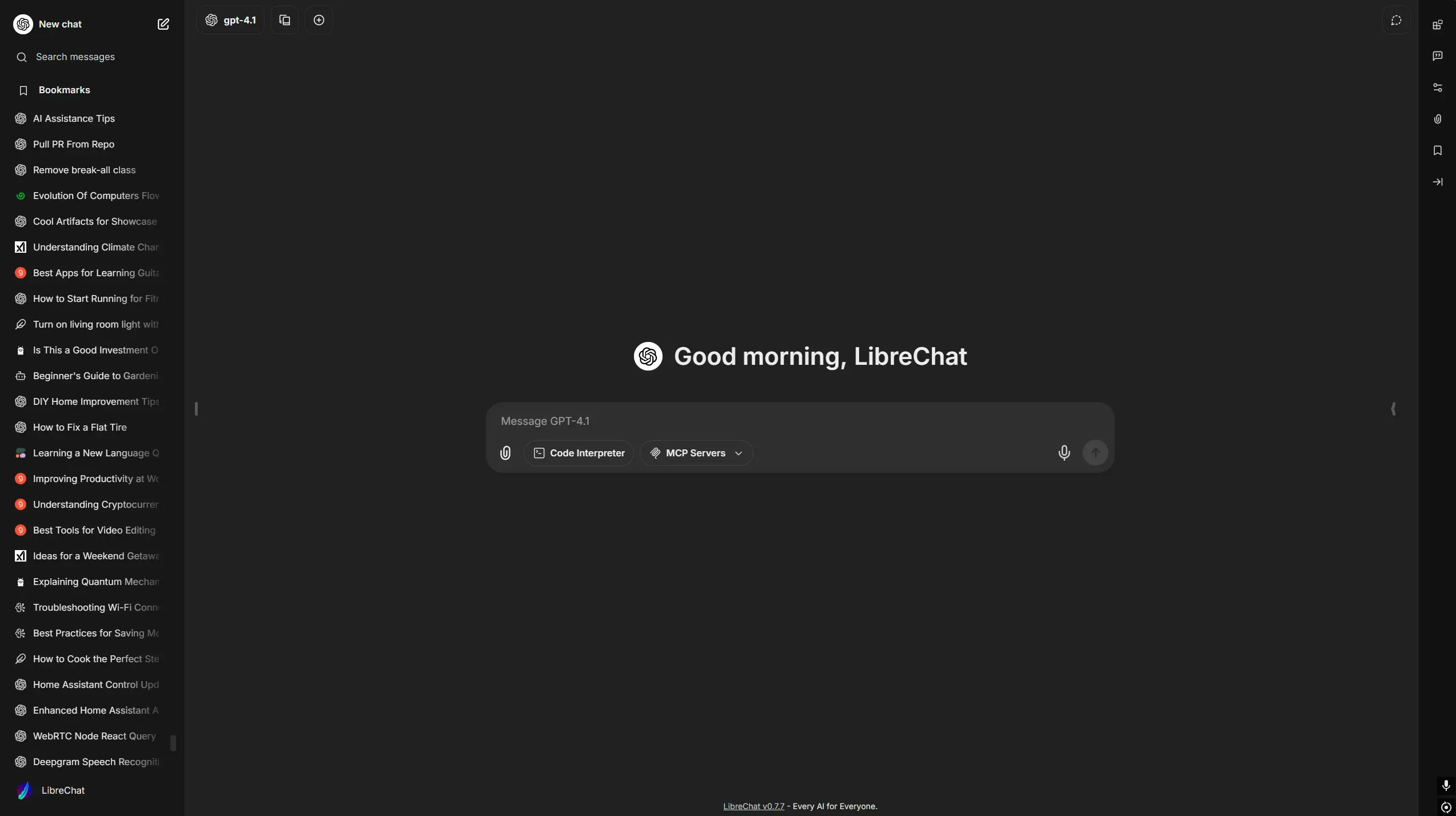
LibreChat screenshot 1

Setup time

A few minutes

Deployment

Your own server

Services

5 connected services

Why LibreChat

Everything you need, running where you choose.

Get the full LibreChat experience with Easypanel handling the repetitive infrastructure work around it.

Multiple AI Providers
Connect to OpenAI, Anthropic, Google, Azure OpenAI, and dozens of other AI providers through a unified chat interface.
Conversation Management
Organize conversations, search chat history, export conversations, and manage multiple concurrent chats with different models.
RAG Integration
Upload documents and chat with your own data using vector embeddings and semantic search for context-aware responses.
Plugin System
Extend functionality with plugins for web search, image generation, code execution, and integration with external services.
User Authentication
Secure user management with email authentication, social login options, and role-based access controls.
Preset Configurations
Create and share conversation presets with custom prompts, parameters, and model configurations for consistent interactions.
How it works

From template to live app in three steps.

Easypanel turns the template into real services, storage, and domains on the server you already control.

Already have Easypanel? Open your dashboard at the URL or IP of your own installation.

Installation guide
1
Open your dashboard
Visit the URL or IP of your Easypanel installation and choose the target project.
2
Choose LibreChat
Open Templates, select LibreChat, then review its service names and configuration.
3
Deploy and open your app
Easypanel starts every service and provisions an HTTPS domain for you.
Installation options
The template asks for these values before creating your services.
OptionDefaultRequired

App Service Name

librechatRequired

LibreChat Image

ghcr.io/danny-avila/librechat-dev:aec1777a90c03314ff5dd9e218c7ce179181eba2Required

Meilisearch Image

getmeili/meilisearch:v1.12.3Required

Vector Database Image

ankane/pgvector:v0.5.1Required

RAG API Image

ghcr.io/danny-avila/librechat-rag-api-dev-lite:8cc6695544457e4164d6f8275f0805f051f363afRequired

Application Title

The title displayed in the application header

LibreChatRequired

Allow Email Login

Enable email/password authentication

trueRequired

Allow Registration

Allow new users to register accounts

trueRequired

OpenAI API Key

The API key for the OpenAI provider

Set during installRequired
Resources
Project documentation and source code.
Latest template update
Jul 21, 2025

Initial release (aec1777a90c03314ff5dd9e218c7ce179181eba2)

Questions

Deploy with confidence.

The template handles the application setup while Easypanel keeps the infrastructure understandable and under your control.

Keep exploring

Related templates

Browse all
Morphic logo
Morphic
Morphic is an AI-powered search and answer engine that combines the power of multiple AI models with real-time web search capabilities. It provides intelligent answers to user queries by leveraging various AI providers including OpenAI, Anthropic, Google, and Groq, while using SearxNG for privacy-focused web search. Morphic offers a conversational interface that delivers comprehensive, well-sourced answers with citations and follow-up questions, making it an excellent alternative to traditional search engines.
View template
ChatGPT Next Web logo
ChatGPT Next Web
ChatGPT Next Web is a well-designed, feature-rich web interface for ChatGPT and other LLMs. It provides a clean and intuitive interface for interacting with OpenAI's ChatGPT, with support for multiple conversation modes, custom prompts, and various AI models. The application is self-hosted, allowing you to maintain control over your conversations and API usage while providing a superior user experience compared to the official ChatGPT web interface.
View template
YakGPT
YakGPT is a simple, locally running ChatGPT UI that makes your text generation faster and chatting even more engaging! This hands-free interface provides direct access to OpenAI's GPT models with advanced voice capabilities, including Speech-to-Text via Azure & OpenAI Whisper and Text-to-Speech via Azure & Eleven Labs. Run locally in your browser with no need to install applications, featuring faster performance than the official ChatGPT UI by connecting directly to the API. Perfect for users who want privacy, speed, and voice interaction with their AI assistant.
View template
LibreChat logo
Ready to deploy LibreChat?
Open your own Easypanel dashboard, choose LibreChat from Templates, and review the deployment options.