All templates

Deploy LightDash on your own server.

LightDash logo

LightDash is a modern, open-source business intelligence (BI) and data exploration tool designed to help teams visualize and understand their data. It connects directly to your existing data warehouse and provides an intuitive interface for building and sharing dashboards. With LightDash, you can create actionable insights from your data…

Your infrastructureAutomatic HTTPSNo lock-in

Screenshots

A closer look at LightDash.
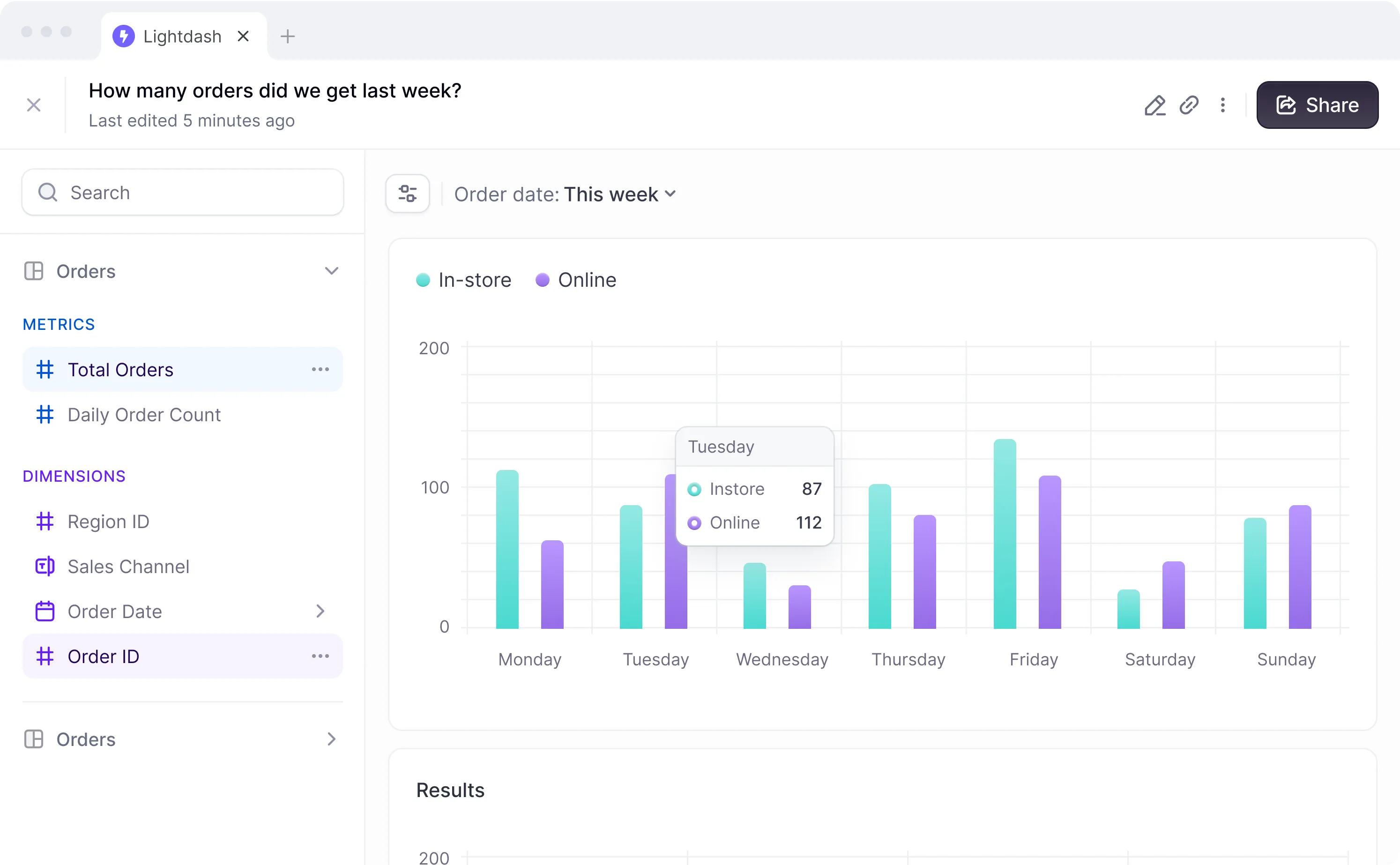
LightDash screenshot 1

Setup time

A few minutes

Deployment

Your own server

Services

3 connected services

Why LightDash

Everything you need, running where you choose.

Get the full LightDash experience with Easypanel handling the repetitive infrastructure work around it.

Interactive Dashboards
Build and share interactive dashboards for team-wide collaboration and insights.
SQL-Based Metrics
Define and reuse metrics across multiple dashboards using a familiar SQL-based approach.
Role-Based Access Control
Secure your data with fine-grained permissions and role-based access controls.
Data Transformation
Transform and model your data directly within LightDash to meet specific analysis needs.
Data Exploration Made Simple
LightDash simplifies exploring and visualizing your data with an intuitive interface designed for both technical and non-technical users.
Direct Integration
Connects directly to your data warehouse, ensuring real-time access to your latest data without replication.
How it works

From template to live app in three steps.

Easypanel turns the template into real services, storage, and domains on the server you already control.

Already have Easypanel? Open your dashboard at the URL or IP of your own installation.

Installation guide
1
Open your dashboard
Visit the URL or IP of your Easypanel installation and choose the target project.
2
Choose LightDash
Open Templates, select LightDash, then review its service names and configuration.
3
Deploy and open your app
Easypanel starts every service and provisions an HTTPS domain for you.
Installation options
The template asks for these values before creating your services.
OptionDefaultRequired

App Service Name

lightdashRequired

App Service Image

lightdash/lightdash:0.2503.0Required

Browserless Image

browserless/chromeRequired
Resources
Project documentation and source code.
Latest template update
Feb 21, 2026

Version bumped to 0.2503.0

Questions

Deploy with confidence.

The template handles the application setup while Easypanel keeps the infrastructure understandable and under your control.

LightDash logo
Ready to deploy LightDash?
Open your own Easypanel dashboard, choose LightDash from Templates, and review the deployment options.