All templates

Deploy Redash on your own server.

Redash logo

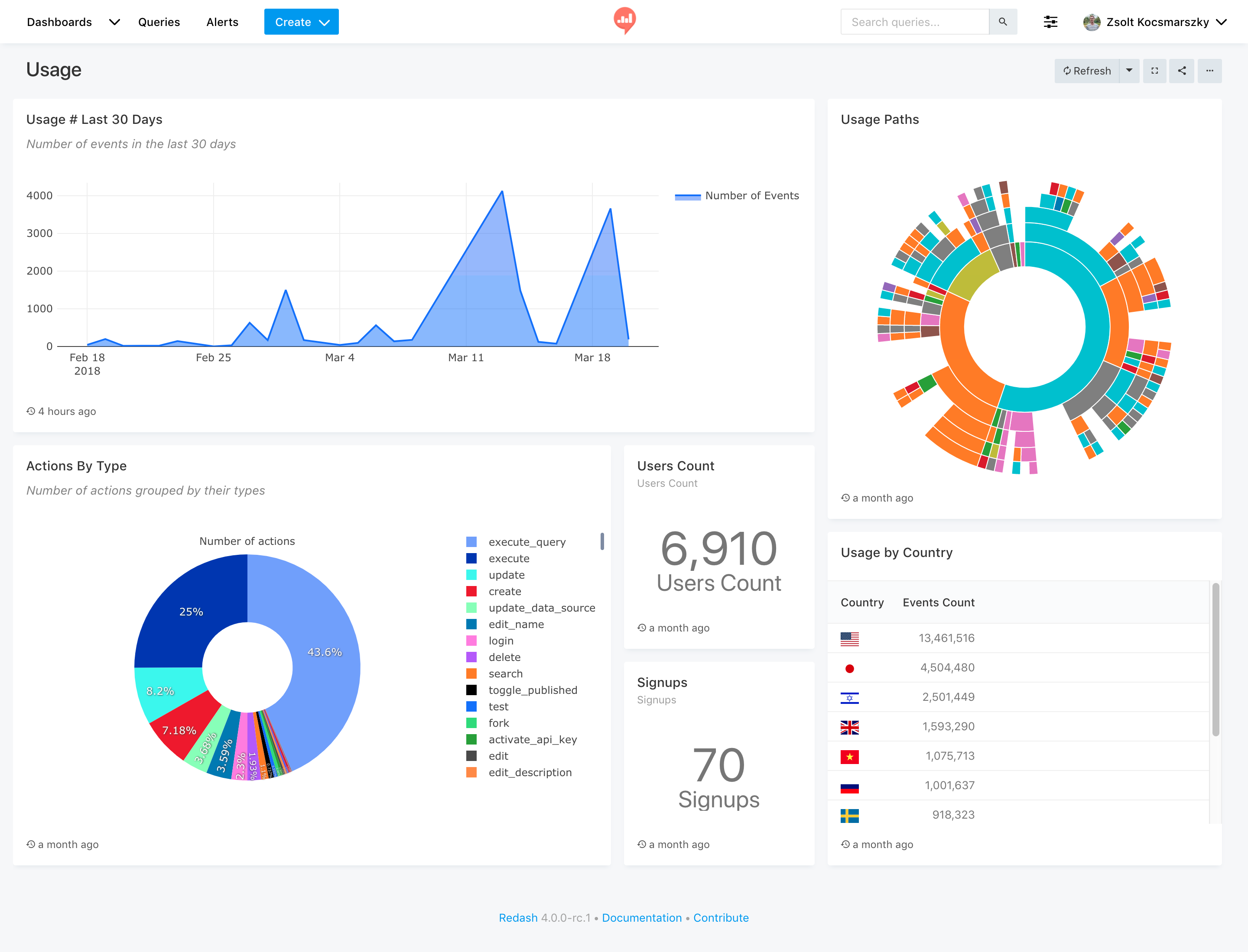
Redash helps teams become data-driven by connecting to data sources, building queries, creating visualizations, and sharing dashboards across the organization.

Your infrastructureAutomatic HTTPSNo lock-in

Screenshots

A closer look at Redash.

Redash screenshot 1

Setup time

A few minutes

Deployment

Your own server

Services

6 connected services

Why Redash

Everything you need, running where you choose.

Get the full Redash experience with Easypanel handling the repetitive infrastructure work around it.

Built-In Worker Services
Includes scheduler and worker services for background query execution.
Optional Email Delivery
Configure SMTP transport or disable it with a no-transport option.
Query and Dashboard Sharing
Build visual dashboards from SQL queries and share insights with your team.
Multiple Data Source Support
Connect Redash to many data backends and centralize analysis in one UI.
One-click deployment
Skip manual Docker setup. Easypanel creates and connects the services this app needs.
Your server, your data
Run the application on infrastructure you control, without giving up a polished deployment workflow.
How it works

From template to live app in three steps.

Easypanel turns the template into real services, storage, and domains on the server you already control.

Already have Easypanel? Open your dashboard at the URL or IP of your own installation.

Installation guide
1
Open your dashboard
Visit the URL or IP of your Easypanel installation and choose the target project.
2
Choose Redash
Open Templates, select Redash, then review its service names and configuration.
3
Deploy and open your app
Easypanel starts every service and provisions an HTTPS domain for you.
Installation options
The template asks for these values before creating your services.
OptionDefaultRequired

App Service Name

redashRequired

App Service Image

redash/redash:10.1.0.b50633Required

Mail Host

Optional

Mail Auth User

Optional

Mail Auth Password

Set during installOptional

Mail Server Port

587Optional

Mail Transport

None / SSL / TLSRequired
Resources
Project documentation and source code.
Latest template update
Apr 24, 2026

Template Release (v10.1.0)

Questions

Deploy with confidence.

The template handles the application setup while Easypanel keeps the infrastructure understandable and under your control.

Redash logo
Ready to deploy Redash?
Open your own Easypanel dashboard, choose Redash from Templates, and review the deployment options.