All templates

Deploy Logseq on your own server.

Logseq logo

Logseq is a powerful tool designed to enhance your note-taking and task management experience. It allows you to connect your notes, increasing your understanding and productivity. With features like PDF Annotations, Flashcards, and Whiteboards, it caters to a wide range of users including students, academics, writers, project managers,…

Your infrastructureAutomatic HTTPSNo lock-in

Screenshots

A closer look at Logseq.
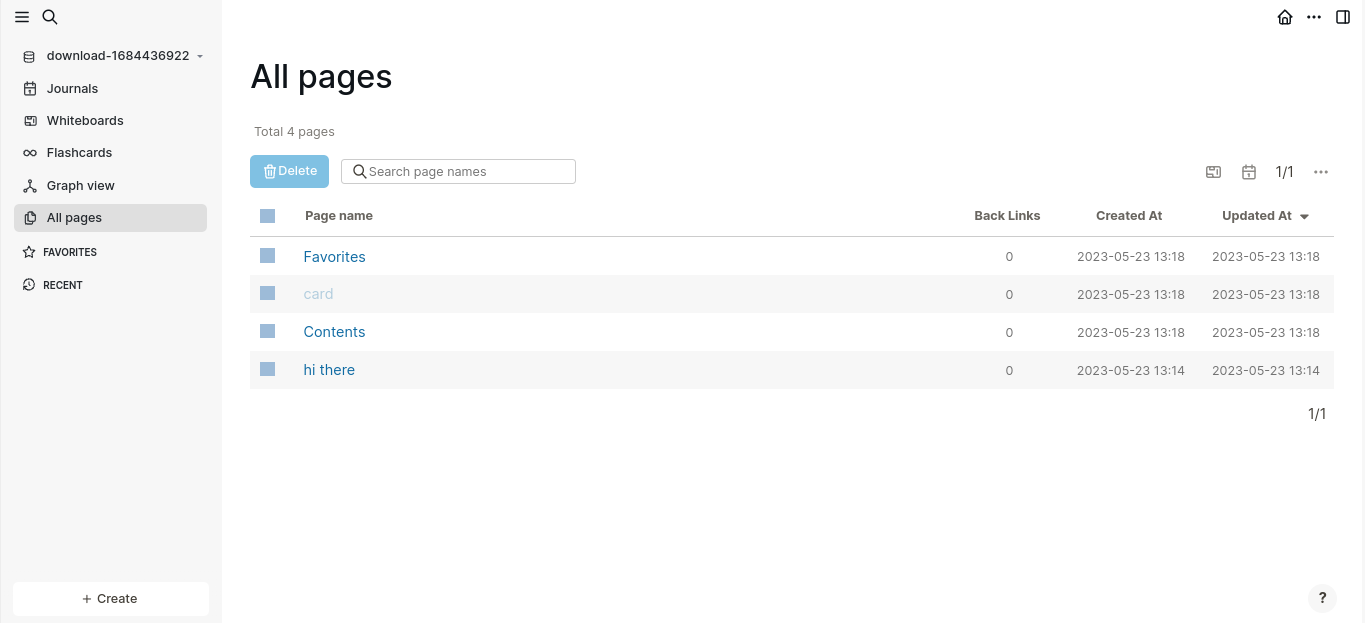
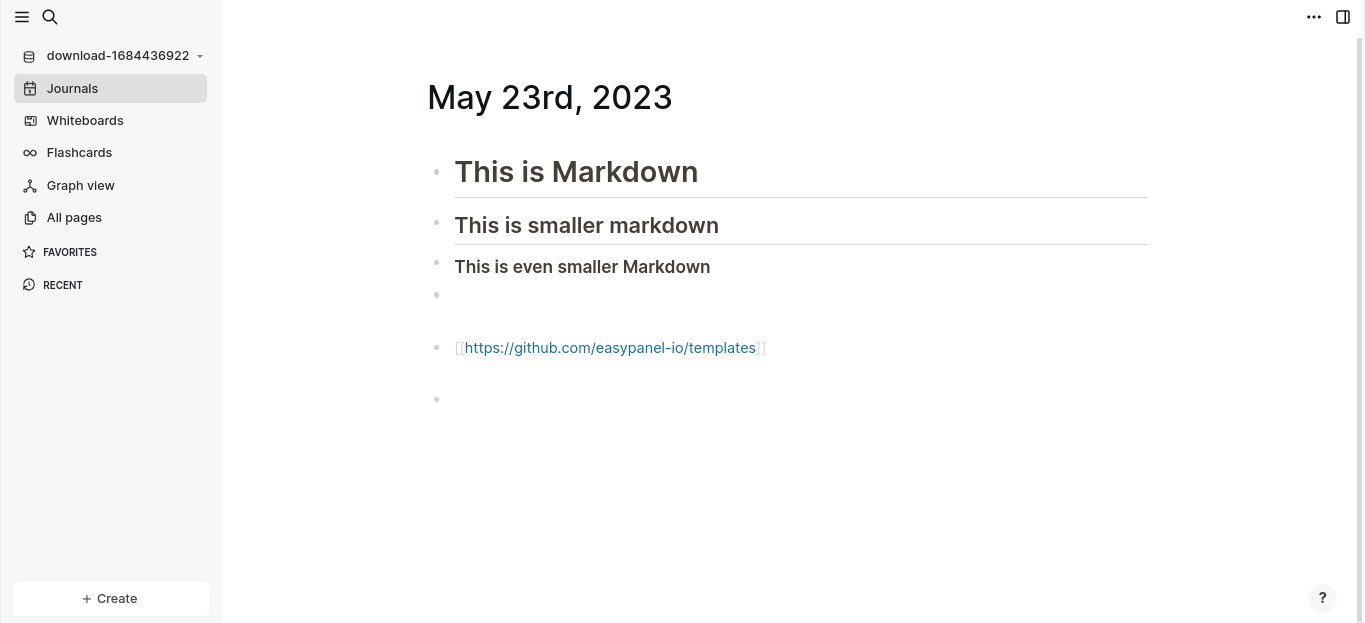
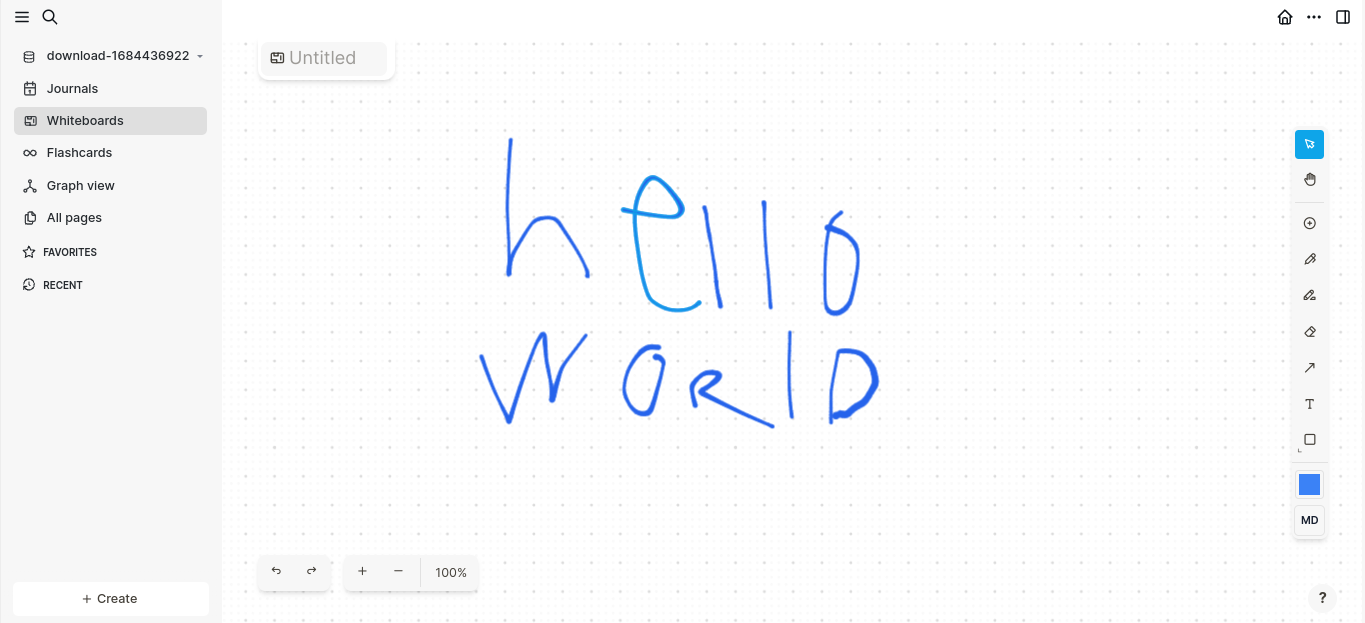
3 images
Logseq screenshot 1Logseq screenshot 2Logseq screenshot 3

Setup time

A few minutes

Deployment

Your own server

Services

1 connected service

Why Logseq

Everything you need, running where you choose.

Get the full Logseq experience with Easypanel handling the repetitive infrastructure work around it.

Task Management
Capture, structure, and review all of your class notes with ease using the Linked References, Queries, and Search features.
Flashcards
Remember facts and insights using the Flashcards feature.
Outline Creation
Organize your thoughts and ideas, and quickly turn them into outlines using Block References.
Journaling
Get in the habit of writing thoughts down every day. Think in sections, use indentation, and always find what you’re looking for.
Data Control
The app is privacy-first, meaning you own your data locally forever. It is also open source and free forever for personal use.
Whiteboards
Place any of your thoughts from the knowledge base or new ones next to each other on an infinite canvas to connect, associate and understand in new ways.
How it works

From template to live app in three steps.

Easypanel turns the template into real services, storage, and domains on the server you already control.

Already have Easypanel? Open your dashboard at the URL or IP of your own installation.

Installation guide
1
Open your dashboard
Visit the URL or IP of your Easypanel installation and choose the target project.
2
Choose Logseq
Open Templates, select Logseq, then review its service names and configuration.
3
Deploy and open your app
Easypanel starts every service and provisions an HTTPS domain for you.
Installation options
The template asks for these values before creating your services.
OptionDefaultRequired

App Service Name

logseqRequired

App Service Image

ghcr.io/logseq/logseq-webappRequired
Resources
Project documentation and source code.
Latest template update
May 23, 2023

first release

Questions

Deploy with confidence.

The template handles the application setup while Easypanel keeps the infrastructure understandable and under your control.

Logseq logo
Ready to deploy Logseq?
Open your own Easypanel dashboard, choose Logseq from Templates, and review the deployment options.