All templates

Deploy Nanote on your own server.

Nanote logo

Nanote is a lightweight, self-hosted note-taking application that provides a simple and clean interface for managing your notes. Built with privacy-focused design, Nanote allows you to store and organize your notes locally or on your own server. It features markdown support, file uploads, and a minimalistic interface that focuses on…

Your infrastructureAutomatic HTTPSNo lock-in

Screenshots

A closer look at Nanote.

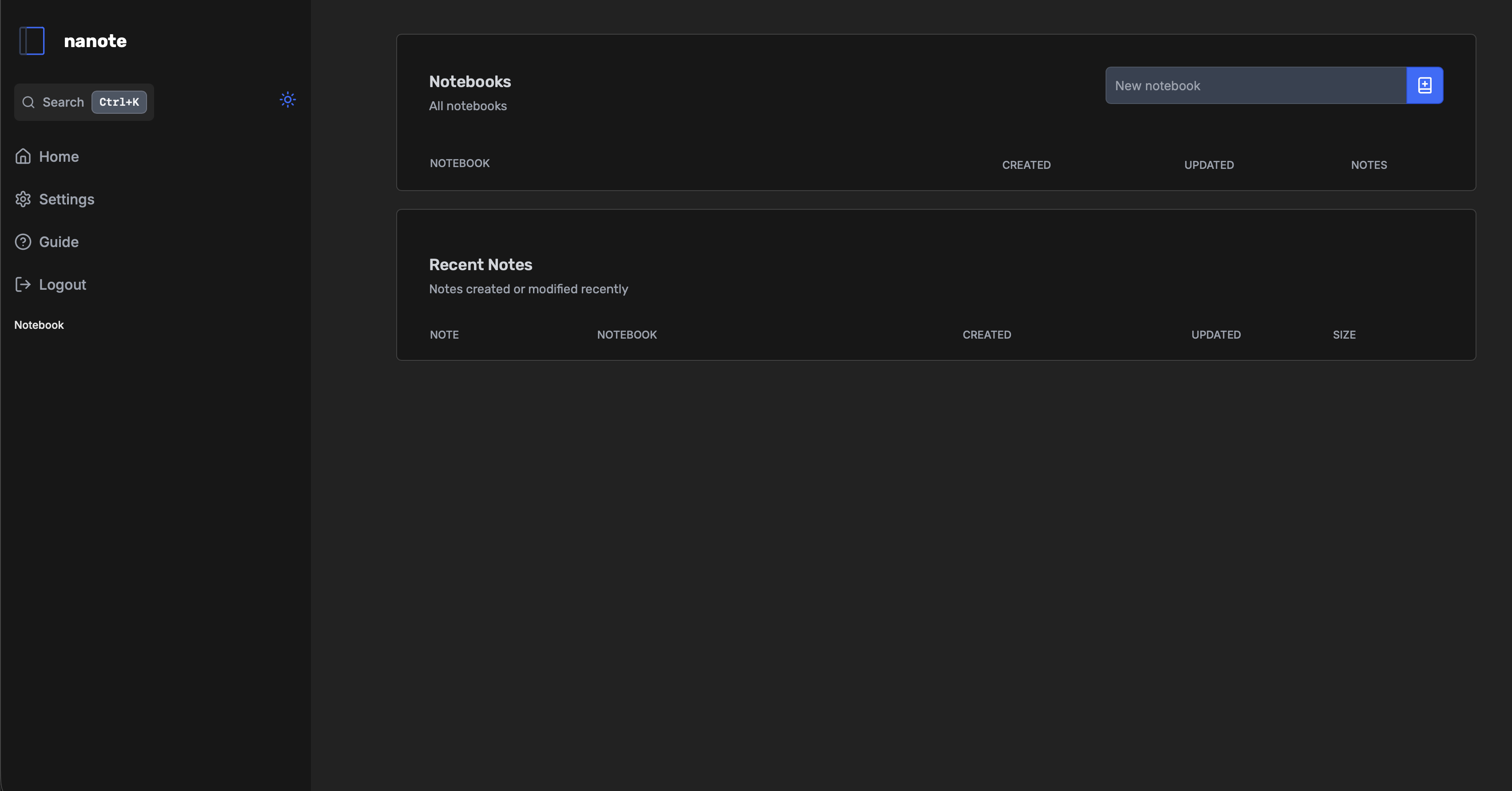
Nanote screenshot 1

Setup time

A few minutes

Deployment

Your own server

Services

1 connected service

Why Nanote

Everything you need, running where you choose.

Get the full Nanote experience with Easypanel handling the repetitive infrastructure work around it.

Simple Interface
Clean, distraction-free interface designed for focused note-taking and organization.
Markdown Editor
Built-in markdown editor with syntax highlighting for enhanced writing experience.
File Management
Organize notes and uploads with separate directories for better file management.
Health Monitoring
Built-in health check endpoint for monitoring application status and reliability.
Easy Deployment
Simple Docker-based deployment with minimal configuration required.
Privacy-Focused
Self-hosted solution ensures your notes remain private and under your complete control.
How it works

From template to live app in three steps.

Easypanel turns the template into real services, storage, and domains on the server you already control.

Already have Easypanel? Open your dashboard at the URL or IP of your own installation.

Installation guide
1
Open your dashboard
Visit the URL or IP of your Easypanel installation and choose the target project.
2
Choose Nanote
Open Templates, select Nanote, then review its service names and configuration.
3
Deploy and open your app
Easypanel starts every service and provisions an HTTPS domain for you.
Installation options
The template asks for these values before creating your services.
OptionDefaultRequired

App Service Name

nanoteRequired

App Service Image

omarmir/nanote:0.11.0Required
Resources
Project documentation and source code.
Latest template update
Jan 9, 2026

Template Release

Questions

Deploy with confidence.

The template handles the application setup while Easypanel keeps the infrastructure understandable and under your control.

Nanote logo
Ready to deploy Nanote?
Open your own Easypanel dashboard, choose Nanote from Templates, and review the deployment options.