All templates

Deploy Lollypop on your own server.

Lollypop logo

Lollypop is a self-hosted, high-performance music library manager and player. It is designed to handle extensive music collections, offering a sleek and modern interface for browsing, organizing, and playing your favorite tracks. The app supports multiple audio formats, playlists, and smart sorting options. Lollypop integrates seamlessly…

Your infrastructureAutomatic HTTPSNo lock-in

Screenshots

A closer look at Lollypop.
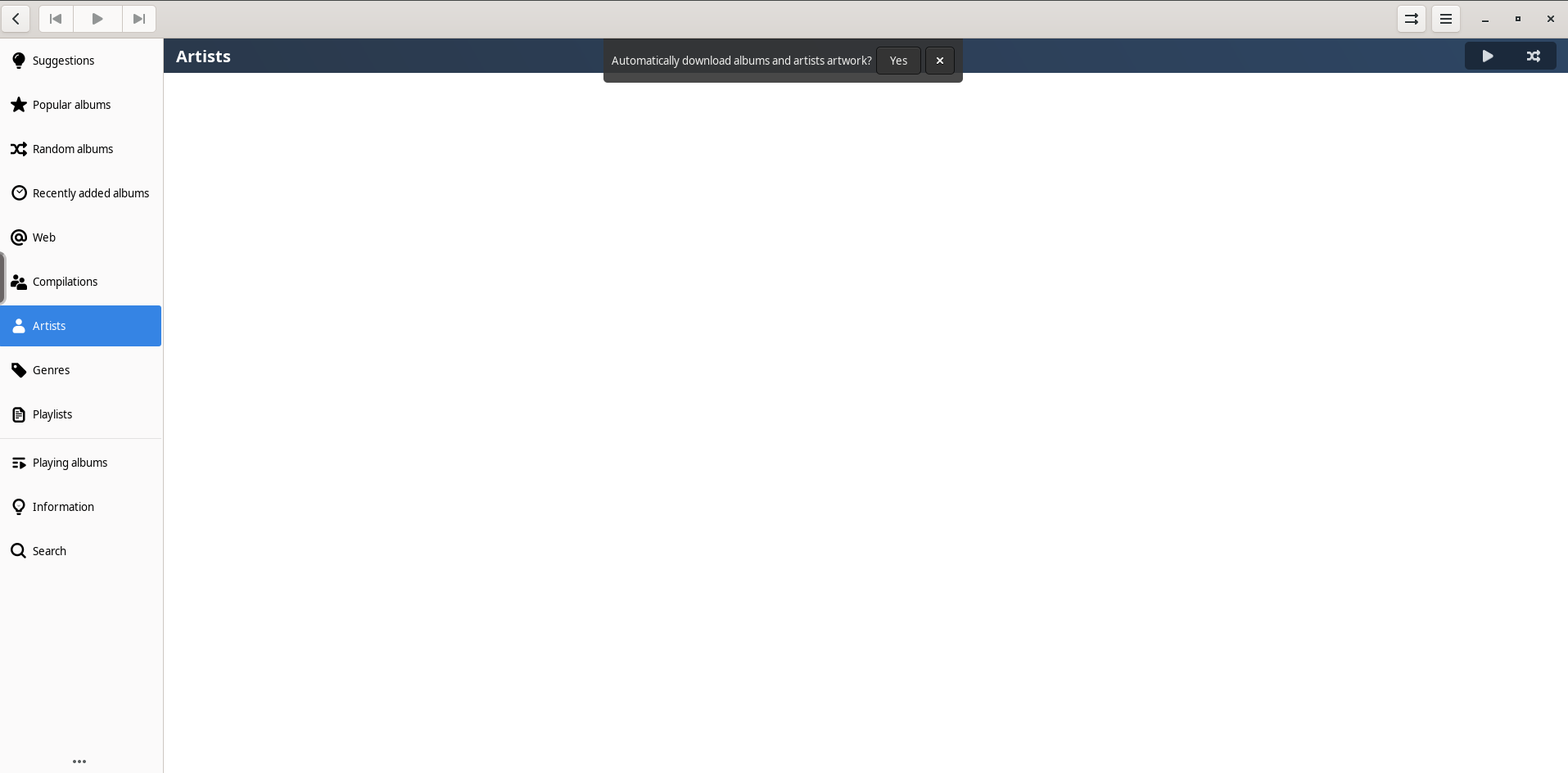
Lollypop screenshot 1

Setup time

A few minutes

Deployment

Your own server

Services

1 connected service

Why Lollypop

Everything you need, running where you choose.

Get the full Lollypop experience with Easypanel handling the repetitive infrastructure work around it.

Music Library Management
Organize and browse your music library with smart sorting options, playlists, and metadata fetching for tracks.
Remote API
Lollypop provides a simple API to manage playlists and control playback remotely from other devices.
Extensibility
Integrate with online services to fetch album artwork, lyrics, and artist information for an enriched listening experience.
Performance
Lollypop is optimized for high performance and minimal resource usage, ensuring smooth playback and library management.
Open Source
Free and open-source software, allowing the community to contribute to its features and enhancements.
Modern Interface
Lollypop features a sleek and modern interface that makes it easy to browse, organize, and play your music collection.
How it works

From template to live app in three steps.

Easypanel turns the template into real services, storage, and domains on the server you already control.

Already have Easypanel? Open your dashboard at the URL or IP of your own installation.

Installation guide
1
Open your dashboard
Visit the URL or IP of your Easypanel installation and choose the target project.
2
Choose Lollypop
Open Templates, select Lollypop, then review its service names and configuration.
3
Deploy and open your app
Easypanel starts every service and provisions an HTTPS domain for you.
Installation options
The template asks for these values before creating your services.
OptionDefaultRequired

App Service Name

lollypopRequired

App Service Image

lscr.io/linuxserver/lollypop:1.4.45Required
Resources
Project documentation and source code.
Latest template update
Feb 21, 2026

Version bumped to 1.4.45

Questions

Deploy with confidence.

The template handles the application setup while Easypanel keeps the infrastructure understandable and under your control.

Keep exploring

Related templates

Browse all
Soulbeet
Soulbeet is a self-hosted music management and downloading application that integrates with slskd (Soulseek daemon) and beets to create a seamless music acquisition and organization workflow. The application provides a web interface for searching and downloading music through the Soulseek peer-to-peer network, then automatically organizing your downloads using beets' powerful music library management capabilities. Soulbeet connects to your slskd instance to handle the actual Soulseek network communication, allowing you to search for tracks, browse user shares, and queue downloads. Once files are downloaded, beets integration enables automatic tagging, metadata correction, album art fetching, and file organization based on your configured rules. The application uses SQLite for lightweight data persistence and supports custom beets configurations for advanced music library management. Perfect for music enthusiasts who want to build and maintain a well-organized digital music collection, users looking for a self-hosted alternative to music streaming services, audiophiles who prefer to own their music with proper metadata and organization, or anyone who wants to combine the power of Soulseek's peer-to-peer network with beets' music library management in a single unified interface.
View template
Swingmusic logo
Swingmusic
Swingmusic is a beautiful, self-hosted music player and streaming server for your personal music collection. It provides a modern, intuitive web interface that allows you to stream your music library from anywhere. With support for various audio formats and a clean, responsive design, Swingmusic makes it easy to enjoy your music collection across all your devices. The application offers features like playlist management, search functionality, and album artwork display, making it a perfect alternative to commercial streaming services for those who want to keep their music library private and under their control.
View template
Podfetch logo
Podfetch
Podfetch is a self-hosted podcast manager and aggregator that allows you to subscribe to, download, and organize your favorite podcasts from a single centralized interface. It automatically fetches new episodes from RSS feeds at configurable intervals, stores podcast metadata and audio files locally, and provides a web-based interface for browsing and managing your podcast library. The application features automatic episode downloading, customizable polling intervals for checking new content, SQLite database for lightweight data management, and organized file storage for podcast episodes. With its built-in audio player, you can stream episodes directly from the web interface without needing external podcast clients. Podfetch supports multiple podcast subscriptions, episode filtering, playback progress tracking, and automatic cleanup of old episodes to manage storage. The Rust-based backend ensures efficient performance and low resource usage, making it ideal for running on home servers or low-powered devices. Perfect for podcast enthusiasts who want complete control over their podcast library, users seeking privacy and independence from commercial podcast platforms, home lab administrators building media server ecosystems, or anyone who wants to archive and organize podcast episodes without relying on third-party services or dealing with platform-specific limitations.
View template
Lollypop logo
Ready to deploy Lollypop?
Open your own Easypanel dashboard, choose Lollypop from Templates, and review the deployment options.