All templates

Deploy mCaptcha on your own server.

mCaptcha logo

mCaptcha is a proof-of-work based captcha system that prioritizes user privacy and offers a fully automated experience. Unlike traditional captcha systems, mCaptcha does not track or profile users, ensuring a privacy-focused user experience. It is designed to be robust and accurate, not relying on IP addresses for rate-limiting, making…

Your infrastructureAutomatic HTTPSNo lock-in

Screenshots

A closer look at mCaptcha.
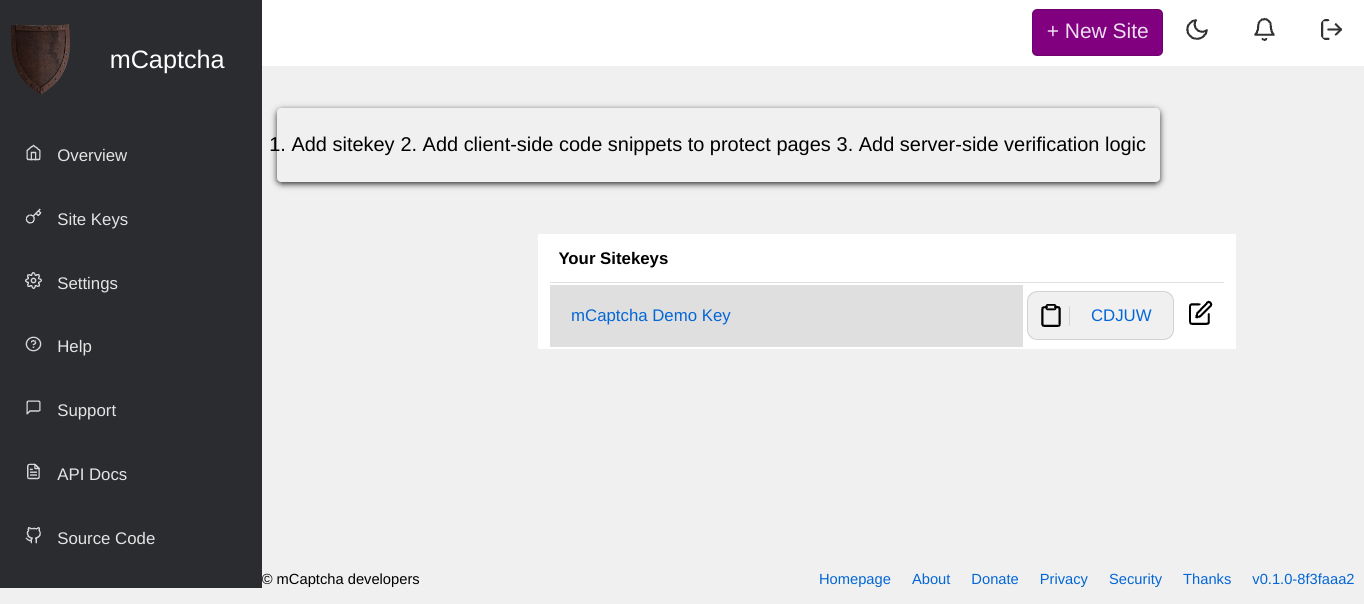
3 images
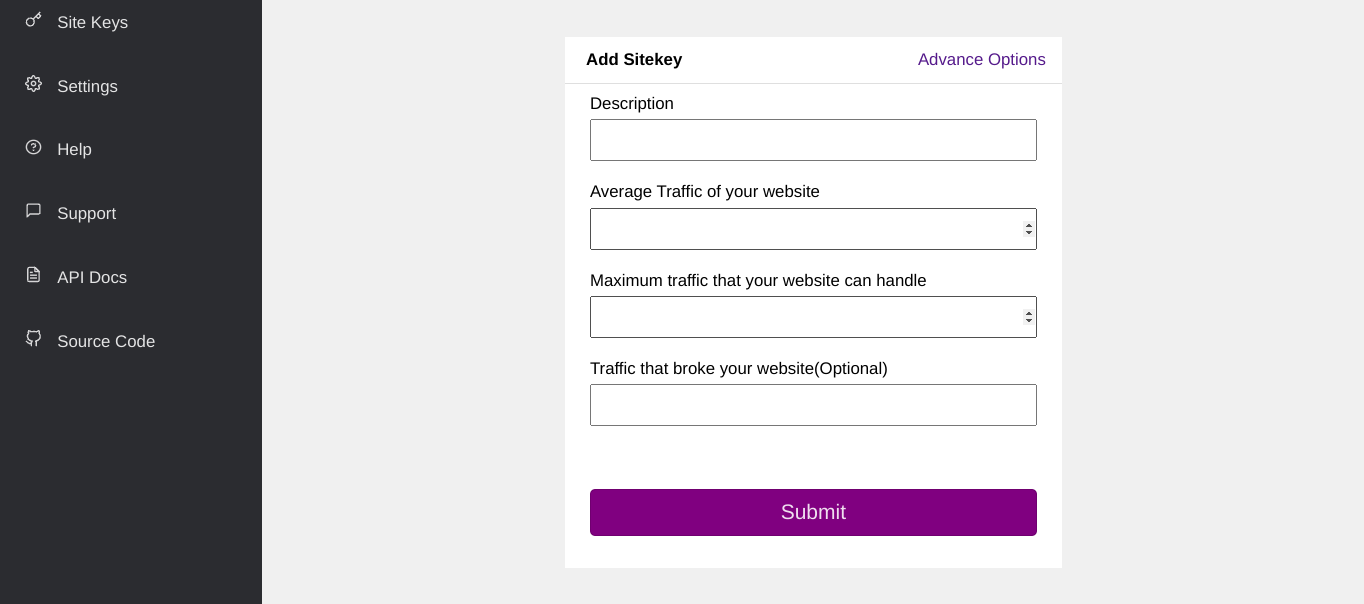
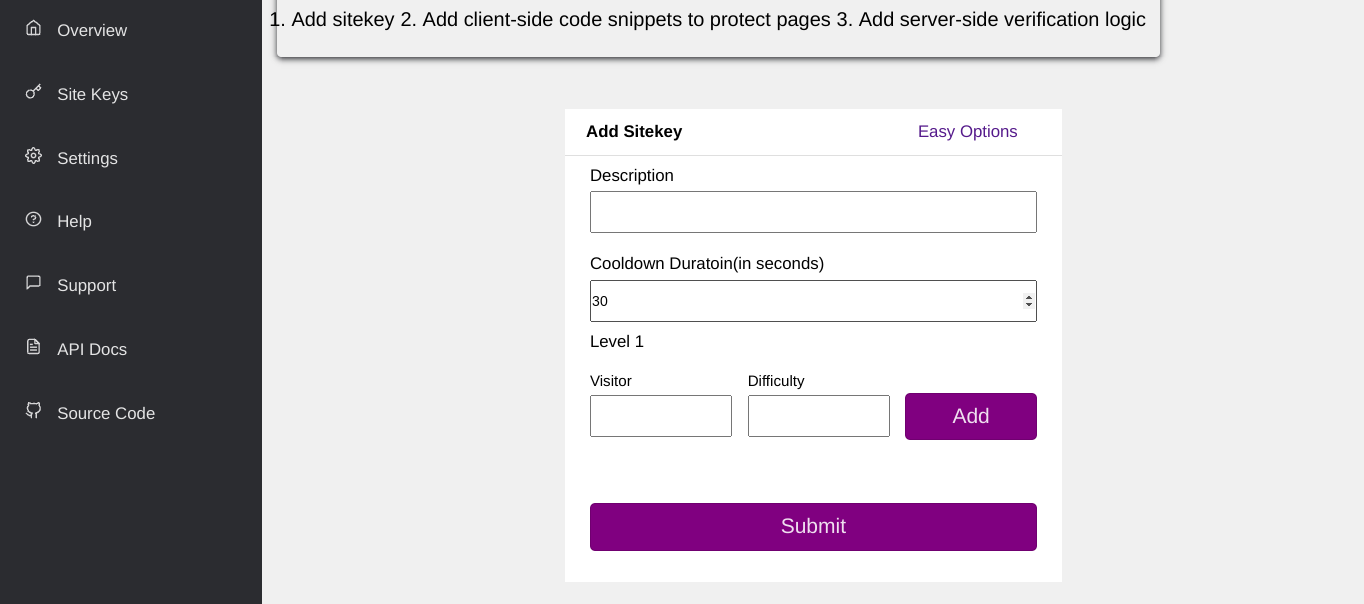
mCaptcha screenshot 1mCaptcha screenshot 2mCaptcha screenshot 3

Setup time

A few minutes

Deployment

Your own server

Services

3 connected services

Why mCaptcha

Everything you need, running where you choose.

Get the full mCaptcha experience with Easypanel handling the repetitive infrastructure work around it.

Proof-of-Work Based
mCaptcha uses SHA256 based proof-of-work (PoW) to rate limit users. This makes interacting with websites (computationally) expensive for the user, deterring malicious attacks.
Automated Process
The entire process is automated from the user's point of view. All they have to do is click on a button to initiate the process.
Resistant to Replay Attacks
mCaptcha's proof-of-work configurations have short lifetimes and can be used only once. This makes it resistant to replay attacks.
Seamless User Experience
mCaptcha's user experience is super silent. Solving CAPTCHAs has never been easier. One click and your users are on their way.
Compatible with reCAPTCHA and hCaptcha
Already using a captcha solution? No worries, mCaptcha's APIs are compatible with reCAPTCHA and hCaptcha!
Privacy Focused
mCaptcha is a proof-of-work based captcha system that prioritizes your privacy. It doesn't track or profile your users, ensuring a secure and private user experience.
How it works

From template to live app in three steps.

Easypanel turns the template into real services, storage, and domains on the server you already control.

Already have Easypanel? Open your dashboard at the URL or IP of your own installation.

Installation guide
1
Open your dashboard
Visit the URL or IP of your Easypanel installation and choose the target project.
2
Choose mCaptcha
Open Templates, select mCaptcha, then review its service names and configuration.
3
Deploy and open your app
Easypanel starts every service and provisions an HTTPS domain for you.
Installation options
The template asks for these values before creating your services.
OptionDefaultRequired

App Service Name

mcaptchaRequired

App Service Image

mcaptcha/mcaptcha:v0.1.0Required

Database Service Name

mcaptcha-dbRequired

Redis Service Name

mcaptcha-redisRequired
Resources
Project documentation and source code.
Latest template update
Jun 5, 2025

Update to v0.1.0

Questions

Deploy with confidence.

The template handles the application setup while Easypanel keeps the infrastructure understandable and under your control.

Keep exploring

Related templates

Browse all
AdGuard Home logo
AdGuard Home
AdGuard Ad Blocker is a comprehensive solution designed to enhance your online browsing experience by eliminating all kinds of ads, from annoying banners and pop-ups to intrusive video ads. It not only removes these distractions but also maintains the functionality and appearance of the websites you visit. The app also offers privacy protection, shielding your data from web analytics and online trackers. In addition, AdGuard ensures browsing security by protecting against phishing and malicious sites. It also includes a parental control feature, providing a safe online environment for children by blocking inappropriate and adult content. The app is designed to work across all browsers and apps, offering a seamless ad-free experience. Moreover, it saves traffic and speeds up page loading by filtering ads before they reach your device. AdGuard is more than just an ad blocker; it's a tool that enhances your online safety and browsing speed.
View template
Syncthing logo
Syncthing
Syncthing is a powerful, real-time file synchronization program designed to keep your data secure and under your control. It enables the synchronization of files between two or more computers, ensuring your data is always up-to-date across your devices. Syncthing prioritizes your privacy and security, with no data ever stored on a central server that could be compromised. All communication is encrypted and authenticated, with only devices you have explicitly allowed able to connect to your other devices. The app is easy to use, with a responsive and powerful interface accessible via your browser. It works across various operating systems including Mac OS X, Windows, Linux, FreeBSD, Solaris, OpenBSD, and many others. Syncthing doesn't require complex configuration or IP addresses, it simply works, over LAN and over the Internet. You can synchronize as many folders as you need with different people or just between your own devices.
View template
MiroTalk P2P logo
MiroTalk P2P
MiroTalk P2P is a powerful WebRTC-based peer-to-peer video conferencing platform that enables secure, real-time communication directly between participants without requiring external servers for media transmission. It offers advanced features like screen sharing, file transfer, chat messaging, and room protection, making it perfect for businesses, educational institutions, and personal use that require privacy-focused video conferencing solutions.
View template
mCaptcha logo
Ready to deploy mCaptcha?
Open your own Easypanel dashboard, choose mCaptcha from Templates, and review the deployment options.